29
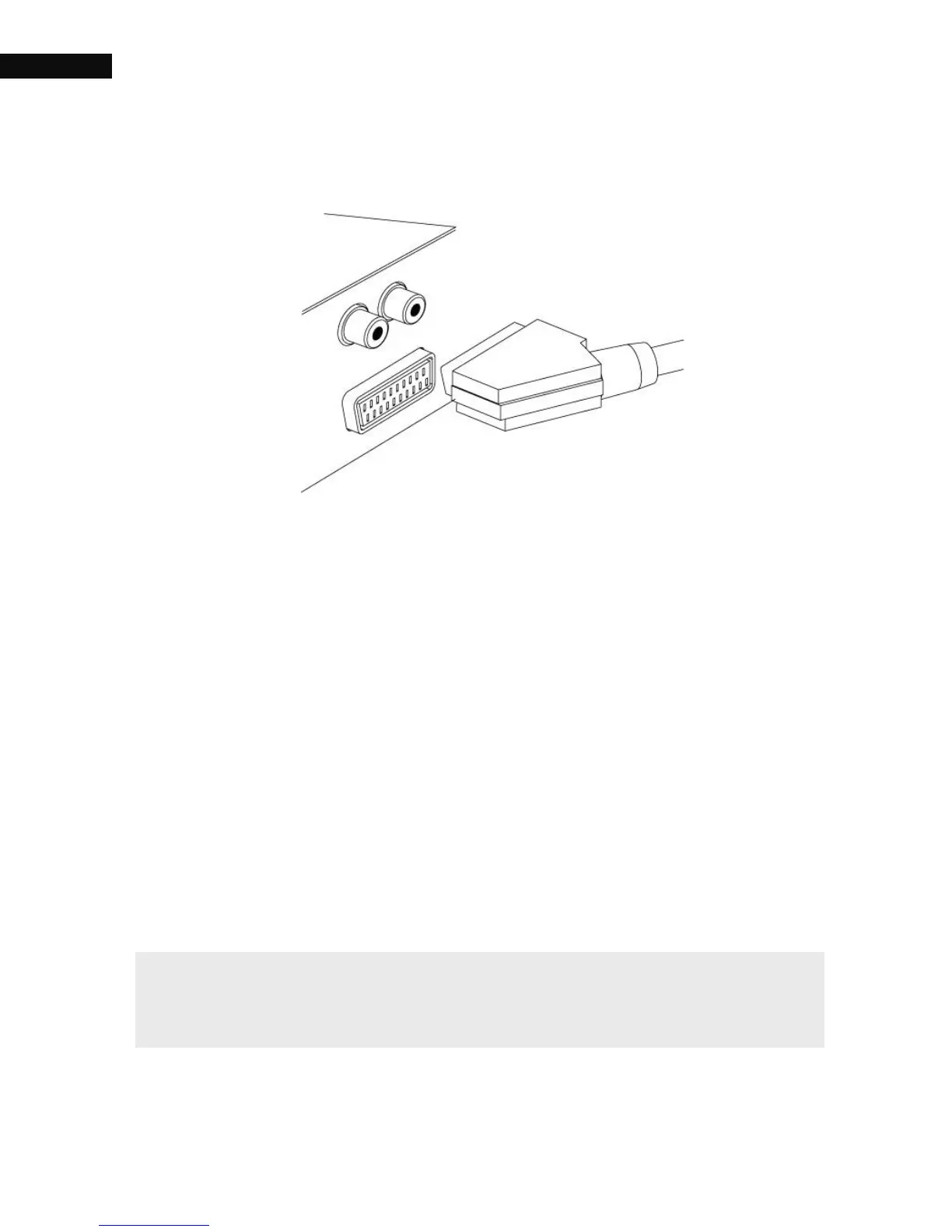
2.2.2. SCART connector
For best results with a standard television set, you should use a SCART
cable. Plug one end of the cable into the TV socket on the digital
receiver, and plug the other end into a free SCART socket on your
television. Some televisions have inputs via S-Video or Component
connectors rather than SCART. If you have such a television, use an
appropriate conversion cable to link the TV socket on the digital receiver
to the matching socket on your television. If you connect with a
standard SCART cable, you do not have to make audio connection
because the SCART connector can output stereo audio. But if you use a
conversion cable, such as SCART-to-Component, you have to make
audio connection.
NOTE
You cannot view high definition video with the SCART connector.



 To Next Page