65
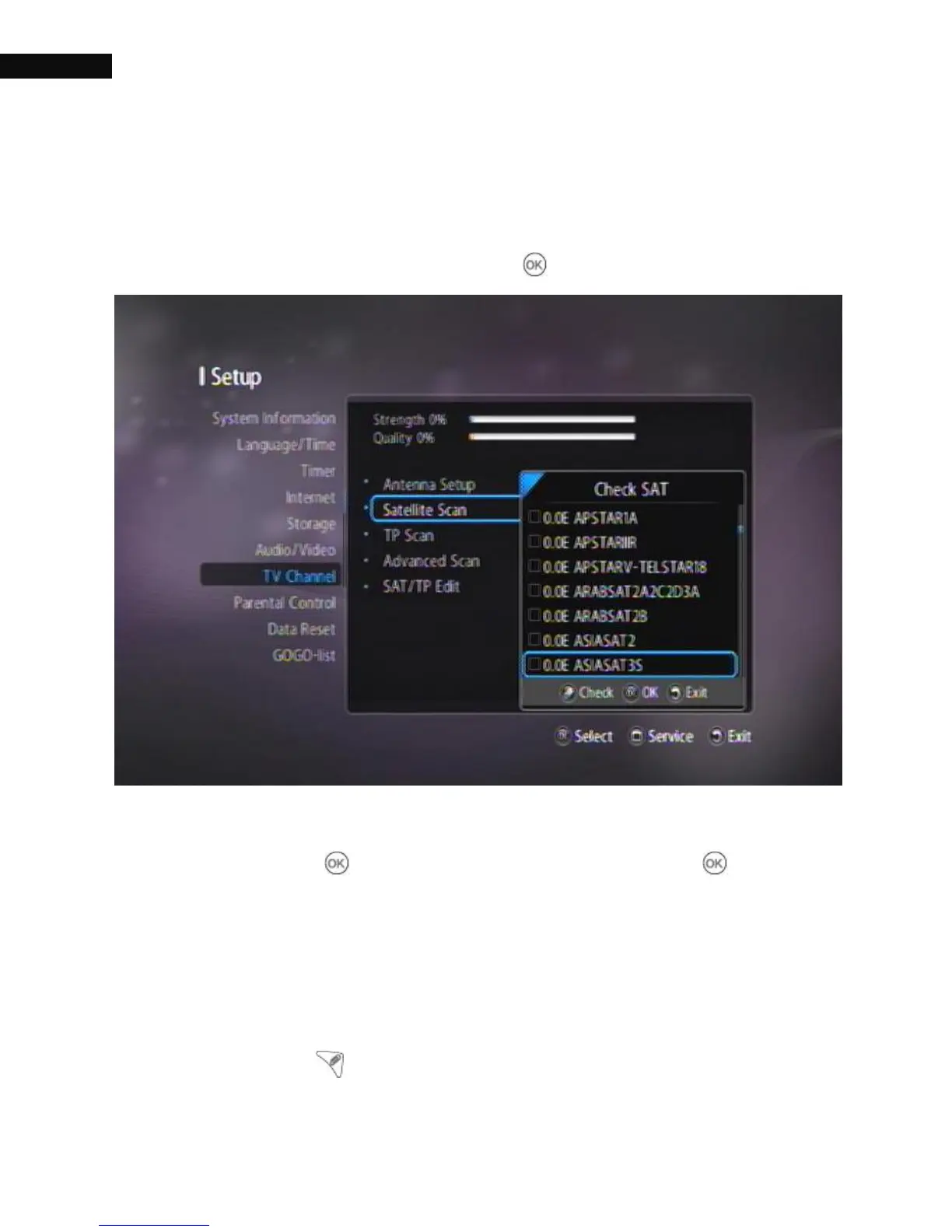
3.8.2. Satellite Scan
Satellite can be scanned directly from the Satellite Scan menu, Select
Satellite Scan menu and press the OK ( ) button.
Scroll through the satellite dropdown list, and select a satellite by
pressing the OK ( ) button. When you press the OK( ) button to
start process, you will be given four options in the search criteria: TV
channels, Radio channels, FTA (Free-to-air) channels and Scrambled
channels. You can select or deselect any of the options.
Using the Check ( ) button, you can select more than one satellite.



 To Next Page