57
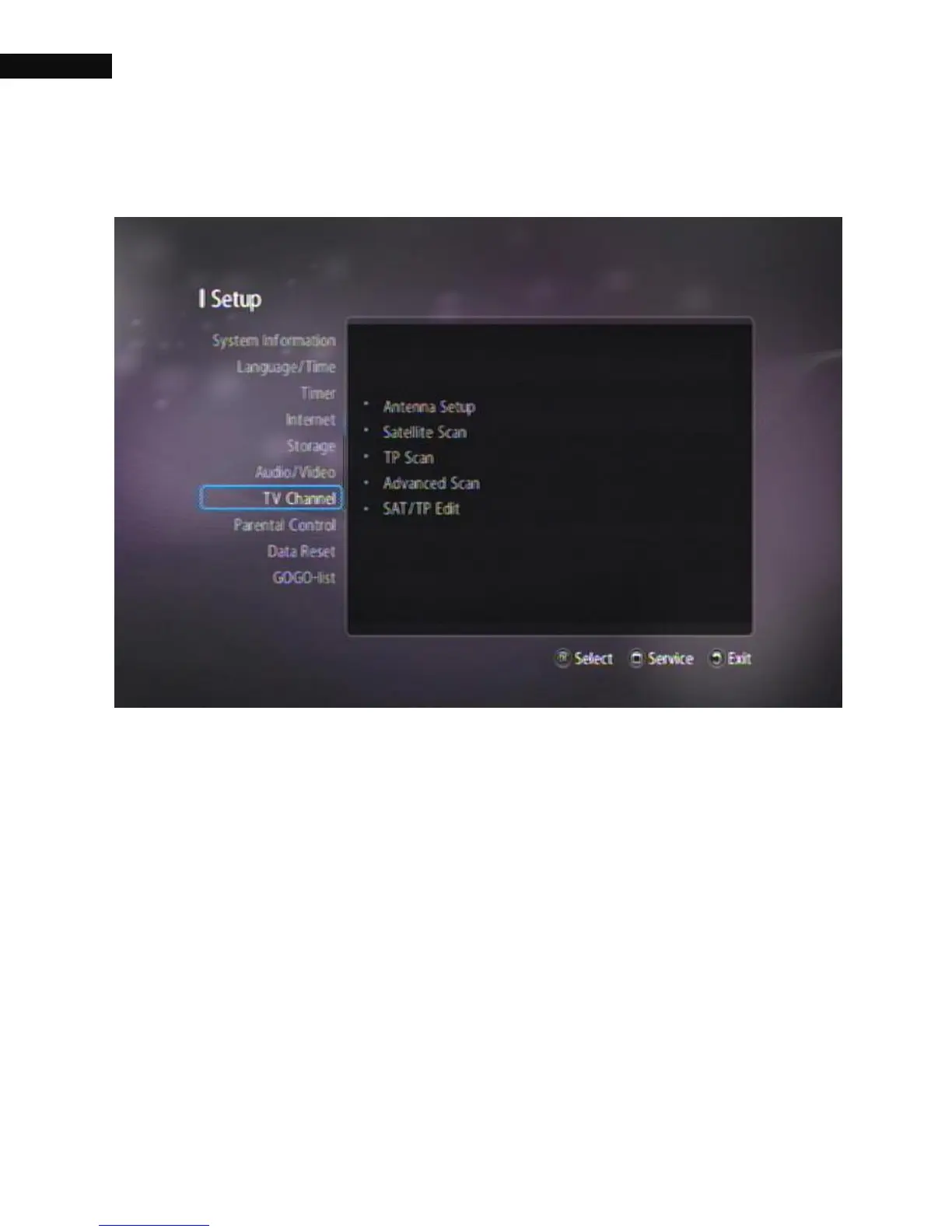
3.8. TV Channel
3.8.1. Antenna Setup
The Antenna Setup menu controls all the parameters for your
installation. Ensure that your satellite receiver is correctly connected to
your television and dish, and that your satellite signal is of good quality
by checking the Strength and Quality meter. (If you are not sure about
this, then ask your installer to check your installation or satellite signal).
If all of the above parameters are set correctly, you will be able to see
both of the Strength Signal (blue bar) and Quality (red bar) level at the
top of the menu.



 To Next Page