40
3. Settings
If it is first time using the receiver, you will need to set the correct
parameters for the system configuration. The settings menu is to set all
the parameters for the equipment you are using.
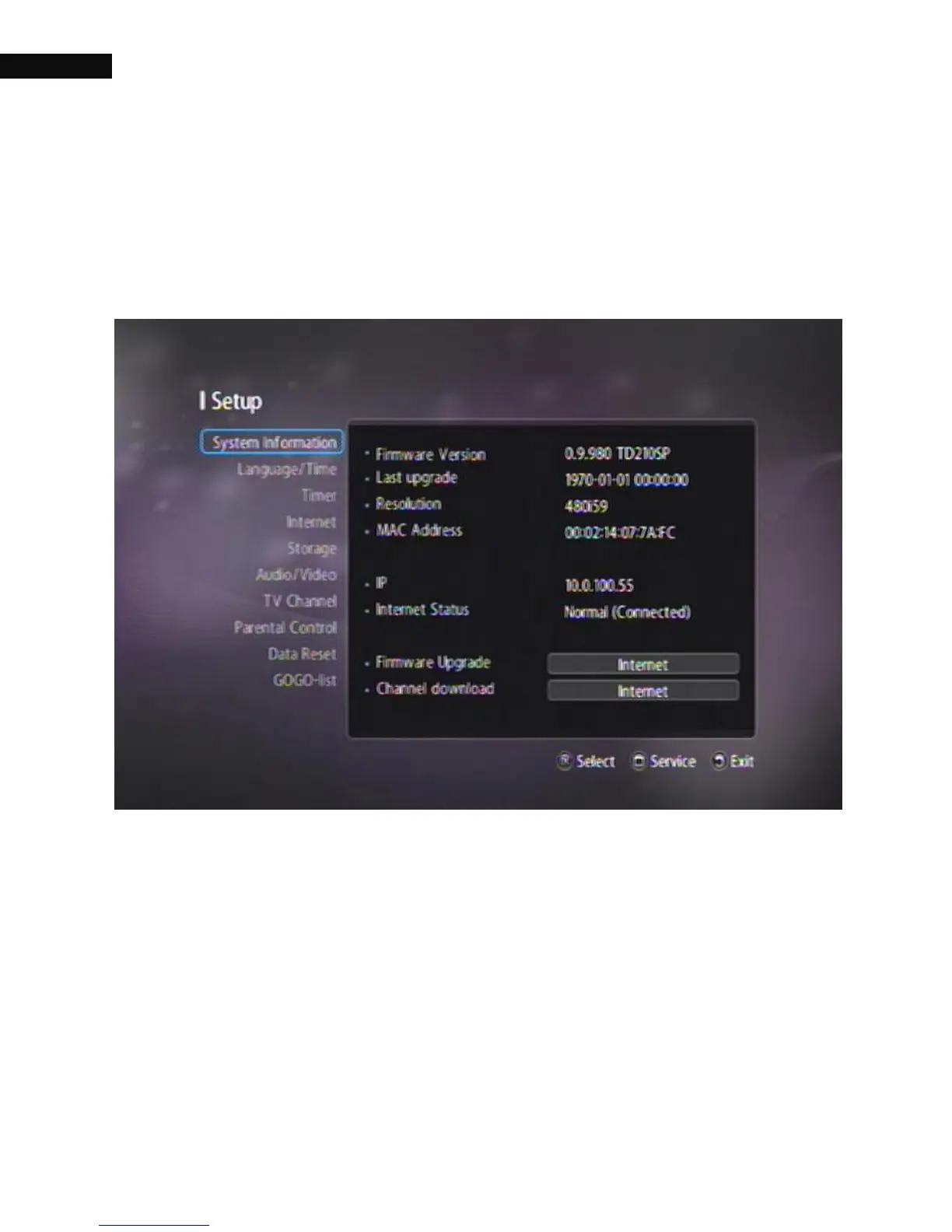
3.1. System Information
You can check the current information of the digital receiver from this
menu; Firmware Version, Last upgrade, Resolution, MAC address,
(AZBox Premium HD+ also shows MAC wireless address if you have),
IP and Internet status.



 To Next Page