41
You can also upgrade your firmware version or download channels
through the Internet, USB or Ethernet. To upgrade your firmware, see §
2.5.
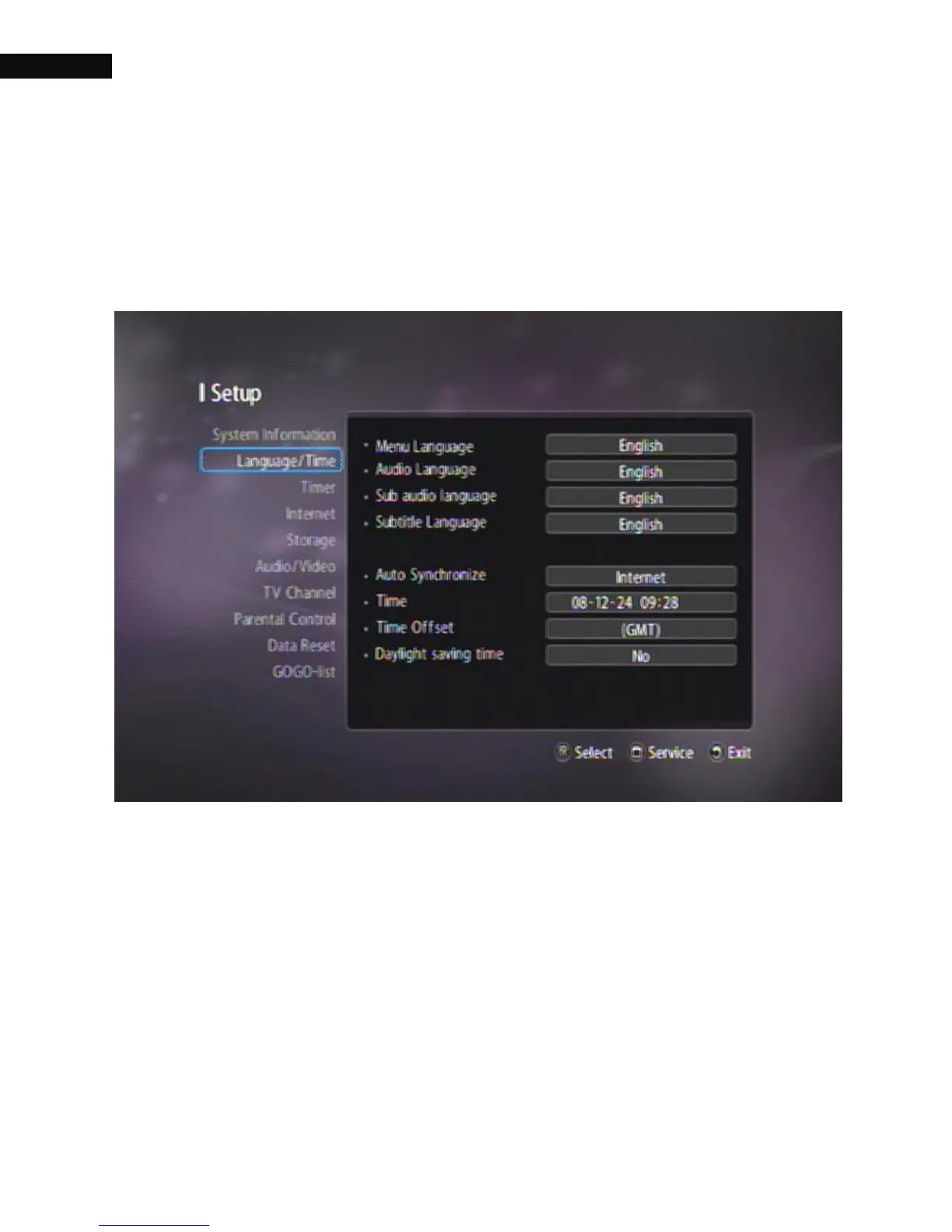
3.2. Language/Time settings
You can select the language in which the menu would be displayed. In
addition to that, you can select the language of audio track and of
subtitle track. Select the Setting > Language/Time menu.
3.2.1. Menu Language
The digital receiver supports many Menu Languages: English,



 To Next Page