17
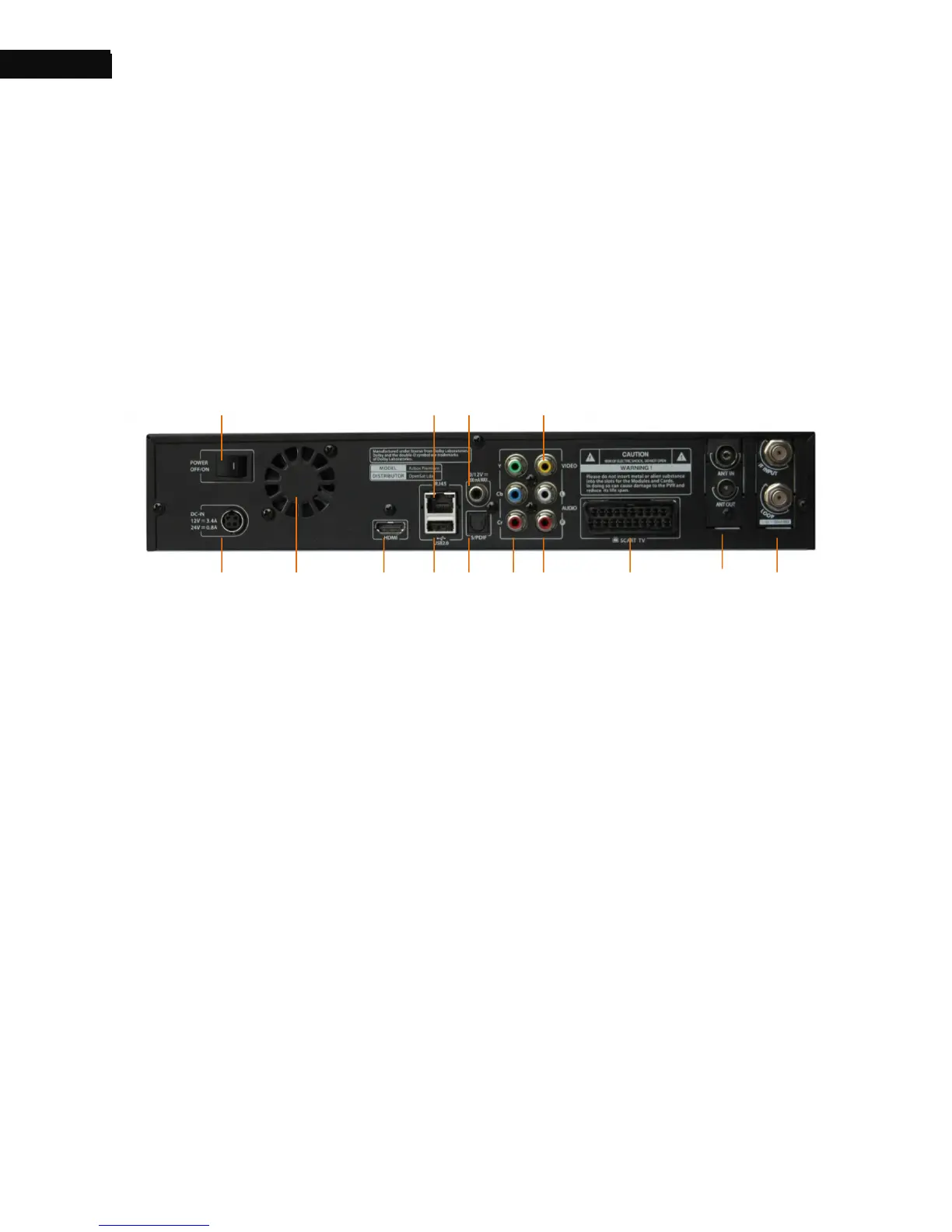
1.4. The Rear Panel
The AZBox Premium HD+ has a wide range of connections on the back.
Check what connections your television set has in comparison with the
digital receiver. The following indicates what they mean.
① POWER SWITCH: Turn the digital receiver On and OFF.
② AC POWER INPUT: Connect AC power cord to deliver power to the
digital receiver.
③ FAN
④ HDMI: Audio and video output socket for the high definition
television set.
⑤ LAN: Local area network port.
⑥ USB Slot: Connect to support devices.
⑦ 0/12V: 0V or 12V output
⑧ S/PDIF: Dolby digital output socket for the audio system.
⑨ Y/Cb/Cr: Component video output socket for the television set.



 To Next Page