15
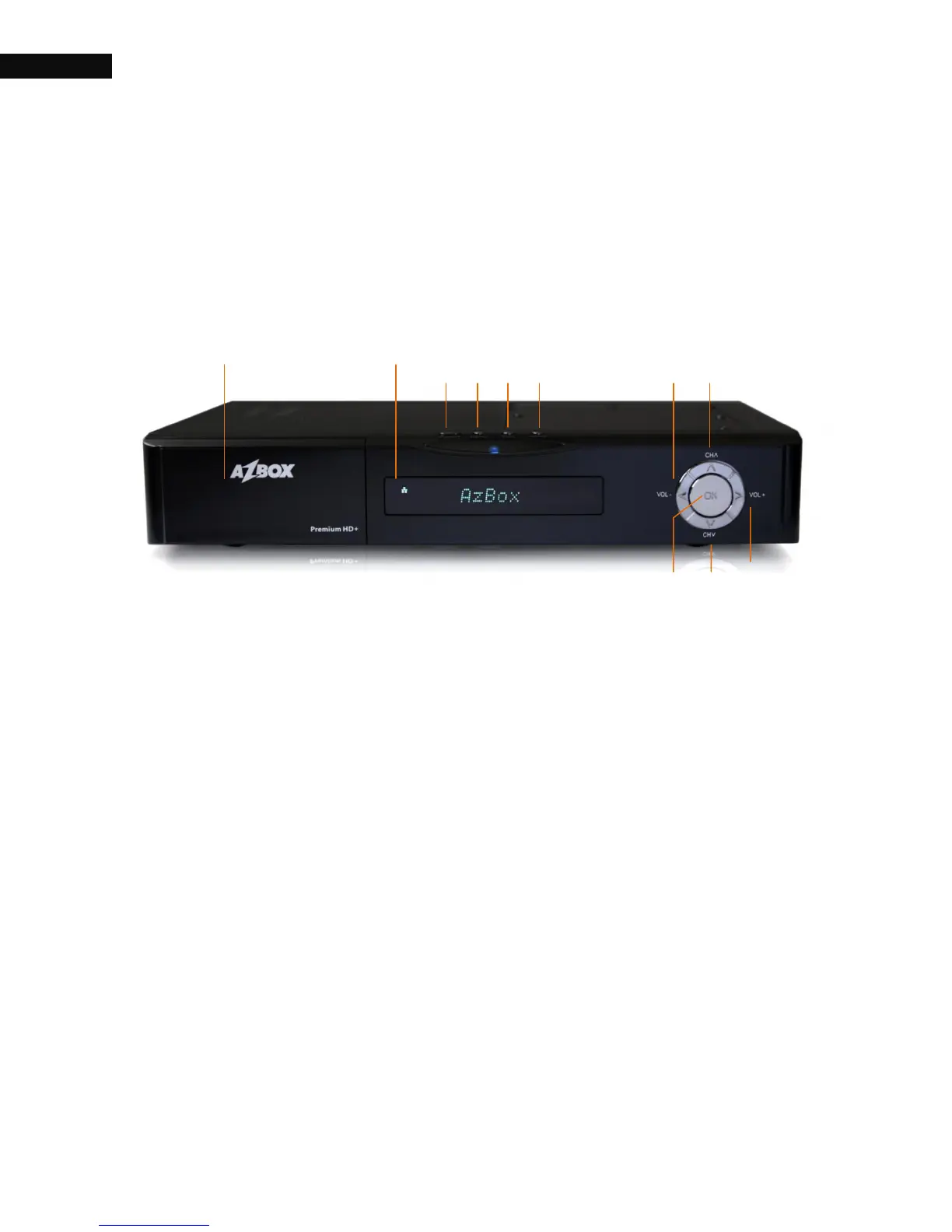
1.3. The front panel
The front panel of the AZBox Premium HD+ has buttons to perform
basic functions such as changing channels, adjusting volume, and
powering on and off, as well as specific LEDs and a display to indicate
its status. The following indicates what they mean.
① One SMART CARD Slot: Support electronic commerce using a
smart card.
② Two CI CARD Slots: Connect to support devices.
③ USB Slot: Connect to support devices. (Premium HD+ model
has two USB slots. One is on the front, the other is on the rear
panel)
④ Main Display: Display the current channel name. While the
receiver is in stand-by mode, it will show the current time.
LED Indicator
Power LED: Blue LED while the digital receiver is on.
REC LED: Red LED when you are recording a program.
HD Channel LED: Green LED when receiving a HD (High
Definition) program.



 To Next Page