96
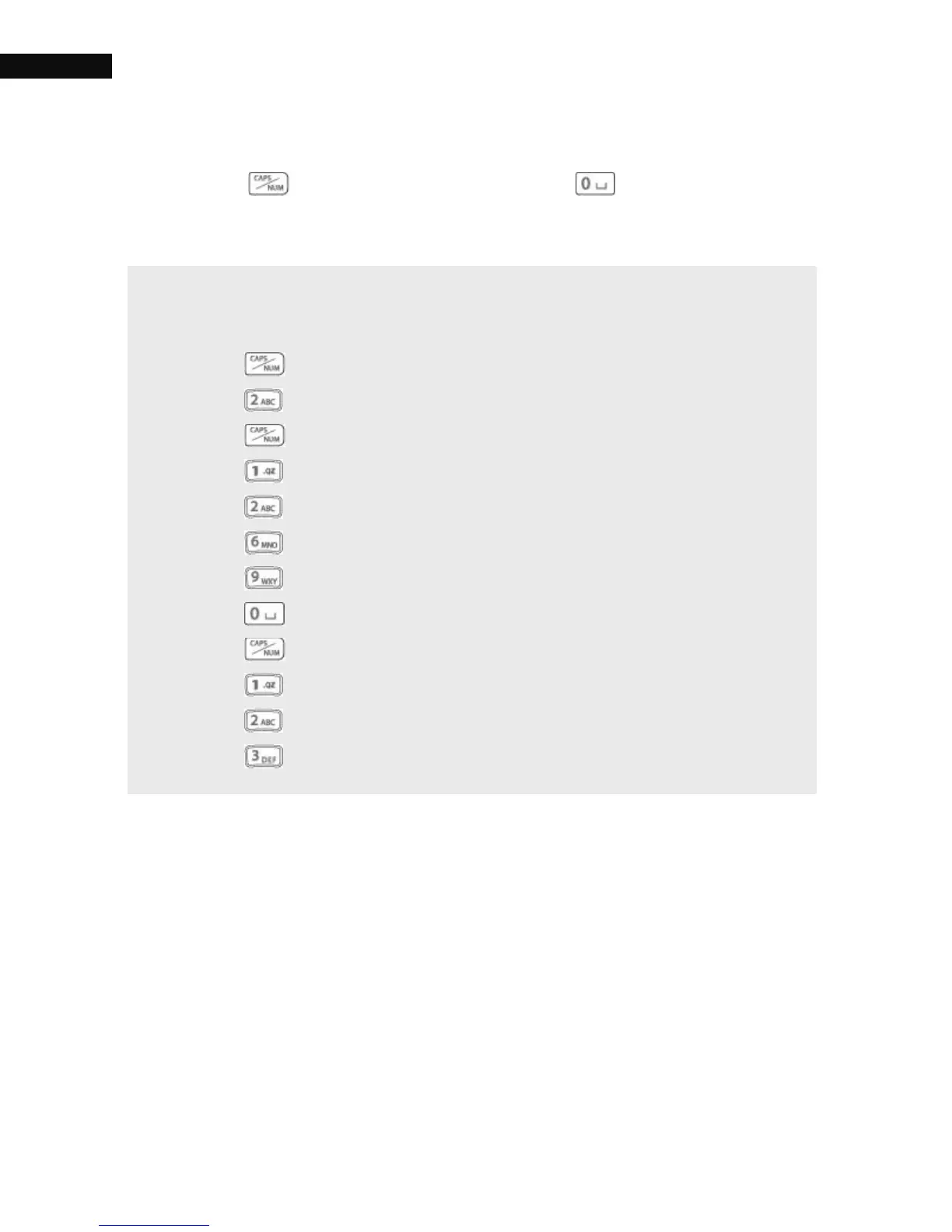
Change to lower, upper case letters or back to numbers with the
CAP/NUM ) button, and space with the button.
NOTE
How to write "AZBox 123" in the input field:
Press the button once to change to upper case letters
Press the button once to get an "A".
Press the button twice to change to lower case letters.
Press the button three times to get a "z".
Press the button twice times to get a "b".
Press the button three times to get an "o".
Press the button twice to get an "x".
Press the button once to get space.
Press the button twice to change to Number.
Press the button once to get a "1".
Press the button once to get a "2".
Press the button once to get a "3".



 To Next Page