1. Introduction to the Installation Guide
1. INTRODUCTION TO THE INSTALLATION GU IDE
In this s ection you get a short introduction to the available CS -100 doc umentation.
• Documentation
• Symbols and fonts
1.1 Documentation
This guide
Partnumber Description Level
R5900022
Installation G uide
Installation engineer
This installation guide explains how to install y our CS-1 00 in a meeting room, It explains also how to make everything o perational.
It provides detailed information on how to configure your CS -100.
Available System documentation
This guide is part of the documentation set describing the CS-100 product.
Guide
Artic le number
User Guide
R5900024
Installation Guide
R5900022
Safety Guide
R5900031
Service Guide
R5900026
Button Guide
R5900007
Recycling Manual R5900028
API Guide
R5900018
A printed copy of the Safety Guide and an electronic version of the user and installation guide on US B stick is included in the CS-100
box at purchase.
Always check for the latest version of the man ual on www.bar co.com/clickshare Click on Visit the ClickShare
product page and go to tab Downloads..
Depending on the CS-100 version, some graphics might be different to the ones used in this manual. This
however do es no t have any e ffect on the functionality.
1.2 Symbols and fonts
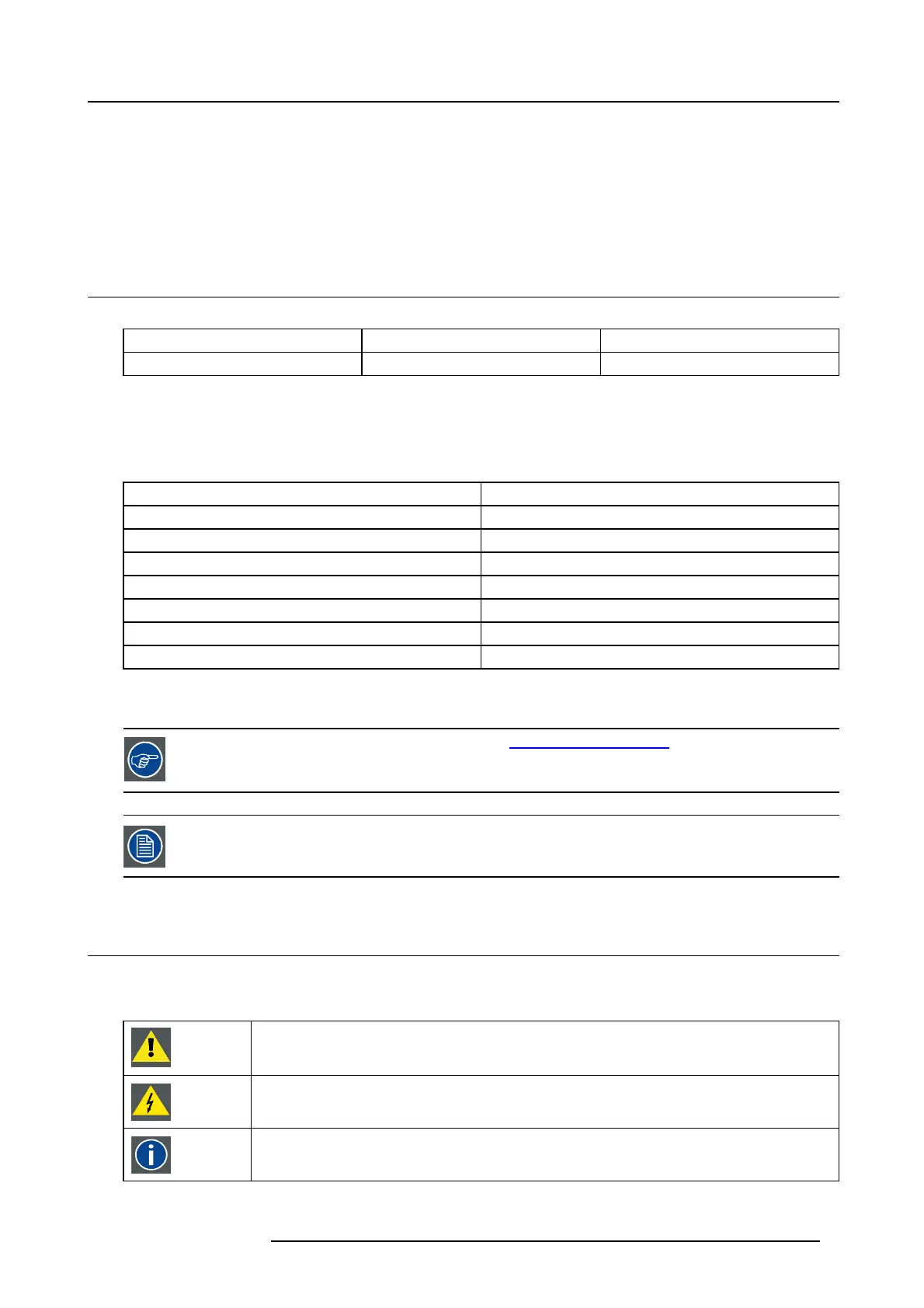
Symbol overview
The following icons are used in the manual :
Caution
Warning
Info, term definition. General info about the term
R5900022 CS-100 16/02/2016 3















 To Next Page