6. CS-100 Configurator
2. Click Display & Audio → Display & Audio.
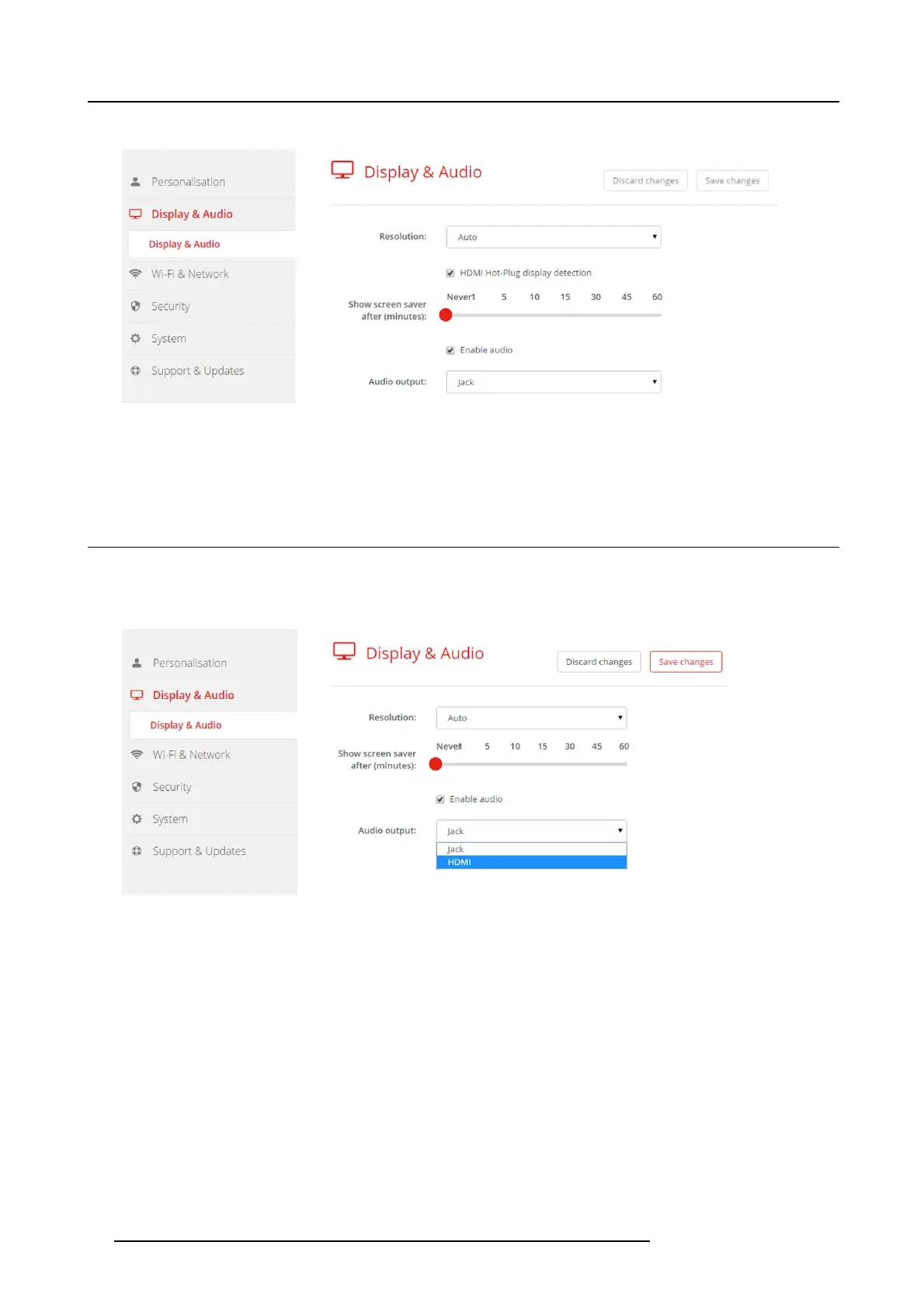
Image 6-12
Display settings
3. To activate the screen sav er, drag the slider bar to the left or to the right until the desired delay time is reached.
When the slider is set completely to the right, the screen saver will never be ac tivated.
6.8 Audio settings
About the audio settings
The audio functionality can be disabled or enabled. When the enable and/or disable setting is changed, the Buttons must be re-paired
before the setting becomes active.
Image 6-13
Audio settings
How to change
1. LogintotheConfigurator.
2. Click Display & Audio → Display & Audio.
3. Check or uncheck the check b ox ne
xt to Enable Audio.
Checked: audio is enabled.
Unchecked: audio is disabled.
4. To select the audio output, c lick on the drop d own box and selec t the desired audio output.
Jack: audio output via jack.
HDMI: audio output via HDMI.
5. Click on Save changes to app ly the new settings.
32
R5900022 CS-100 16/02/2016















 To Next Page