5. Preparing the buttons
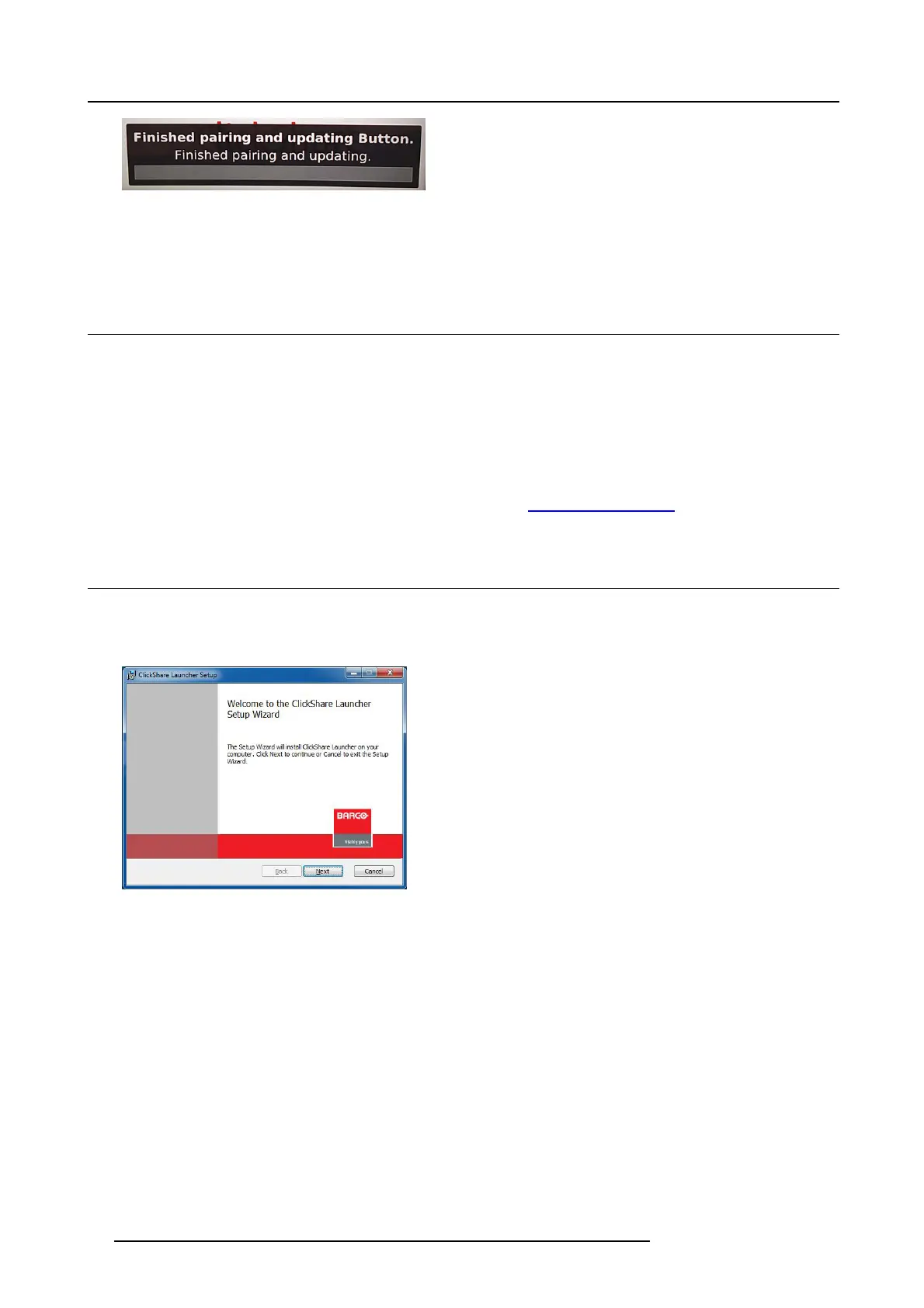
Image 5-3
Pairing finished
2. Unplug the Button from the Base Unit.
The Button is now ready for use.
5.2 Pre-install of the Launcher service
Launcher service pre-install
The C lickShare Launcher service can be pre-installed on your laptop or on c ompany level. How this is done depends on your IT
infrastructure.
When the L auncher s ervice is pre-installed, a launcher application runs in the background. W hen you plug the Button in your laptop,
the ClickShare application w ill be run from the Button au tomatically. There is no need to run the file from the Button.
The pre-installer can be downloaded from th e B ase Unit’s configurator.
Where to download the launcher installer?
The launch er service (installer) can be d ownloaded from Barco ’s webs ite www. barco.com/clickshare.
5.3 ClickShare launcher installer
Interactive setup
In this setup, user r uns the installer an d installs the ClickShare launcher to the computer after a ccepting EULA and spe cifying the
installation directory. Follow the instructions on the displayed s cre
ens.
Image 5-4
After the setup finished, the ClickShare launcher will be started automatically.
Silent setup
In this setup, a user or an IT admin can install the ClickShare launcher using the Windows comm and prompt. Following is an example
of a silent installation:
msiexec.exe /i ClickShare_Launcher_01_06_00_0144_Setup_Win.msi ACCEPT_EULA=YES INSTALLDIR=C:\
LAUNCH_APP=YES /qn
Parameter Description
AC-
CEPT_EULA
This parameter shows that the installer accepts the E ULA text as is. This parameters must be set to YES
in order to continue to the installation.
INSTALLDIR This par ameter specifi es the installatio n directory for ClickShare launcher. If not specified, the de fault folder
will be the Program Files folder.
LAUNCH_APP The ClickShare launcher application will be started right after the installation finishes if this parameter is set to
YES. Otherwise, the launcher application will not be started.
/qn This param eter indicates that the installation will be done in silent mode, meaning that there will be no visible
windows during the installation .
18
R5900022 CS-100 16/02/2016















 To Next Page