2. CS-100 Specifications
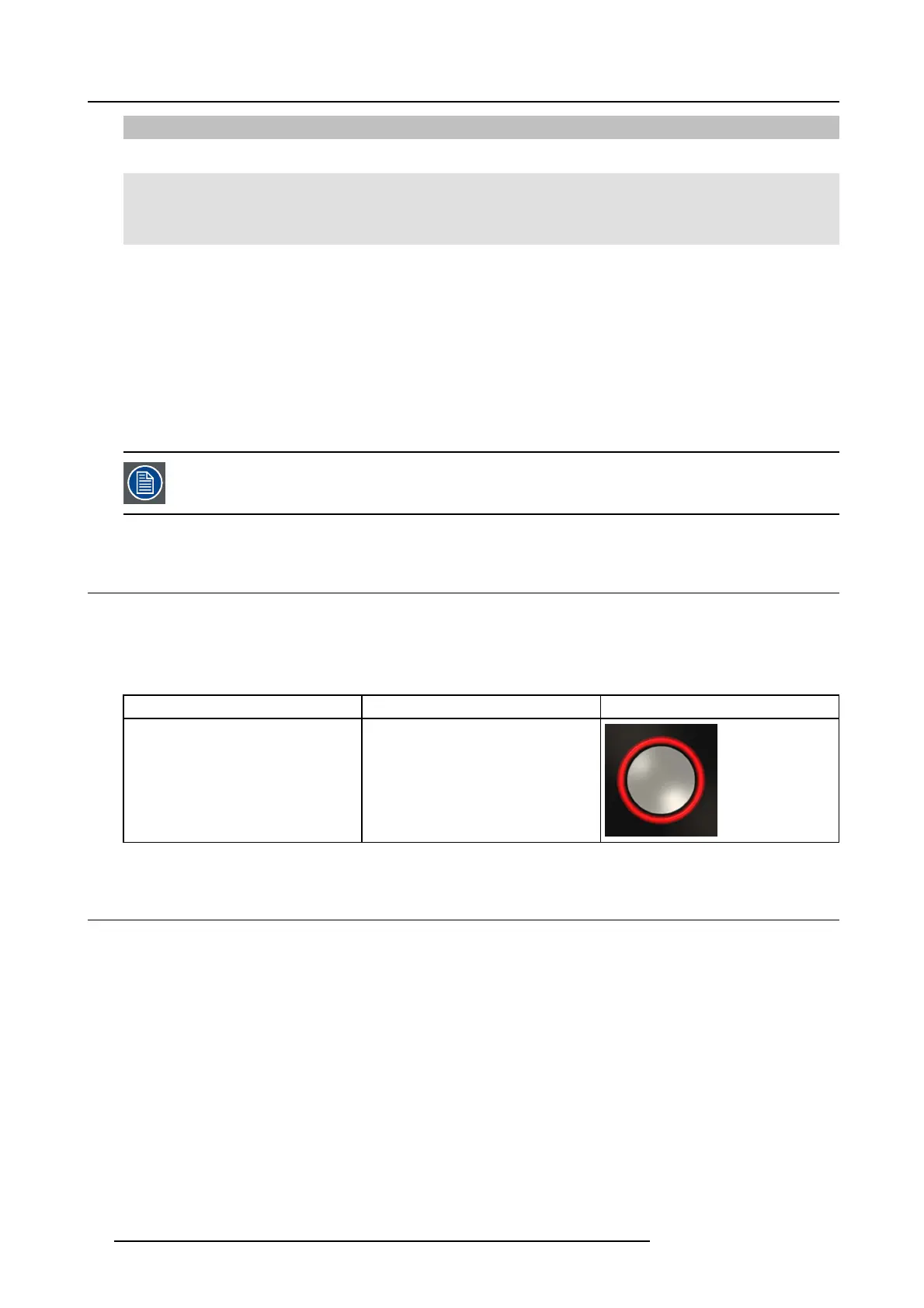
LEDs behavior Explanation
red blinking
• an error occurred.
off (no light)
• the Button is not or not properly inserted into the US B port.
• the Button m ight be defective.
• the USB port or computer might be defective.
Button label
The label at the bottom of the B utton contains:
• the Barco logo
• the Barco part number
• the serial num ber
• the revision num ber
• markings for applicable standards
• markings for waste regulation
• “Made in...”
Handle the Button cable with care. Ro ugh h andling might cause d efects.
2.5 Mobile Device Support
Overview
The b elow list of Apps are supported by ClickShare and can be installed on your m obile device from Google Play or Apple A pp Store.
Before y ou can use your mobile device with ClickShare, you have to connect the mobile device Wi-Fi with the ClickShare Base Unit
Wi-Fi. Follow the instructions as given in your mobile dev ice us er guide.
App Used on
Logo
ClickShare A pp iOS
Android
2.6 Ports used by the CS-100 Base Unit
Overview
Sender CS-100 Base Un it
ClickSha re
Button
TCP
6541; 6542; 6543; 6544; 6545
UDP 514
ClickSha re
Presenter
TCP
6541; 6542; 6543; 6544; 6545
UDP 5353
WebUI
TCP
80; 443
10
R5900022 CS-100 16/02/2016















 To Next Page