6. CS-100 Configurator
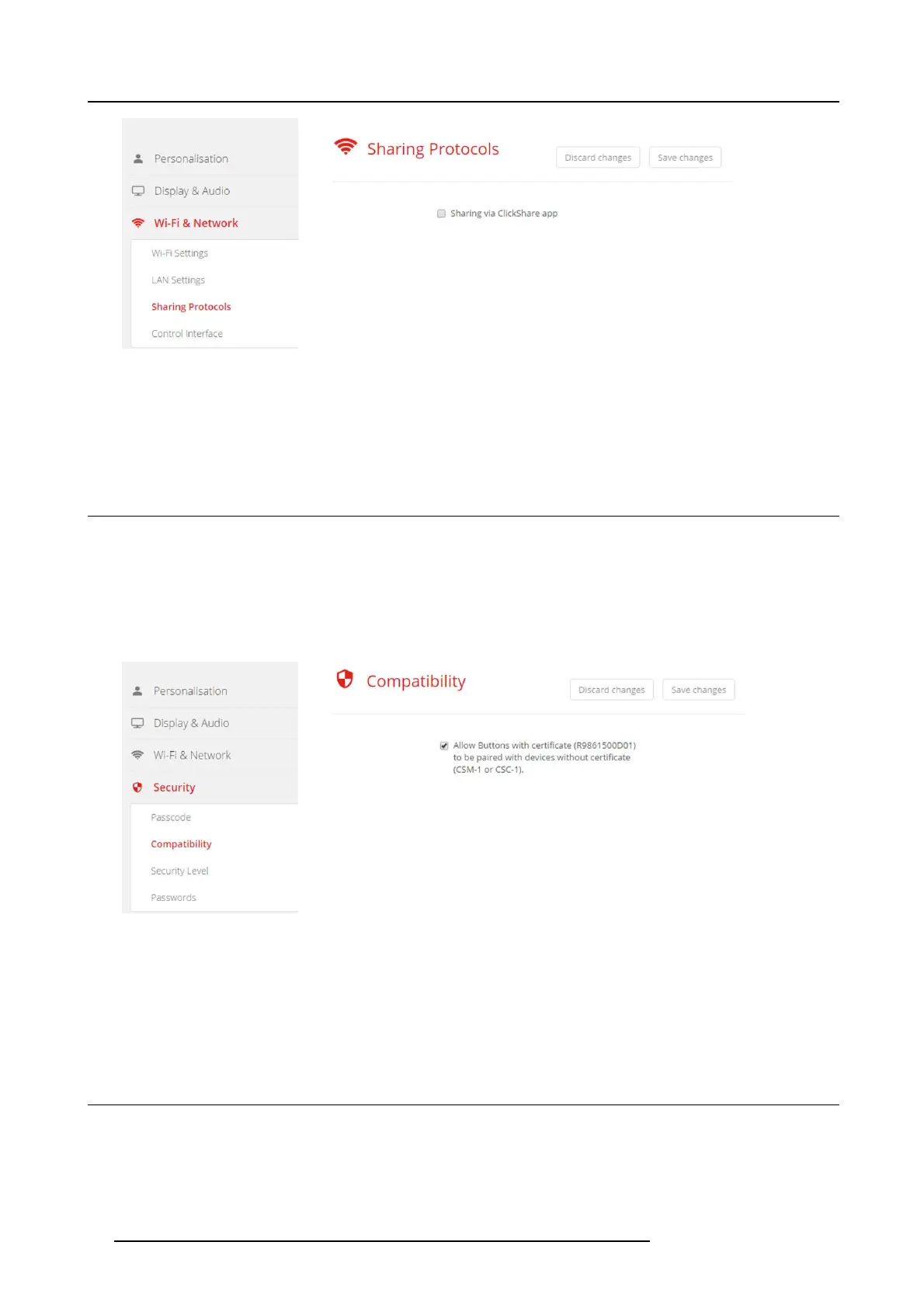
Image 6-17
Sharing via ClickShare app
3. Check the check box in front of S haring via C lick Share app .
4. Click Save changes to apply this setting.
Access via the ClickShare app is activate.
6.12 Security, compatibility
About the compatibility
This function allows Buttons with certificate to be p aired with devices without certificate (CSC-1 and CSM-1)
How to activate
1. LogintotheConfigurator.
2. Click Security → Compatibility.
Image 6-18
Compatibility
3. Check the check box next to Allow Buttons with c ertificat e ... .
Checked: allowed to pair with devices without certificate .
Not ch ecked: not allow to pair with devices without certificate.
4. Click Save changes to apply the setting.
6.13 Security, passwords
About passwords
To ac cess the C o n figurator (WebUI) a user name and password is needed. That pas swor d can b e changed at a ny time to protect
the ClickShare Configuration settings.
The C lickShare API access is password protected. T hat password can be changed in the c onfigurator.
36
R5900022 CS-100 16/02/2016















 To Next Page