6. CS-100 Configurator
Image 6-8
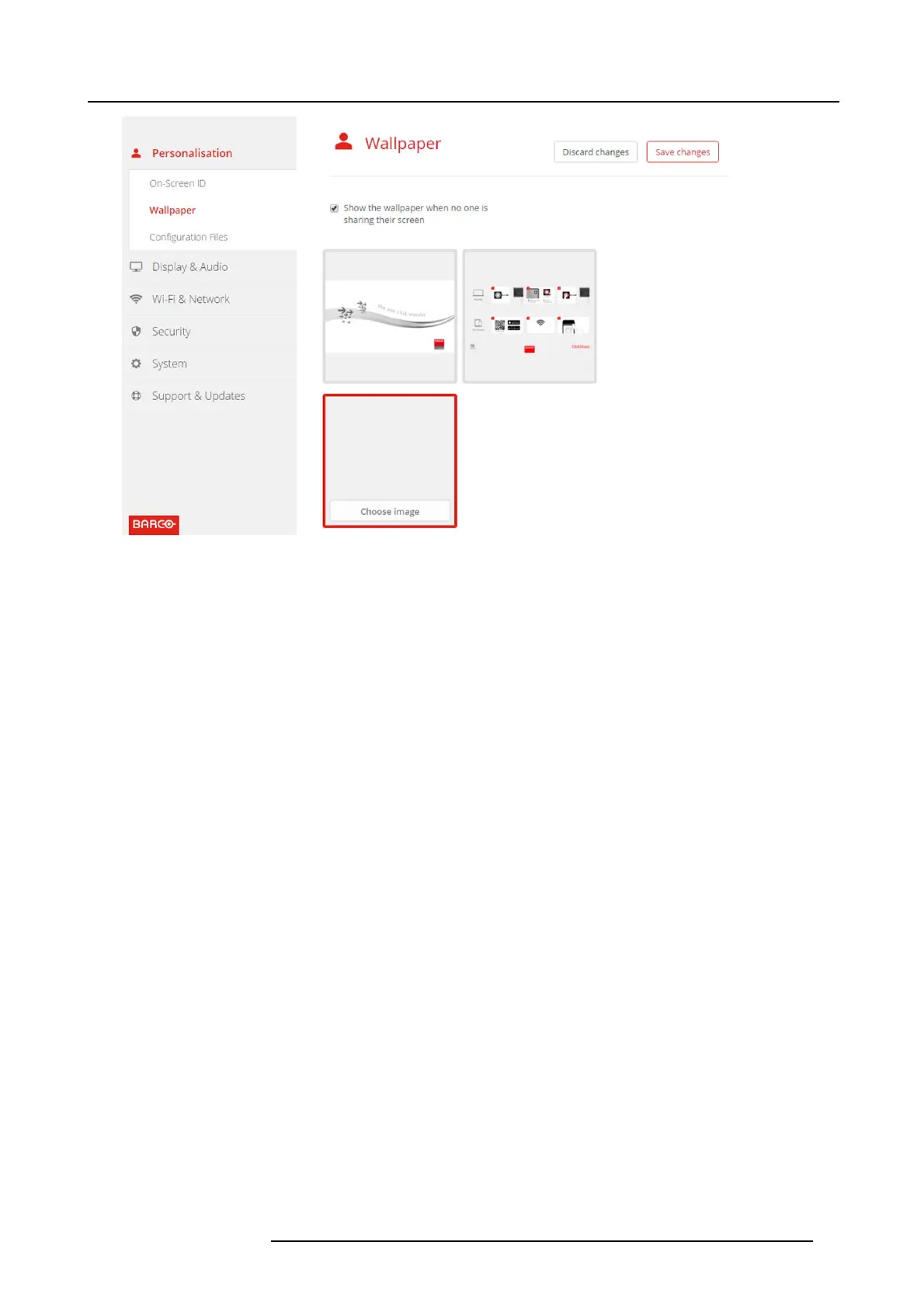
Personalized wallpaper selection
A browser window opens .
4. Browse for the desired image, click Open to load the image.
The content of the file is checked and when valid (format and size ), the file is uploaded. The new wallpaper gets a red border.
5. Click on Save changes to apply the personalized wallpaper
The mes sage Su ccessfully applied changes is displayed on top of the page.
Change personalized image
1. Click Personalisation → Wallpaper.
2. Hoover your mouse over t he cu rrent personalized image and click Change image.
R5900022 CS-100 16/02/2016
29















 To Next Page