6
Overview
User Manual PoolManager
®
11
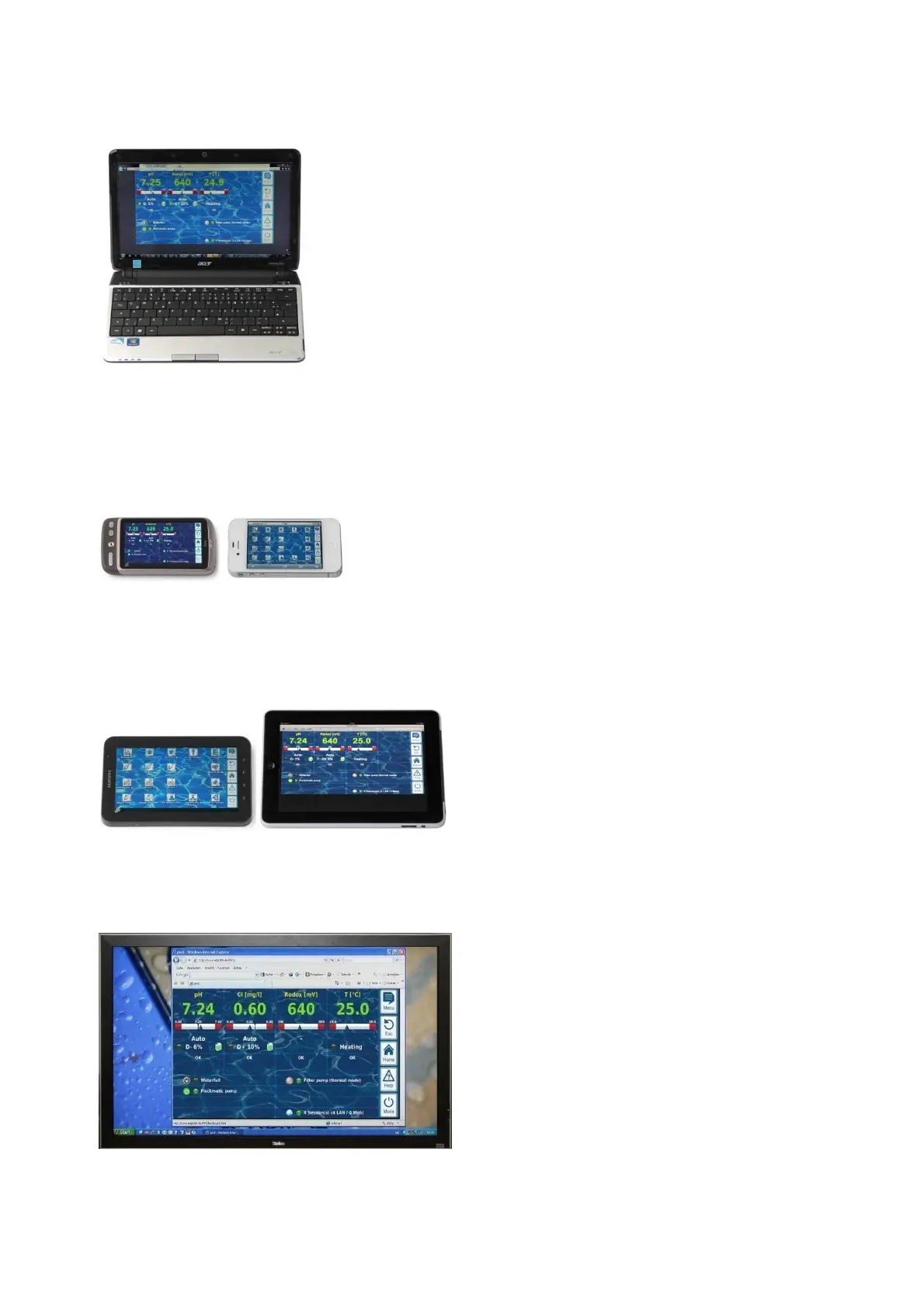
Suitable devices and systems for remote access
All types of PCs, such as:
• Desktop PCs, notebooks, netbooks
• Home / media centre PCs
• PCs with the Microsoft Windows
®
operating system
• Apple iMac
®
or MacBook
®
PCs
• PCs with the Linux operation system
Smartphones, such as:
• Apple iPhone
®
• Smartphones with the Google Android
®
operating system
• Smartphones with the Windows Phone 7
®
operating system
• BlackBerry
®
smartphones
Tablet PCs, such as:
• Apple iPad
®
• Tablet PCs with the Google Android
®
operating system (e.g.
Samsu8ng Galaxy Tab
®
)
Web-compatible TV devices
(or TV devices that can be used as a PC screen)
Building automation
Building management systems (BMS) and touch panels for living
areas can be used for remote access to PoolManager
®
if they have a
standard modern browser.
6.3.6 Interfaces
Measurement inputs:
• pH
• 3x temperature (PT1000 or KTY83 sensor)
Depending on casing model:
• CI/Br (potentiostatic 3-electrode system)
• Redox potential
Switching inputs:
• Flow switch (measurement water circuit), optional pressure switch
(circulation circuit)
• 2 level inputs for pH and disinfection
• 4 additional switching inputs for additional functions
Relay outputs:
• 3 dosage relays (pH minus, pH plus, disinfection)
• Alarm relay
• 4 relays (OUT1...OUT4) for supplemental functions
Every single relay output can be individually configured as a 230VAC
output or zero-potential switch.
Communication interfaces:
• Ethernet LAN (RJ45)
• Internal USB interface for memory sticks
(also used for software updates)
• CAN bus for external feature box (in development)
Optional plug-in modules (up to 3)
• 4x power output 0/4-20mA
• RS-485 communication interface for integration in building
management systems (as potential supplement to Web interface)



 To Next Page