AR6201-(X0X)
DV 14300.03/.04 Issue 5 5/2013 Page 2-21
Display Contents Description
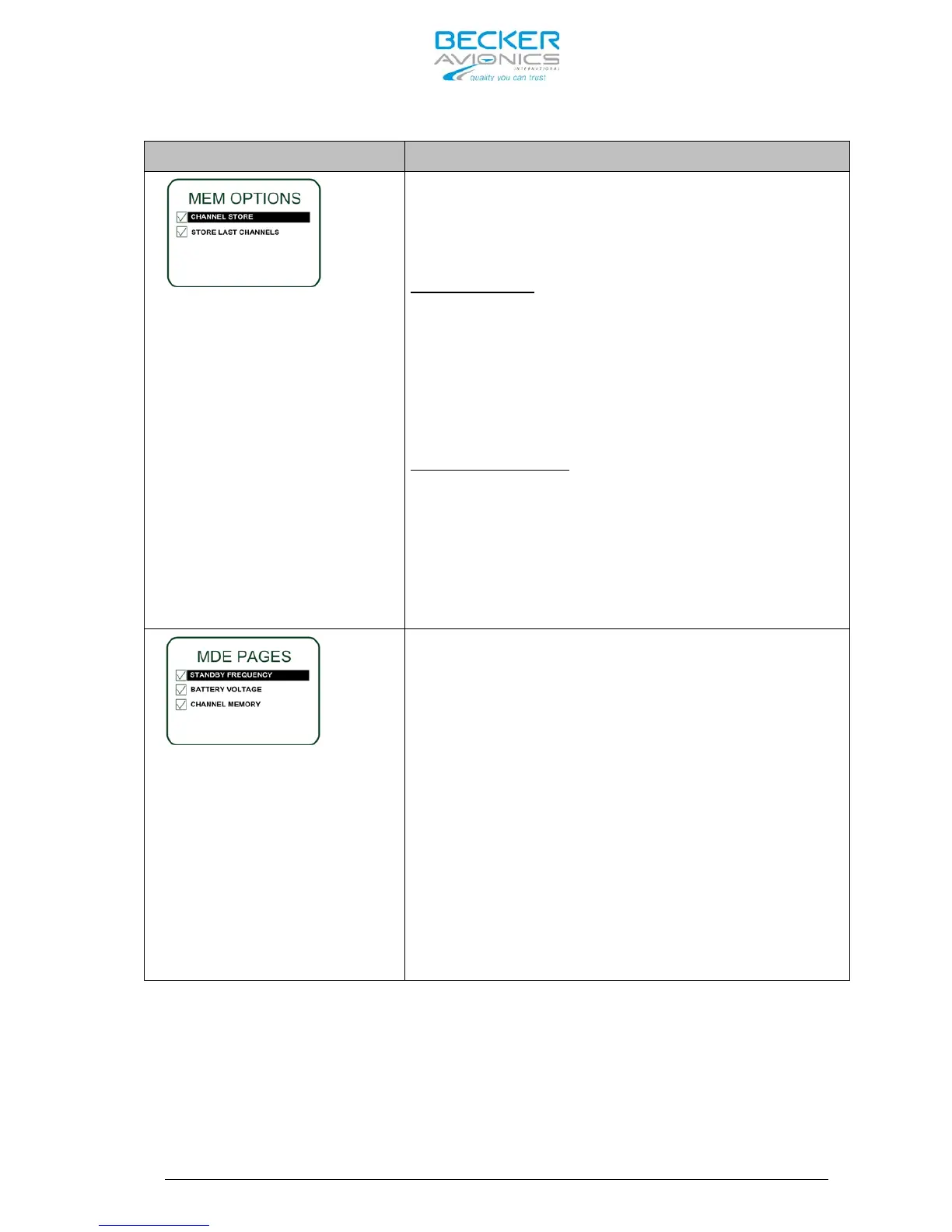
Two options can be selected independe
other on this page.
By means of the “ROTARY ENCODER” the requested
option can be highlighted and enabled/ disabled
by a push on “STO” button.
CHANNEL STORE:
Enabling this option provide the user the
possibility to store frequencies. Dedication of
the stored frequency to any of the 99 available
channels is possible.
(for details refer to chapter 3.9)
.
The User has access to previously stored “User
Channels” even if the “CHANNEL STORE” option is
disabled.
STORE LAST CHANNEL
If this option is enabled, the device
automatically stores the last used VHF frequency
in “Last Channel” database and user has a read
access to this database
(for details refer to chapter 3.9.2).
If this option is deselected there is no access
to and storage in the “LAST CHANNEL” database
possible.
There is no possibility to
deselect all options from the
“MDE PAGES”, therefore at
least one page will remain
active.
Deselecting “BATTERY VOLTAGE”
the “Direct Tune Mode” page is
no more available in the
normal operation of the
AR6201-(X0X).
There are three Frequency Selection Modes
providing different user interfaces for
convenient selection of the operating frequency.
(for details refer to chapter 3.5):
- STANDBY FREQUENCY enables/disables “Standard
Mode”
- BATTERY VOLTAGE enables/disables “Direct Tune
Mode”.
- CHANNEL MEMORY enables/disables “Channel Mode”.
By means of the “ROTARY ENCODER” the requested
option can be highlighted and enabled/ disabled
by a push on “STO” button.
St
oring a frequency in a specific channel will be
possible even if only “BATTERY VOLTAGE” or
“STANDBY FREQUENCY” remain selected.



 To Next Page