53
6.7.3 Change Dose and Alarms
When changing the dose, the system recalculates the alarm values to
appropriate levels for the new dose setting. These values can be
conrmed or edited before returning to the Main Screen.
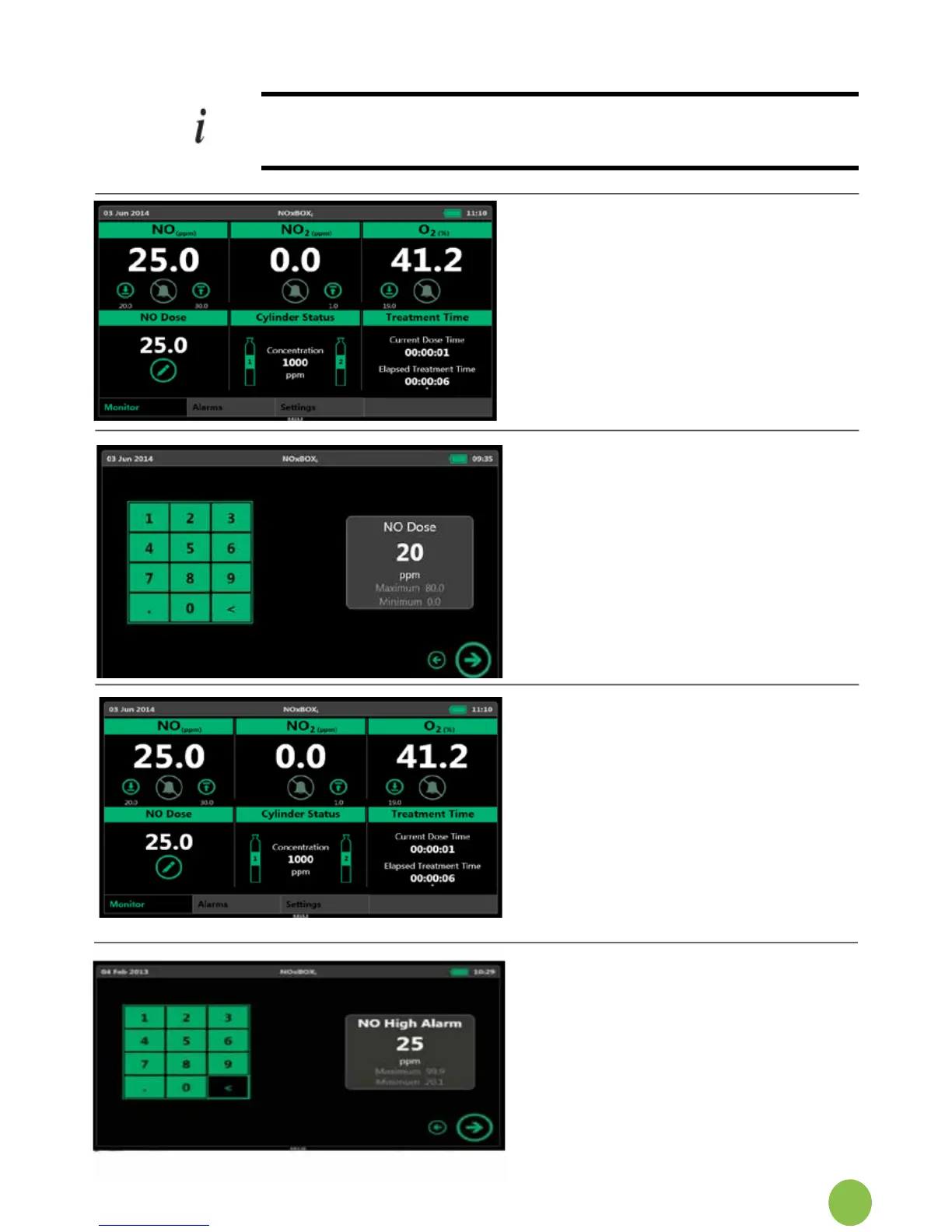
To change the dose from the main
screen,pressthedoseeditbutton.
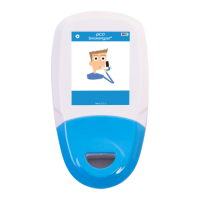
The system will display the direct entry
dose keypad. Follow the system
instructions the same as when setting
the initial dose.
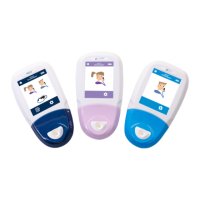
Tochangethegasalarmsettings,press
the button corresponding to the alarm to
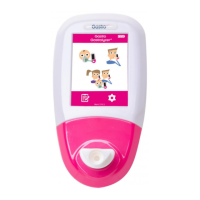
edit(imageshowsedithighNOalarm).
The edit dose screen shows the current
alarmvalue.Pressthedeletearrowto
clearthisvalueandinputanewvalue.
Pressnexttoproceed,thesystemwill
return to the main screen once the new
setting is accepted.
NOTE:thealarmsettingshavelimits
beyond which it will not allow the alarm
to be set.


 To Next Page