15
3.3.1 Abbreviations
NO
NO
2
O
2
ppm
Nitric Oxide
Nitrogen Dioxide
Oxygen
Parts per million
3.3.2 Denitions
NO Dose
Elapsed Treatment Time
Current Dose Treatment Time
Alarms
Settings
UsersettingofNOdosetodelivertopatient
TotalpatienttreatmenttimesincerstNOdosedelivery.
Time current dose setting has been administered to patient.
Alarmhistorytab:showsalarmlistfromcurrentsession.
Usersettingstab:accesstouser-adjustablesystemsettings
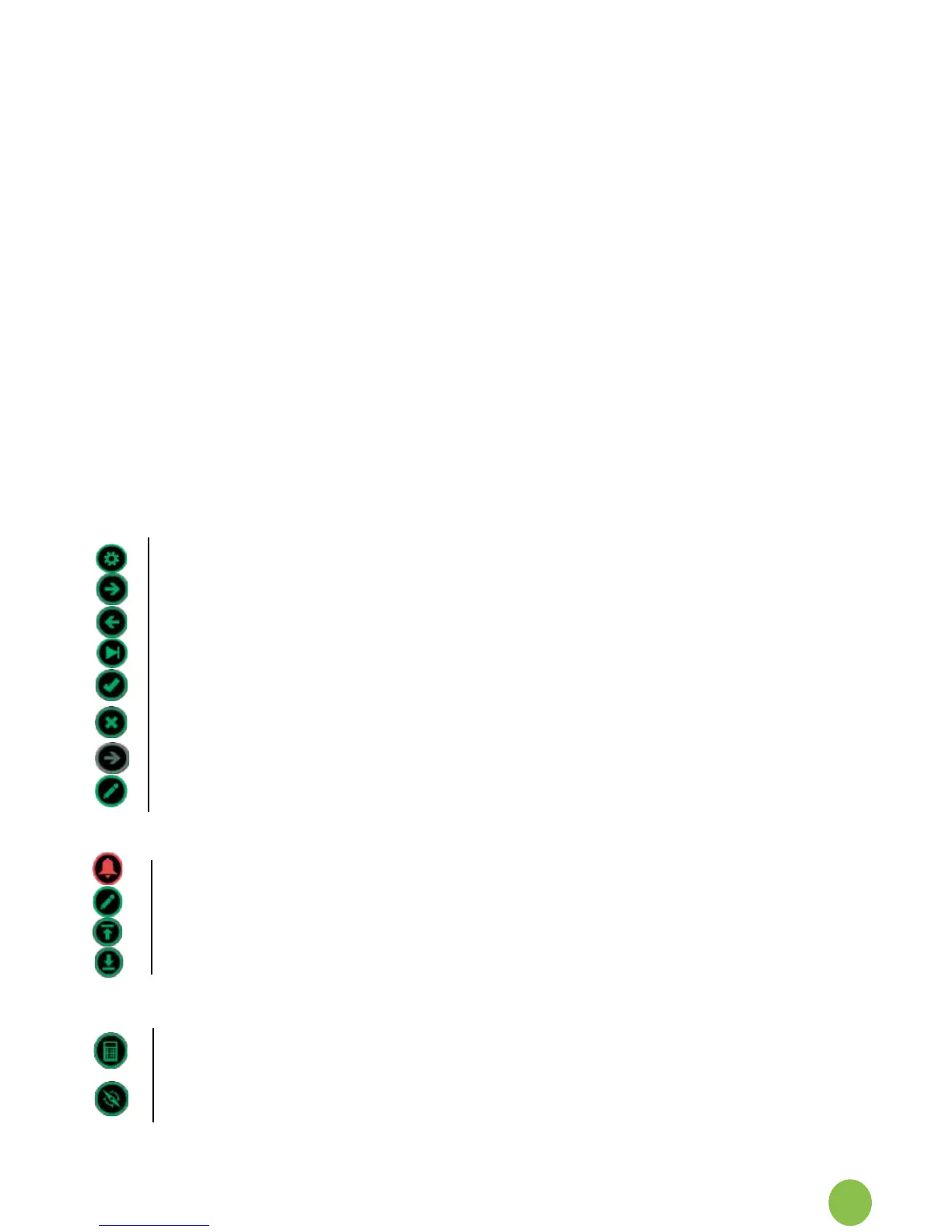
3.3.3 Icons Overview:
General Navigation
ServiceEngineerarea:presstoaccess.
Press Next to proceed to next screen.
PressBacktoreturntothepreviousscreen.
Skip step-by-step quick start guide instruction screens and skip to Dose.
Presstoacceptorconrmthestatementon-screen.
Press to decline or deny the statement on-screen.
Greyed out buttons indicate that they are temporarily disabled. An action or test
mustbeperformedorcompletedtoactivate.
Editvalue.
Main Monitor
Alarmmute(activewhengasalarmistriggered).
Edit NO dose.
Upper alarm/limit setting.
Lower alarm/limit setting.
User Setting Screen
ManualOverridecalculator:Showsapproximatedosevaluefromeach
manualoverridesetting(50-600ml)forpatientventilatorowsetting.
Zerocalibration:Sensorzerobaselinetest.Systempromptreminderonce
every24hoursduringuse.CaninitiatefromSettingsscreen.
3.3 Denitions, Abbreviations and Icons


 To Next Page