EasyManua.ls Logo

Belanger CUBE - Page 49

Default Icon
70 pages
Print Icon
To Next Page IconTo Next Page
To Previous Page IconTo Previous Page
Loading...
CUBE® CONTROLLER
1MANUL964 Belanger, Inc. * PO BOX 5470 * Northville, MI 48167-5470 * Ph (248) 349-7010 * Fax (248) 380-9681 6-3
Chapter 6 Operator Interface / Advanced Configuration
Setup / Advanced Configuration
Advanced Configuration / Application Configuration
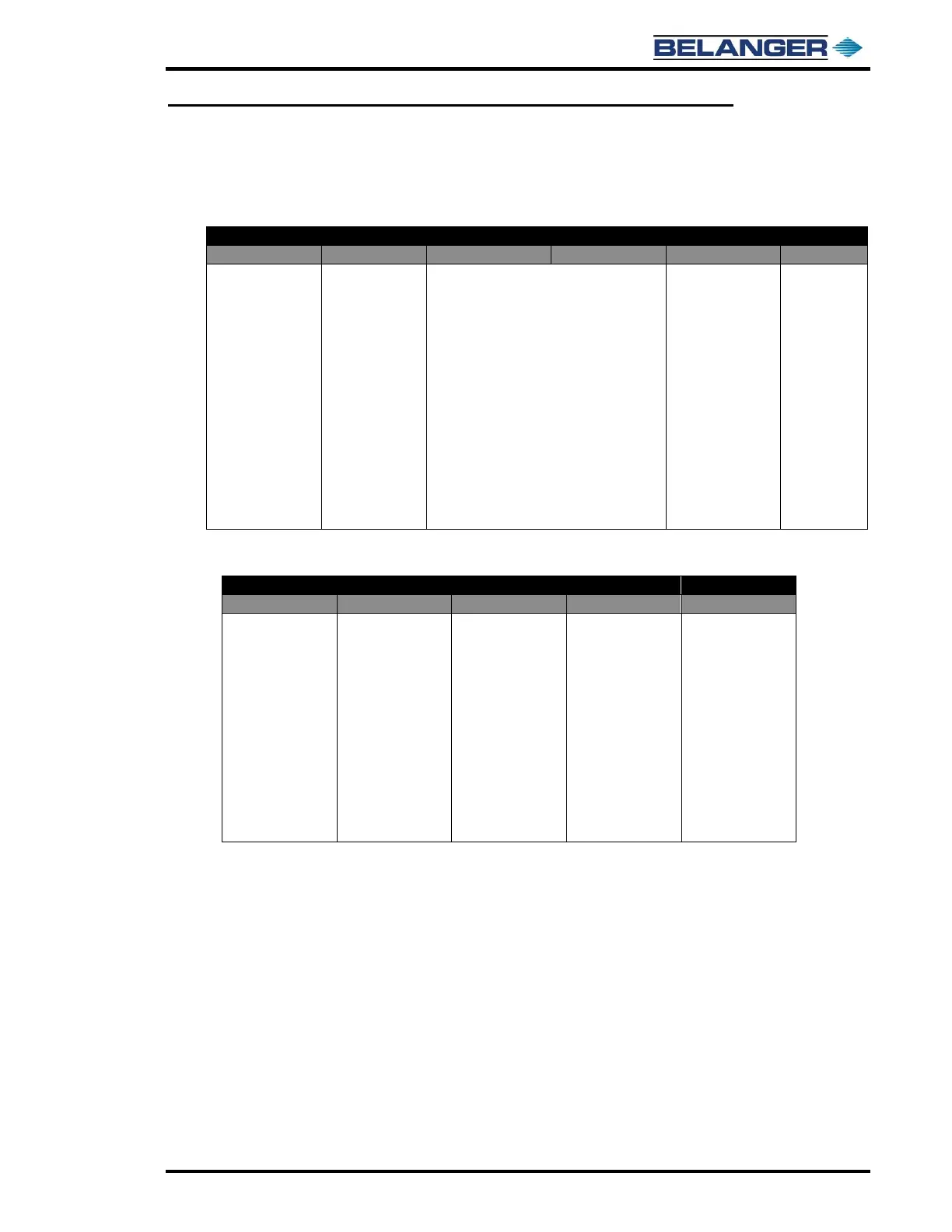
NAMED 1 - 8
NAMED
ON or OFF
ON
ON
OFF
TRUCK_M
TF CHEM (typical)
YES / NO
FS / FE 000
FS / FE 000
FS / FE 000
YES / NO
Name of OUTPUT.
Typically renamed
to match the
application.
Toggles between
YES and NO.
If set to YES, the
Output will
function with that
application.
Toggles between FS and FE.
FS stands for “From Start”. FE stands for
“From End”.
The three zeros are the “Measured in
Inches” field.
Each NAMED 1 8 have two ON
positions.
Toggles between
FS and FE.
FS stands for
“From Start”. FE
stands for “From
End”.
The three zeros
are the “Measured
in Inches” field.
Each NAMED 1
8 have one OFF
position.
They all turn OFF
at the end of
application.
Toggles
between YES
and NO.
MISCELLANEOUS NAMED 1 - 8
MISC NAMED
ON or OFF
ON
OFF
PFFA
TIRE APP (typical)
YES / NO
FS / FE 000
FS / FE 000
YES / NO
Name of OUTPUT.
Typically renamed
to match the
application.
Toggles between
YES and NO.
If set to YES, the
Output will function
with that
application.
Toggles between
FS and FE.
FS stands for
“From Start”. FE
stands for “From
End”.
The three zeros
are the “Measured
in Inches” field.
Each MISC
NAMED 1 8
have one ON
position.
Toggles between
FS and FE.
FS stands for
“From Start”. FE
stands for “From
End”.
The three zeros
are the “Measured
in Inches” field.
Each MISC 1-8
have one OFF
position.
Toggles between
YES and NO.
PFFA stands for
“Position From
Front Always”.

Table of Contents

Other manuals for Belanger CUBE