INTEGRA® / E-1063
4-6 Belanger, Inc. * 1001 Doheny Ct. * Northville, MI 48167 * Ph (248) 349-7010 * Fax (248) 380-9681 1MANUL102
Chapter 4 Operator Interface/Standard Wash Operation Screens
User
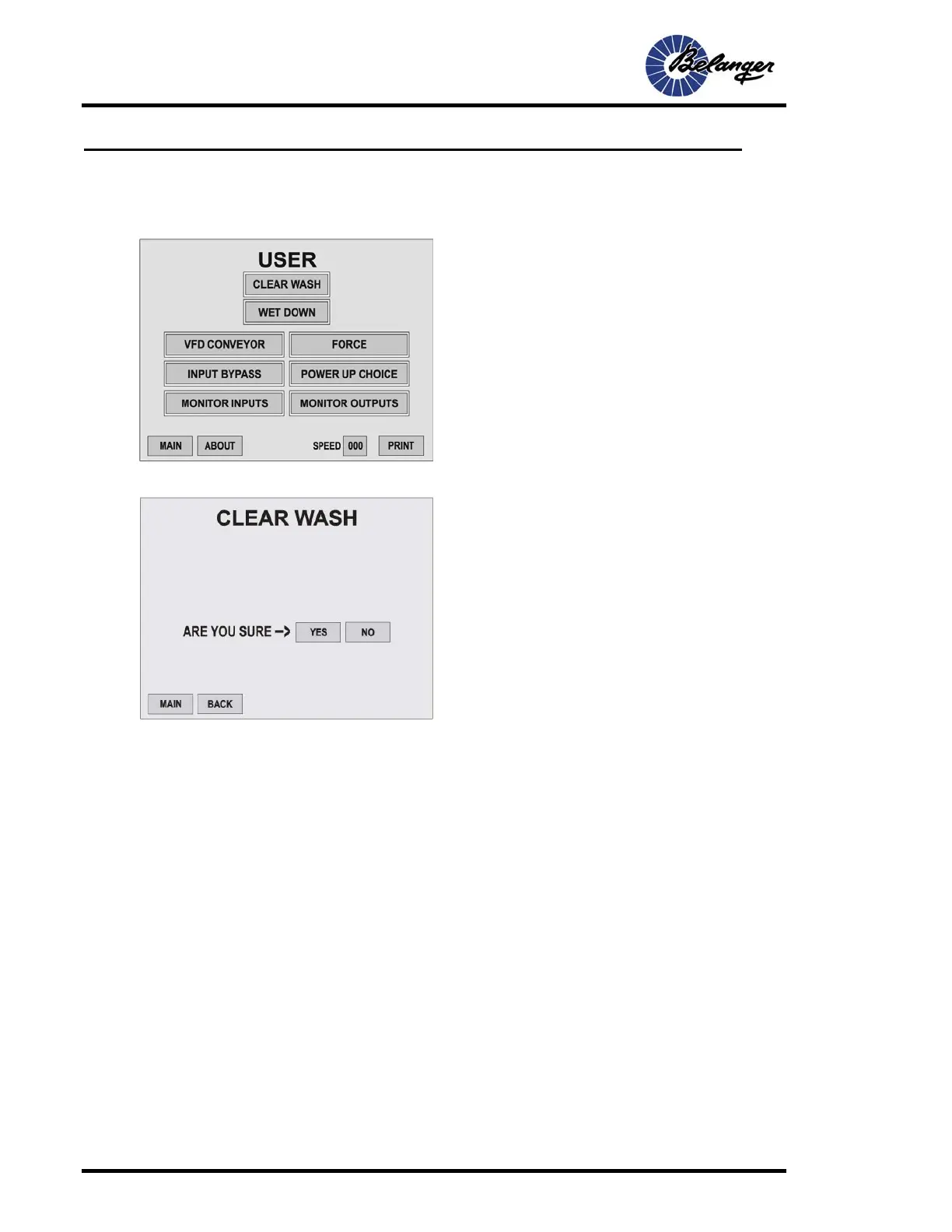
From the MAIN screen pressing the USER key, you will be taken to the following screen:
User/Clear Wash
User/Wet Down
This will turn on and run all of the User Defined functions of the BAY WET DOWN for the set amount of time.
CAUTION: Pressing this button will cause motion and dispensing from equipment.
Screen Key:
• This screen has the Function keys to navigate
to the typical screens required by Personnel
Operating Wash
Screen Key:
• Pressing YES will clear all DATA/VEHICLE IN
WASH. If any vehicles are in the wash it will
remove all functions these vehicles receive.



 To Next Page