INTEGRA® / E-1063
1MANUL102 Belanger, Inc. * 1001 Doheny Ct. * Northville, MI 48167 * Ph (248) 349-7010 * Fax (248) 380-9681 8-1
Chapter 8 Network and E-Mail Application
Activate Network Screen
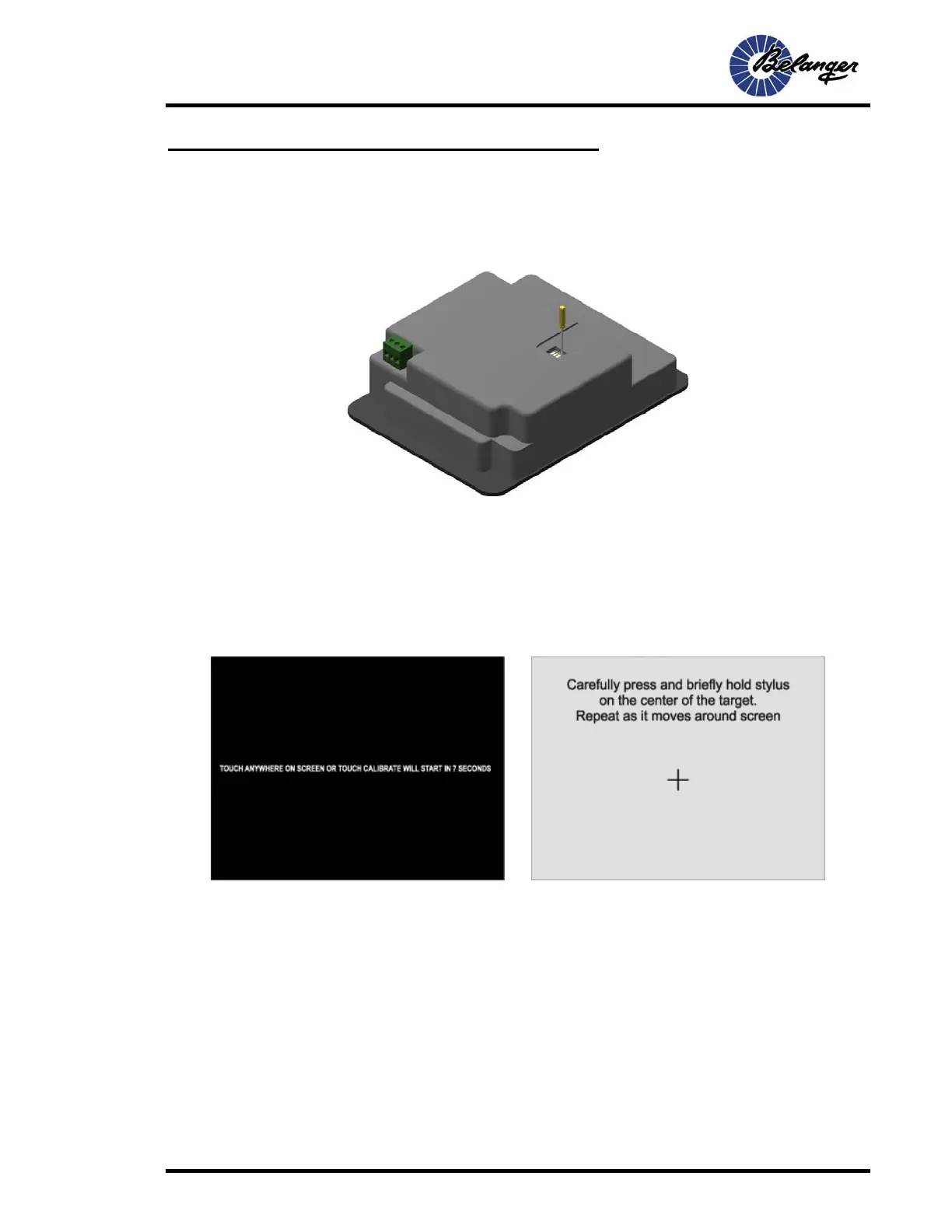
Dip Switch Settings
Change the setting of dip switch #1 to the ON position as shown below.
Then cycle the power.
Network Startup Screens
Once the power has been cycled, the screen on the lower-left will appear. Touch the screen
anywhere before it times out.
If it times out you will have to perform the calibration before configuring the network settings.
Calibration screen shown on the lower-right.



 To Next Page