INTEGRA® / E-1063
1MANUL102 Belanger, Inc. * 1001 Doheny Ct. * Northville, MI 48167 * Ph (248) 349-7010 * Fax (248) 380-9681 5-13
Chapter 5 Operator Interface/Wash Setup Screens
Setup
Setup / Bay wet Down
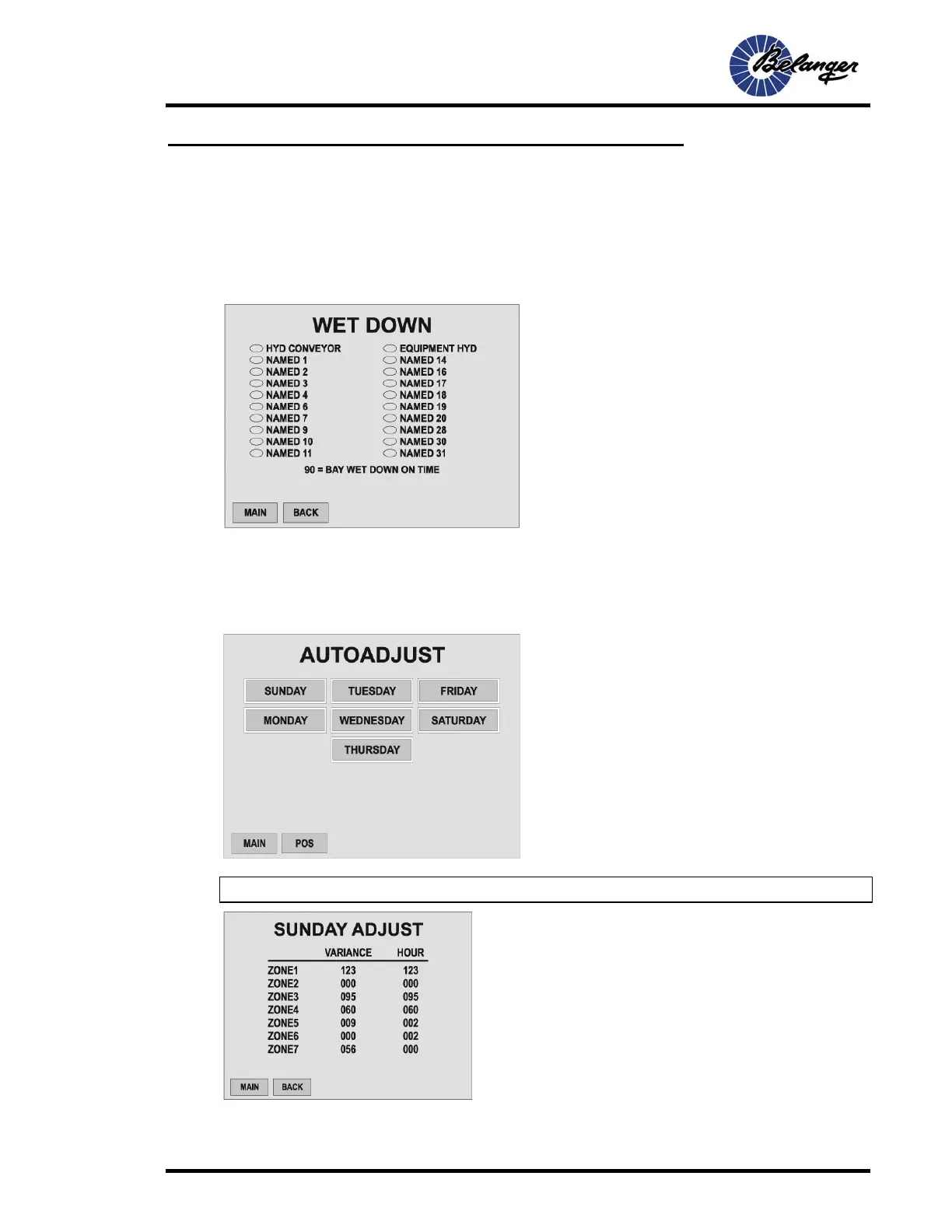
Bay Wet Down (first screen)
Bay Wet Down is the process of saturating the cloth with water and/or chemicals prior to making contact with
vehicles.
Selecting the oval next to the associated component will activate that component during the “Bay Wet Down”. If an
oval is filled, it is selected.
SEE USER SECTION FOR INSTRUCTIONS ON ACTIVATING THE BAY WET DOWN FUNCTION.
Auto Adjust
Note: Feature is enabled from USER 1 VFD Conveyor screen.
Screen Key:
• The fields shown in this screen toggle the ovals between
“Filled” and “unfilled”
• Filled ovals are selected (active), function ON during Bay
Wet Down
Screen Key:
• Pressing the button for “that” day will navigate to screen to set
up “that” days schedule
Screen Key:
• Variance is value from 0 to 100.
• If at zero, all network motors will run their programmed
minimum speed
• If at 100, all network motors will run their programmed
maximum speed
• Hour is at military time



 To Next Page