OSD Menu 71
Keyboard control
Choose to enable or disable the display keyboard (control
buttons) function.
• Unlock - Enable the keyboard function.
• Lock All / Lock all but Volume / Lock all but Power /
Lock all except PWR & VOL - Disable the keyboard
function.
“Keyboard Control Lock Mode” This function completely disables the
access to all Keyboard Control functions. To enable or disable the
keyboard control lock, press both and of remote control buttons
and hold down continuously for more than 3 seconds.
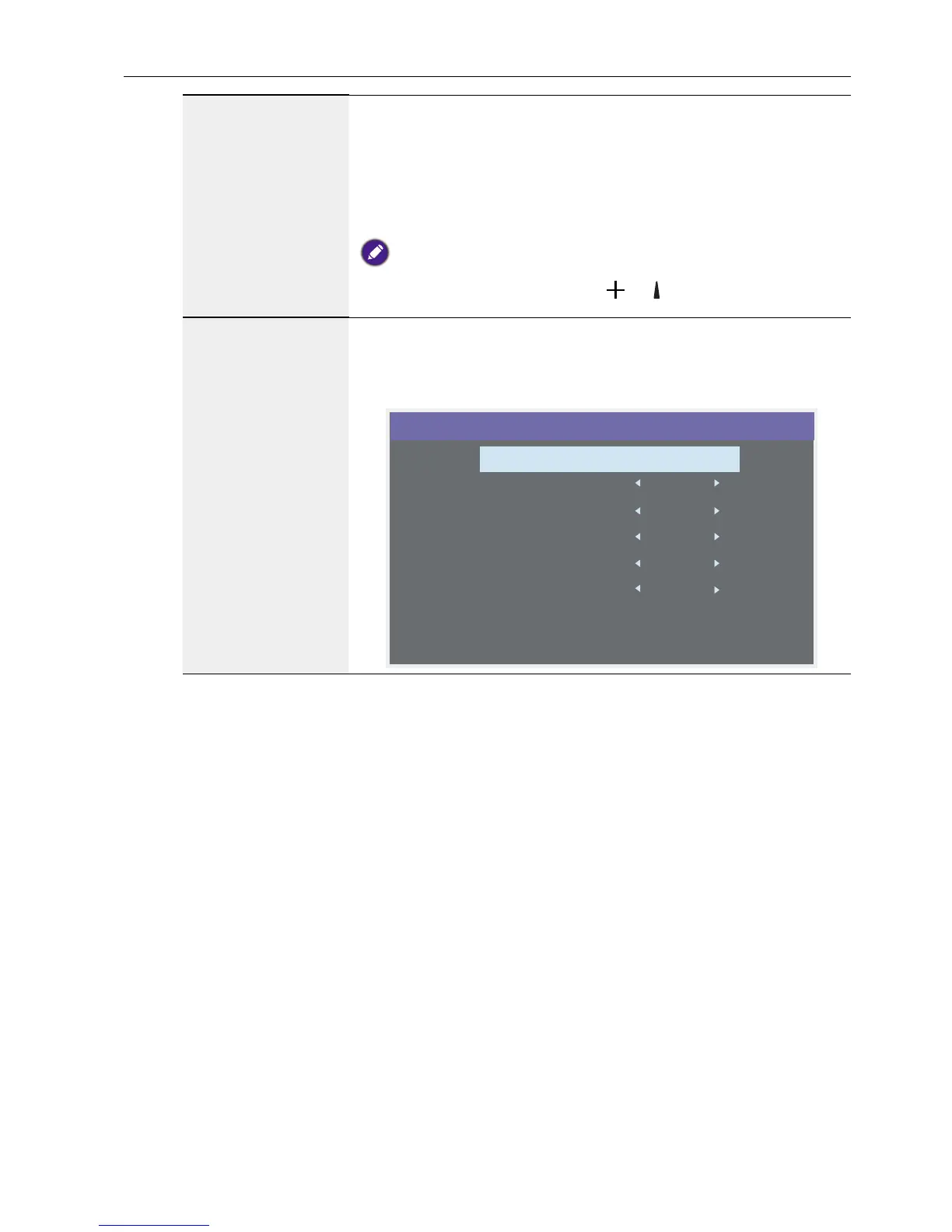
Tiling
With this function you can create a single large-screen matrix
(video wall) that consists of up to 100 sets of this display (up to
10-sets on the vertical and 15-sets on the horizontal
sides). This function requires a daisy-chain connection.
1
H monitors 1
V monitors 1
Position 1
Frame comp. Yes
Enable No
Switch on delay Off
Tiling



 To Next Page