OSD Menu 73
Off Timer
Set automatically power off time (in hours).
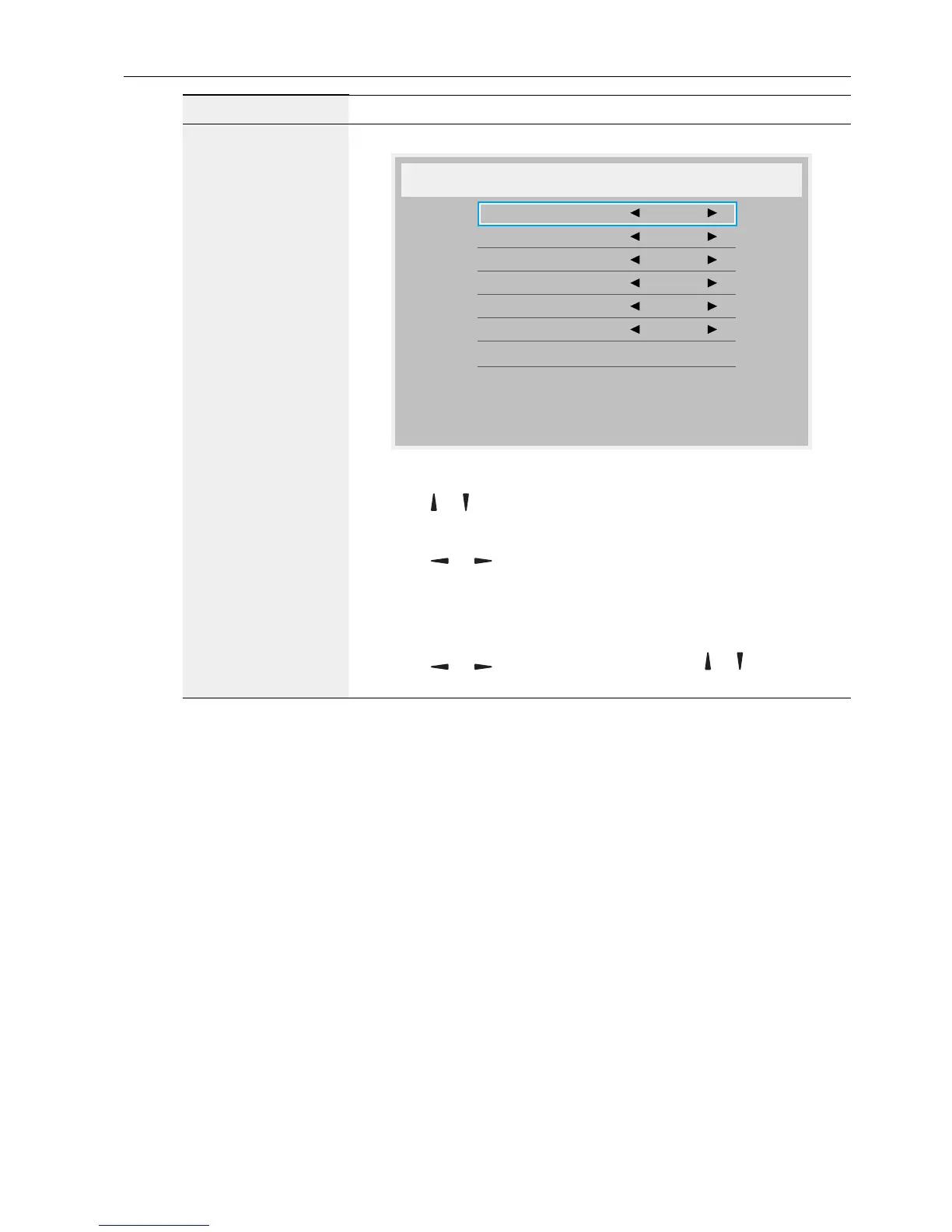
Date and time
Adjust the current date and time for the display’s internal clock.
Date and time
Auto Sync No
Year 2015
Month 1
Day 1
Hour 22
Minute 40
Daylight saving time
Current date time
2015 . 01 . 01 22 : 41 : 00
Press [OK] to set clock
1. Press OK button to enter the submenu.
2. Press
or button to toggle between Year, Month, Day,
Hour, Minute, and Daylight saving time.
3. Press
or button to adjust all settings except Daylight
saving time.
4. Press OK button to enter the Daylight saving time
submenu.
5. Press
or button to select item, press or button to
adjust.



 To Next Page