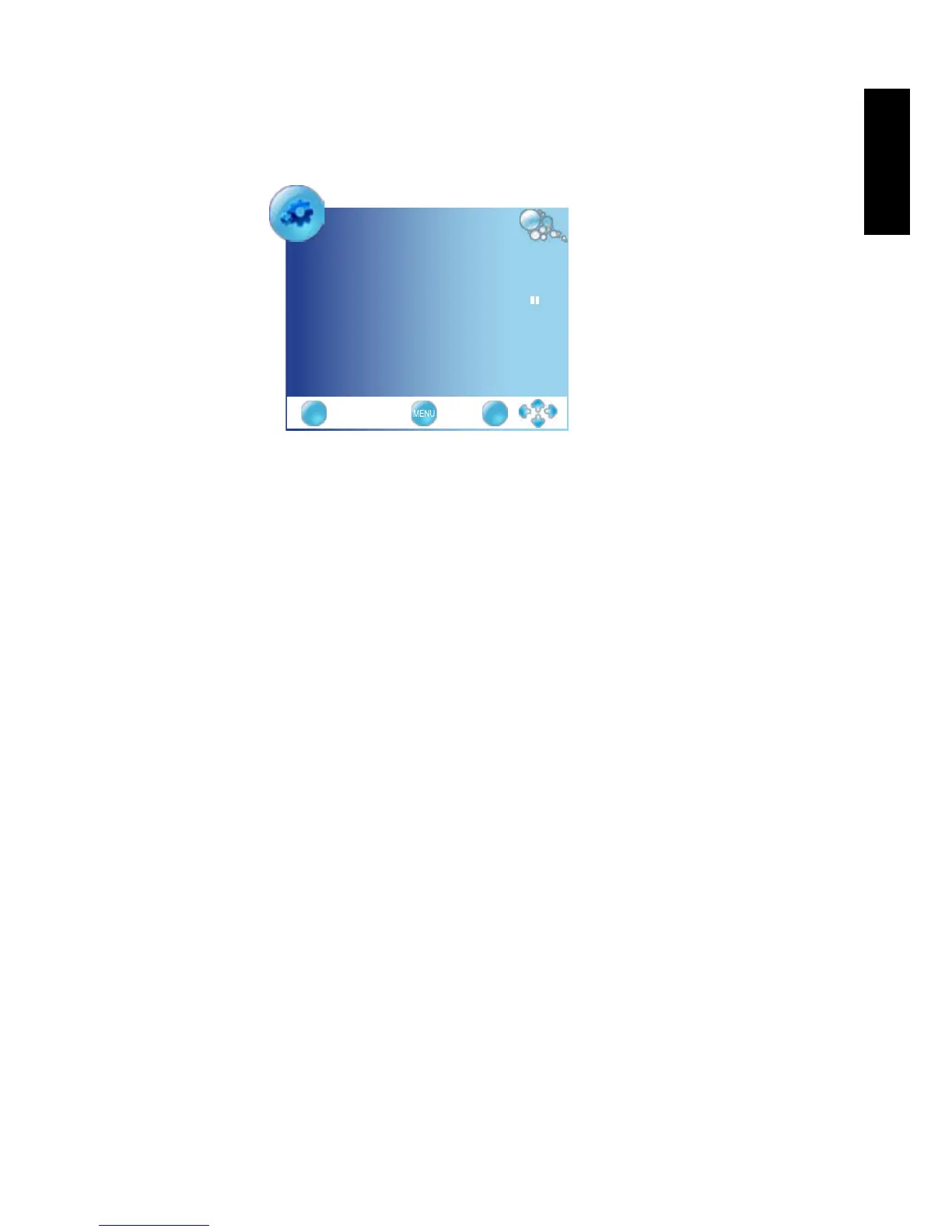
Initial Setup
Language English ◄►
Country UK ◄►
AutoTuning ►
EXIT OK
Before you can use your TV to view TV programs, you need to let it search for and
tune TV station programs appropriate to your region. This process only needs to
be done when the TV is newly installed, or whenever you install it in OSD menu for
convenience of operation.
1. Press
▼
button to select
Language
, and use the
◄►
buttons to select the
language displayed on the menu.
2. Press the
▼
button to select
Country
,
and use the
◄►
buttons select the
country in which you will operate the TV.
3. Press
▼
button to select
Auto Tuning
and press the
OK
button.
Use the
◄►
buttons to select the
YES
. The
Auto Tuning
automatically creates
a list of receivable channels. Press the
EXIT
button at any time to interrupt the
memorization process. (The list cannot be created if interrupted)
9. Initialize your TV
Press Power button on the remote control. the TV will turn on and the power
indicator will light up blue. When rst turned on (and until tuned), the Initial Menu
will display:
10. View the TV programs
Press
CH+
or
CH-
on the remote control to sequentially cycle through your
TV channels.
To select a single- or double-digit channel, press the corresponding channel
selection buttons on the remote control. For example, to select channel 8,
press 0 and 8 on the remote control.s.
Press
VOL
or
VOL-
on the remote control to increase volume. The volume
indicator will increase in length as volume rises.
Press Mute on the remote control to turn off the sound temporarily. Press
Mute once more, or press
VOL+
or
VOL-
to restore the sound level.
You can press
JUMP
on the remote control to quickly return to the previous
viewed channel.



 To Next Page