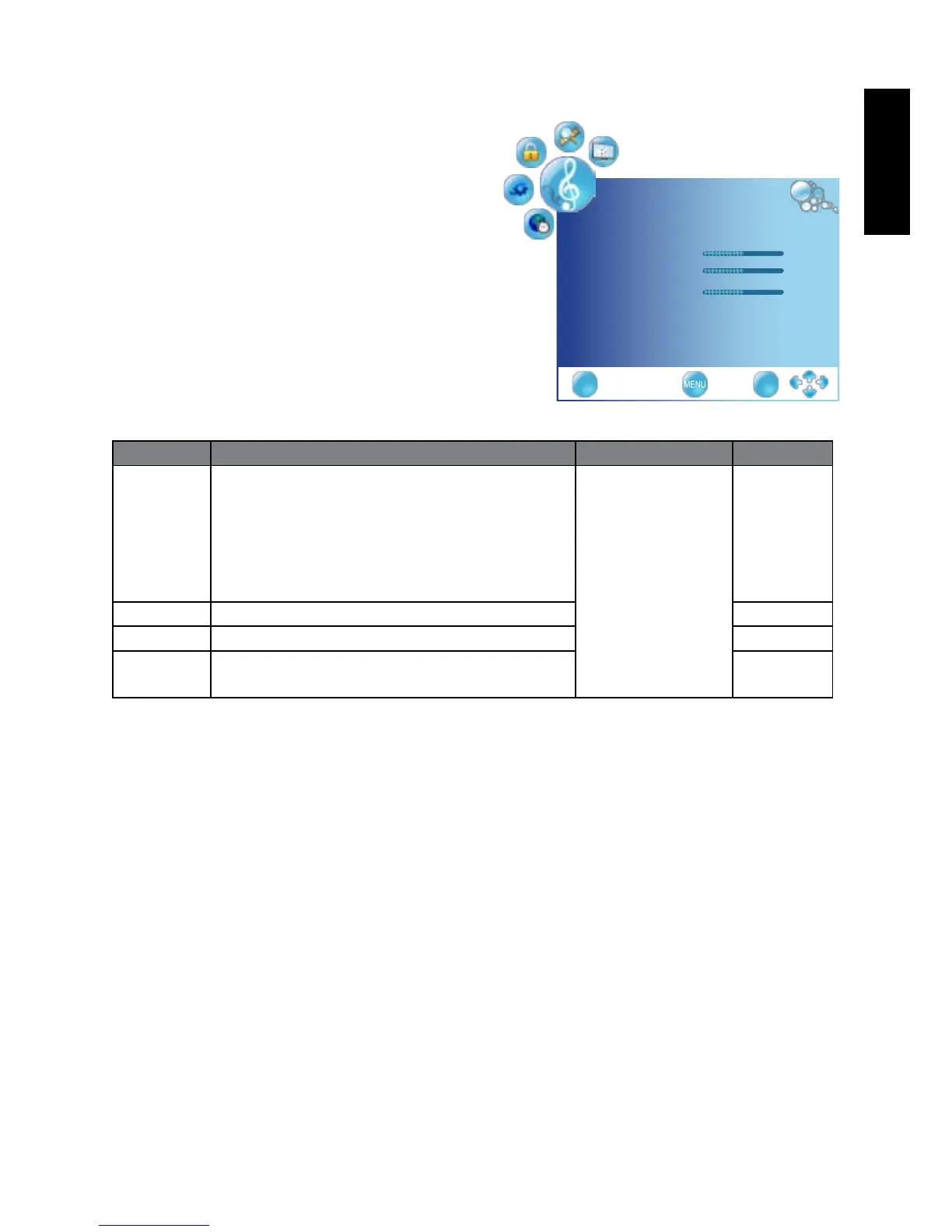
SOUND menu
The available menu items are
dependent on the input source
being selected.
The illustration is for reference
only.
Item Function Operation Range
Sound
Mode
Selects a sound type when viewing
programs or videos that support multiple
sounds.
If you select the User mode, you can
individuallysettheitemsshownbelow:
Bass,Treble,andBalance.
Press
◄
or
►
to
change selection.
Standard
Music
Rock
Live
Surround
User
Bass Adjusts bass tones for the User Mode. 0 to 100
Treble Adjusts treble tones for the User Mode. 0 to 100
Balance Adjusts the volume balance of the left or
right speakers.
L50 to R50
SOUND
SoundMode User ◄►
Treble 50
Bass 50
Balance 0
EXIT OK



 To Next Page