Using the remote control
Power on, off and standby
Turning on the TV
After plugging the TV's power cable into a wall outlet and turning on the
main power switch, the TV will enter standby mode automatically. The power
indicator will light up red. Press (Power) on the remote control. The TV will
turn on and the power indicator will change to blue.
Putting the display to standby
Press (Power) on the remote control again, and the TV will return to standby
mode. The power indicator will turn red
Thedisplaystillconsumesaverysmallamountofpower(about1W)instandby
mode.
Turning the display off
You can turn the display power off by ipping the main power switch on the
display to the off (O) position. The power indicator will be off.
These options will only appear when corresponding signals are connected to
the display.
BeawarethatHDMIinputmustbeHDCP-complianttobedisplayed.
WhenswitchingtotheHDMIinputs,thedisplayneedsapproximately3seconds
todetecttheHDCPinformationfromthesignalsourceandnoimagewillbe
displayed during this period. This is not a malfunction.
Adjusting sound setting
Adjusting volume
Press
VOL+
on the remote control to increase volume. The volume indicator
increases in length as volume rises.
Press
VOL-
on the remote control to decrease volume. The volume indicator
decreases in length as volume falls.
Mute setting
Press (Mute) on the remote control to turn off the sound temporarily.
Press (Mute) once more, or press VOL + to restore the sound level.
Switching inputs
1. Turn on all connected equipment
or devices before selecting an
input.
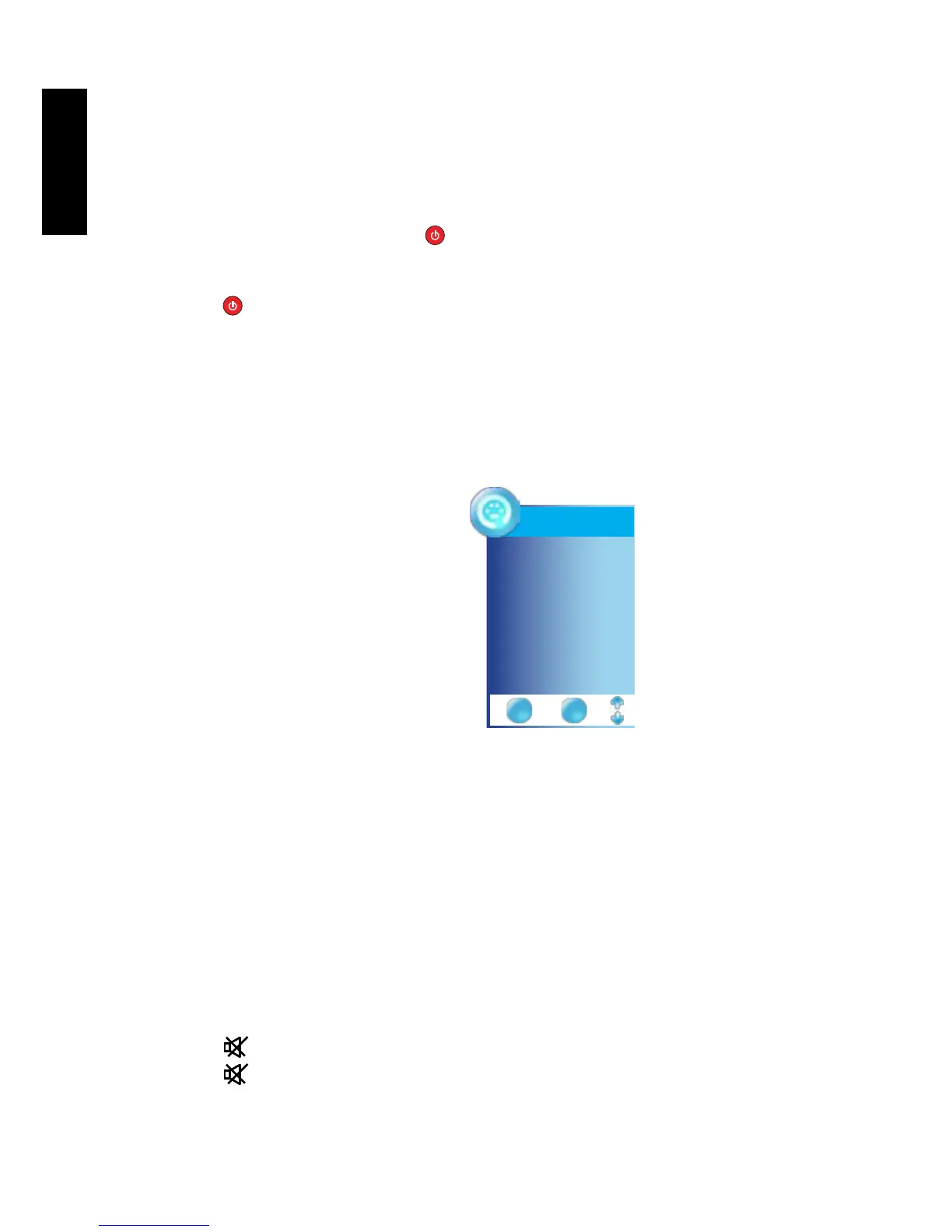
2. Press INPUT on the TV to view
the current selected input. Press
INPUT button, use
▲▼
button
to select your desired input then
press OK button to conrm.
Input Source
DTV
TV
VIDEO1 (AV)
VIDEO2 (S-Video)
VIDEO3 (YPbPr)
VIDEO4 (SCART)
VIDEO5 (HDMI)
PC (VGA)
EXIT OK



 To Next Page