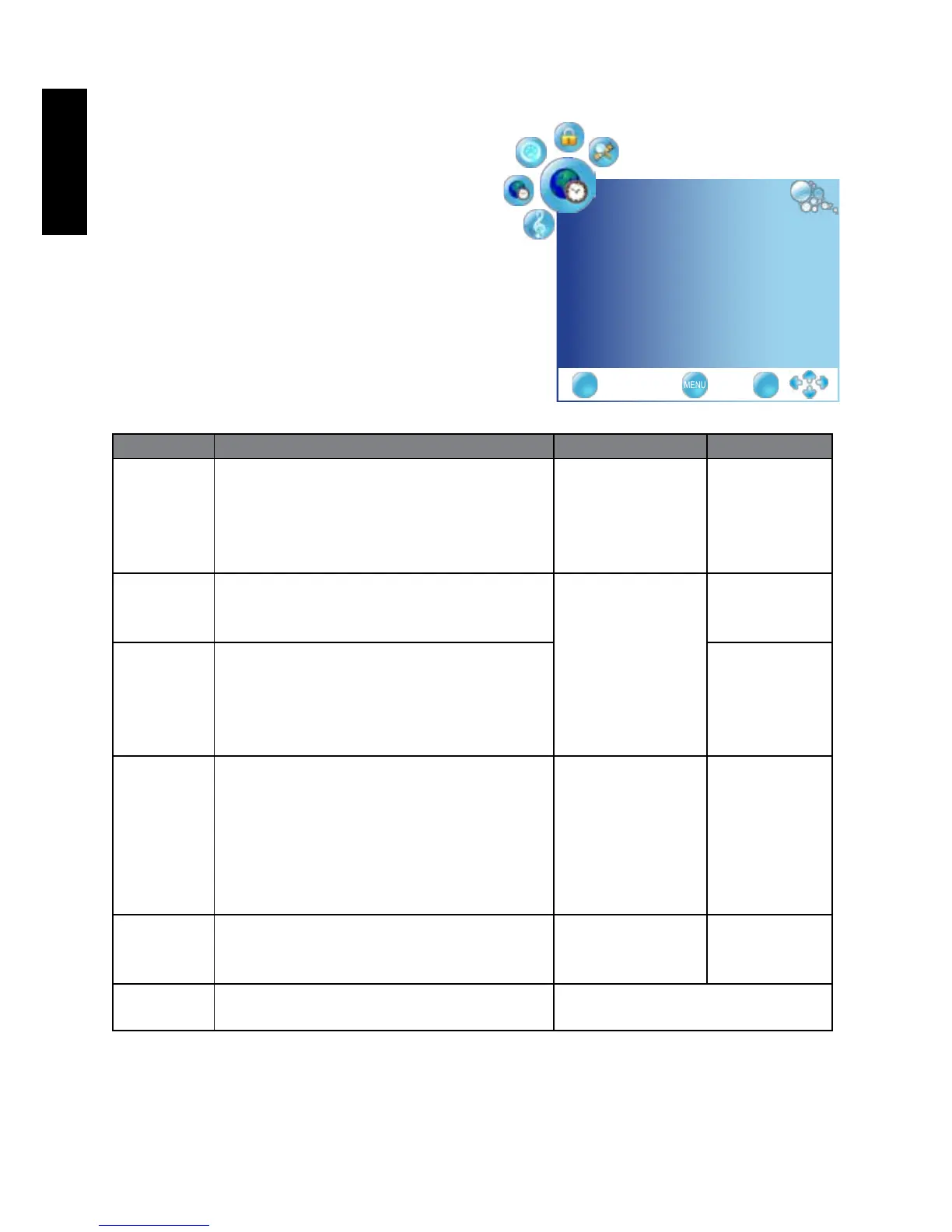
TIME menu
The available menu items are
dependent on the input source
being selected.
The illustration is for reference
only.
Item Function Operation Range
Clock Selects to set the current clock. Press OK, use
◄
or
►
to change
selection
Date
Month
Year
Hour
Minute
Off Time Allows to set the Off timers that the TV
will switch off automatically at the time
you select.
Press OK, use
◄
or
►
to change
selection
Repeat
Hour
Minute
On Time Allows to set the On timers that the TV
will switch on automatically and tune to
the mode of your choice at the time you
select.
Activate
Hour
Minute
Volume
Mode
Sleep
Timer
Set the Sleep Timer to automatically turn
off the display. 1 minute before shutdown,
a message will display onscreen. At this
time, if you wish to cancel the function,
press any button on the remote control.
Once the time expires, the display will be
put to the standby mode automatically.
Press
◄
or
►
to
change selection
O f f , 1 0 , 2 0 ,
30, 60, 90,
120, 180, 240
(minutes)
Auto Sleep Select on, the TV will be automatically
turned off, in case of no signal inTV &
input source or no remote control input.
On
Off
Time Zone Cycles through the availabletime zones in
the country.
Press
◄
or
►
to change selection
TIME
Clock _ _ _ _ _ _ _ _
OffTime off ◄►
OnTime off ◄►
SleepTimer off ◄►
AutoSleep off ◄►
TimeZone CanaryGMT ◄►
EXIT OK



 To Next Page