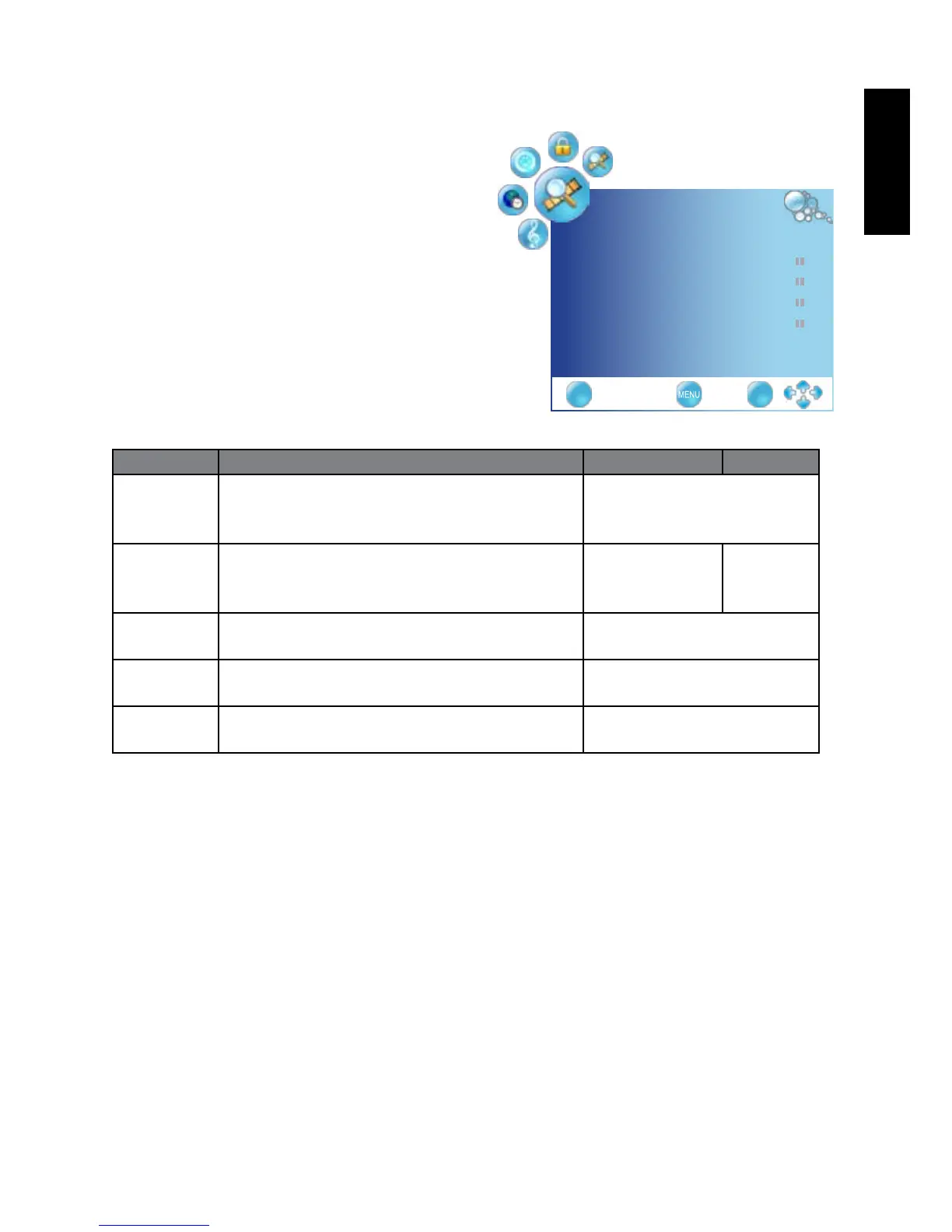
CHANNEL menu
The available menu items are dependent
on the input source being selected.
The illustration is for reference only.
Item Function Operation Range
Country Allows you select the country: UK, France,
Germany, Spain, Italy, Portugal, Denmark,
Poland, Rissia
Press
◄
or
►
to change
selection
Auto Tuning Press the OK button, the Auto Tuning
automatically creates a list of receivable
channels.
Press OK to
enter Auto
Tuning Menu.
ATV+DTV
ATV only
DTV only
Manual
Tuning
Allows adjustment manually for the particular
channel with optimal reception.
Press OK to enter Manual
Tuning Menu.
Programme
Edit
Allows addition/removal/edition of channels
on the channel list.
Press OK to enter
Programme Edit Menu.
CI
Information
Allows to display the CI information 0 to 100
CHANNEL
Country UK ◄►
AutoTuning ►
ManualTuning ►
ProgrammeEdit ►
CIInformation ►
EXIT OK



 To Next Page