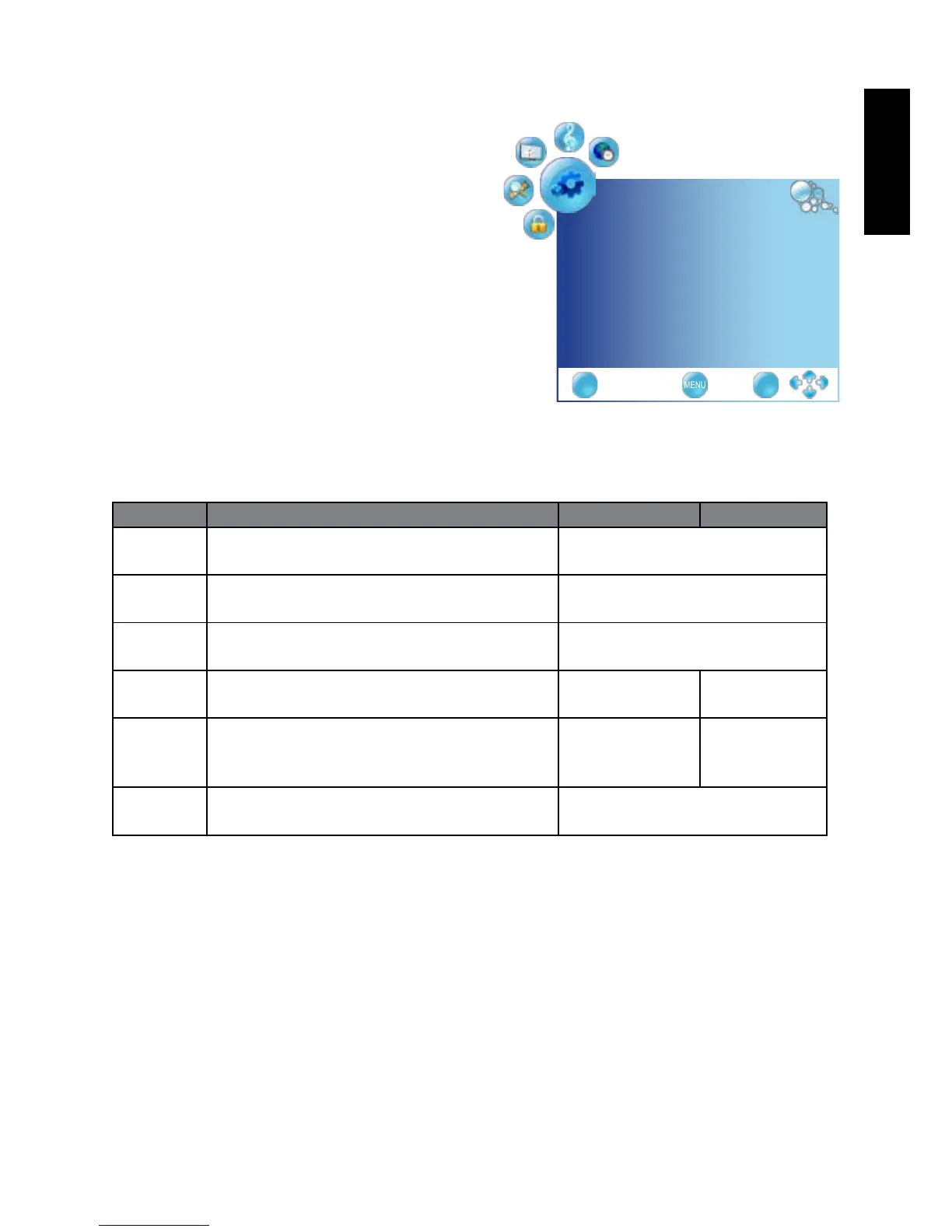
OPTION menu
The available menu items are
dependent on the input source
being selected.
The illustration is for reference
only.
Item Function Operation Range
Language Select your desired language for the OSD
menu.
Press
◄
or
►
to change
selection
Audio
Language
Select your desired language for audio, Press
◄
or
►
to change
selection
Subtitle
Language
Allows to display subtitle on the scree Press
◄
or
►
to change
selection
SCART
Input
Allows selection of the SCART signal input Press
◄
or
►
to
change selection
AV+RGB
SV+RGB
OSD Time
Out
Allows selection of the display time of the
on-screen menu.
Press
◄
or
►
to
change selection
off, 10, 15,
30, 45, 60
(seconds)
Restore To
Default
Restores factory settings. Press OK, use
◄
or
►
to select
"Yes" to conrm.
OPTION
Language English ◄►
AudioLanguage English ◄►
SubtitleLanguage English ◄►
SCARTInput AV+RGB ◄►
OSDTimeOut off ◄►
RestoreToDefault ►
EXIT OK



 To Next Page