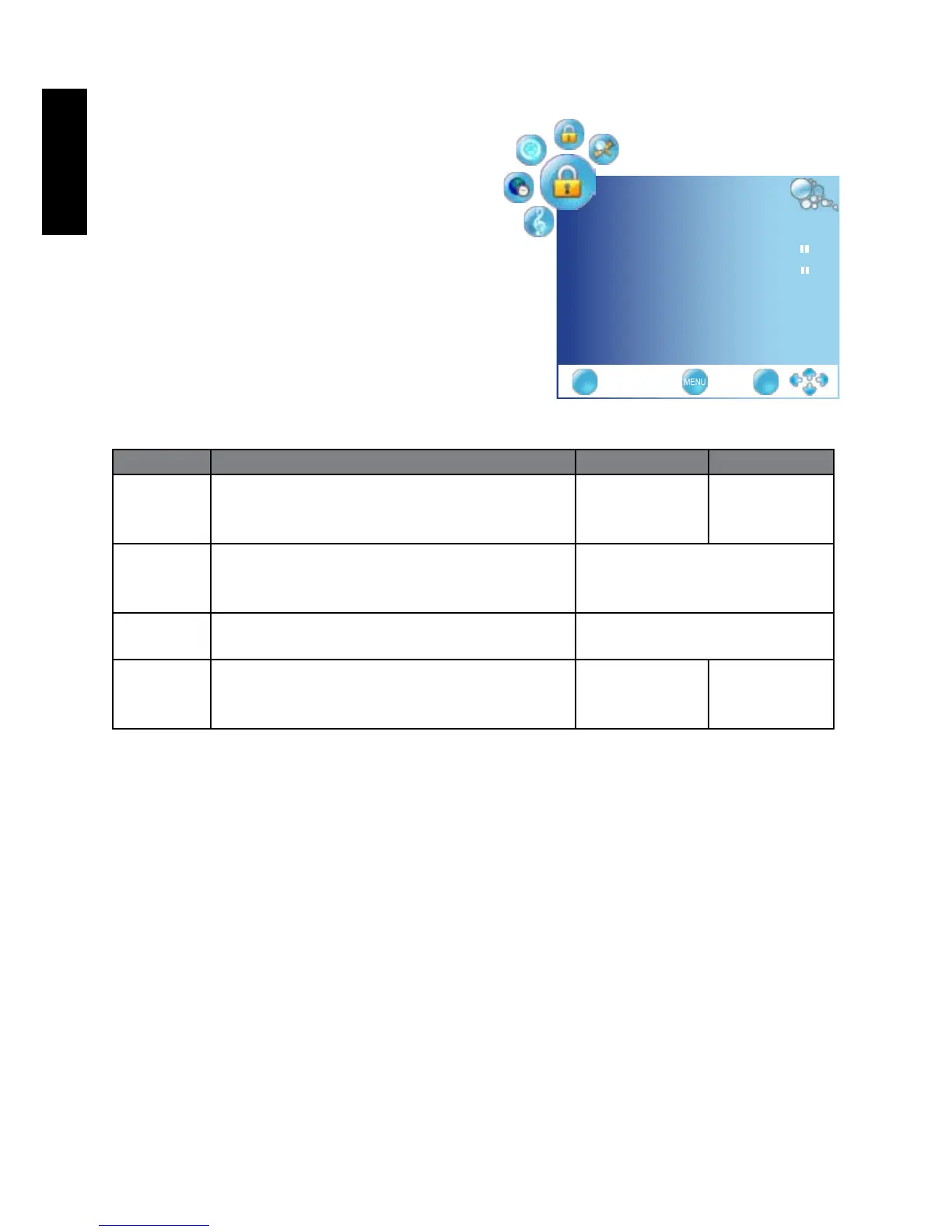
LOCK menu
The available menu items are
dependent on the input source being
selected.
The illustration is for reference only.
Use the function, must enter a
four-digit password. The factory
passwordis0000
Item Function Operation Range
Lock
System
Selects to activate the TV Lock programs. Press
◄
or
►
to change
selection
• On
• Off
Set
Password
Allows to set the password.
Use the function, must enter a four-digit
password. The factory password is 0000
Press OK to enter.
Block
Program
Selects to setup the TV Program Lock
options.
Press OK to enter.
Parental
Guidance
Allows to setup the TV Parental Guidance. Press
◄
or
►
to change
selection
4 to 18 year
olds, off
LOCK
LockSystem off◄►
SetPassword ►
BlockProgram ►
ParentalGuidance off◄►
EXIT OK



 To Next Page