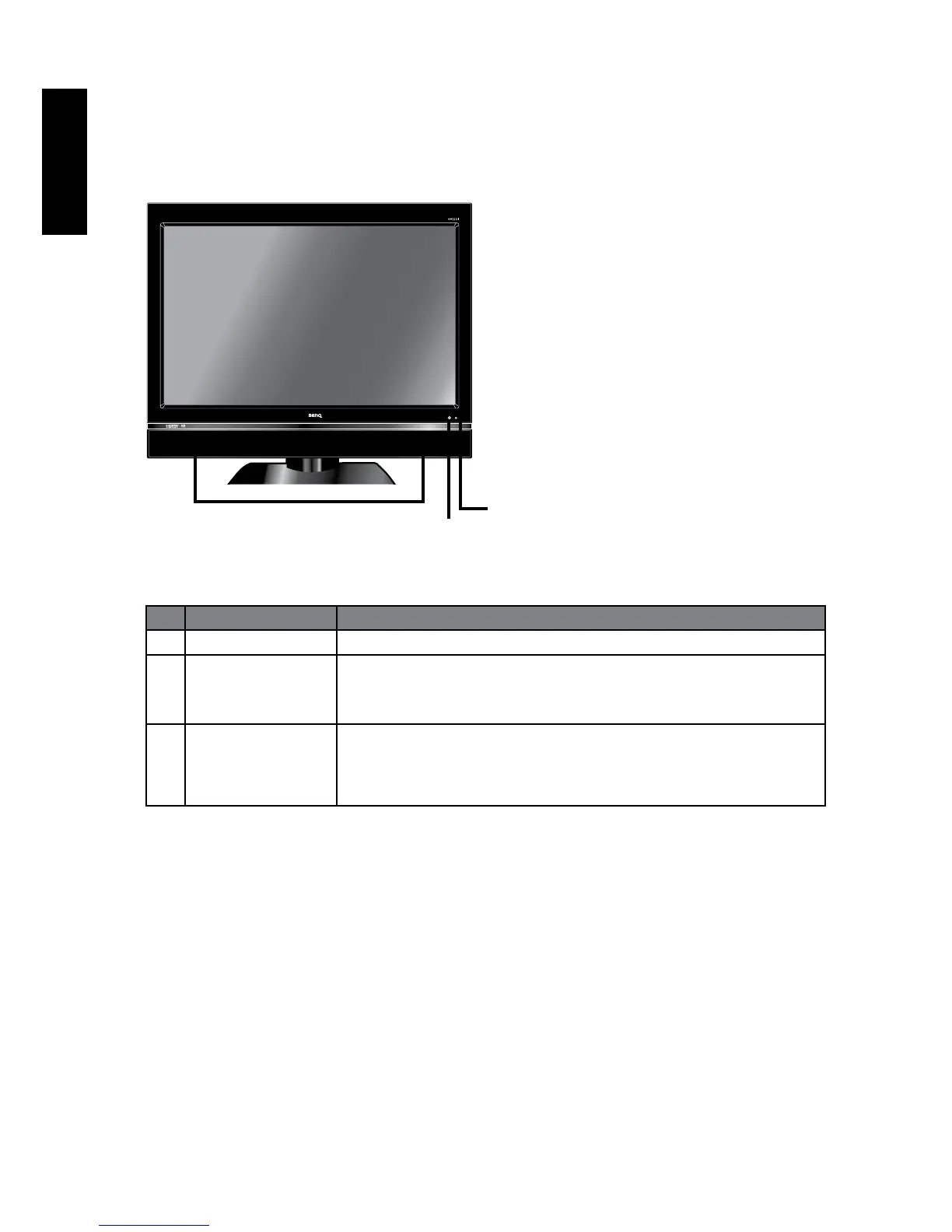
Getting to know your display
Front view
No. Name Description
1 Speakers Left and right speakers for reproducing stereo audio.
2 Remote control
sensor window
Receives command signals from the remote control. Do not
obstruct the sensor by placing any objects in front of it,
which will hinder the reception of signals.
3 Power
indicator
Lights up blue when the display is powered on
Lights up red when the display is in standby mode.
Off when the display is powered off
1
3
2



 To Next Page