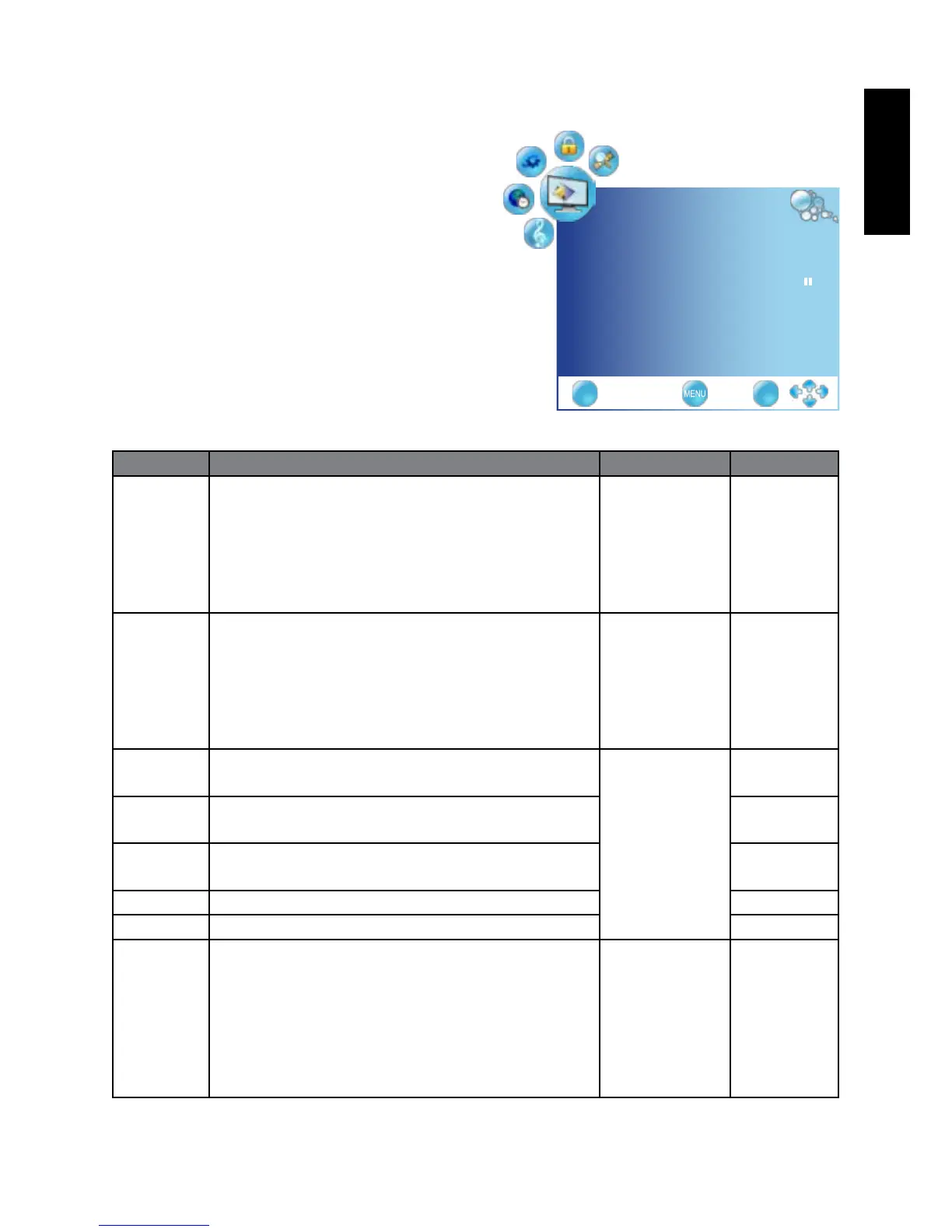
PICTURE menu
The available menu items are
dependent on the input source
being selected.
The illustration is for reference
only.
Item Function Operation Range
Picture
Mode
Provides complete preferred setups adjusted for
color, contrast, brightness and sharpness to suit
various viewing situations.
If User is selected, you can customize individual
picture setting to your satisfaction: Contrast,
Brightness, Saturation, Sharpness, and Tint.
Press
◄
or
►
to change
selection.
Standard
Dynamic
Mild
User
Aspect
Ratio
Selects through Wide mode settings . Press OK,
use
◄
or
►
to change
selection
Panorama
Auto
4:3
16:9
ZOOM1
ZOOM2
Contrast Adjusts image white level so that whites do not
wash out surrounding colors.
Press
◄
or
►
to change
selection.
0 to 100
Brightness Adjusts image black level, so that detail in the
dark areas of an image can be seen.
0 to 100
Tint Controls the difference between the green and
red regions of the picture.
0 to 100
Saturation Adjusts image color intensity. 0 to 100
Sharpness Adjusts image sharpness level. 0 to 100
Color
TEMP.
Adjusts color components independently to
achieve a warm or cool effect: Cool/Warm/User
Warm: Increases red tint
Cool: Increases blue tint
Nature: Increases nature tint
User: Allows the user to adjust red, green and
blue color component levels independently
Press OK,
use
◄
or
►
to change
selection
Warm
Nature
Cool
User
PICTURE
PictureMode User ◄►
AspectRatio Panorama ◄►
ColorTemperature ►
NoiseReduction low ◄►
EXIT OK



 To Next Page