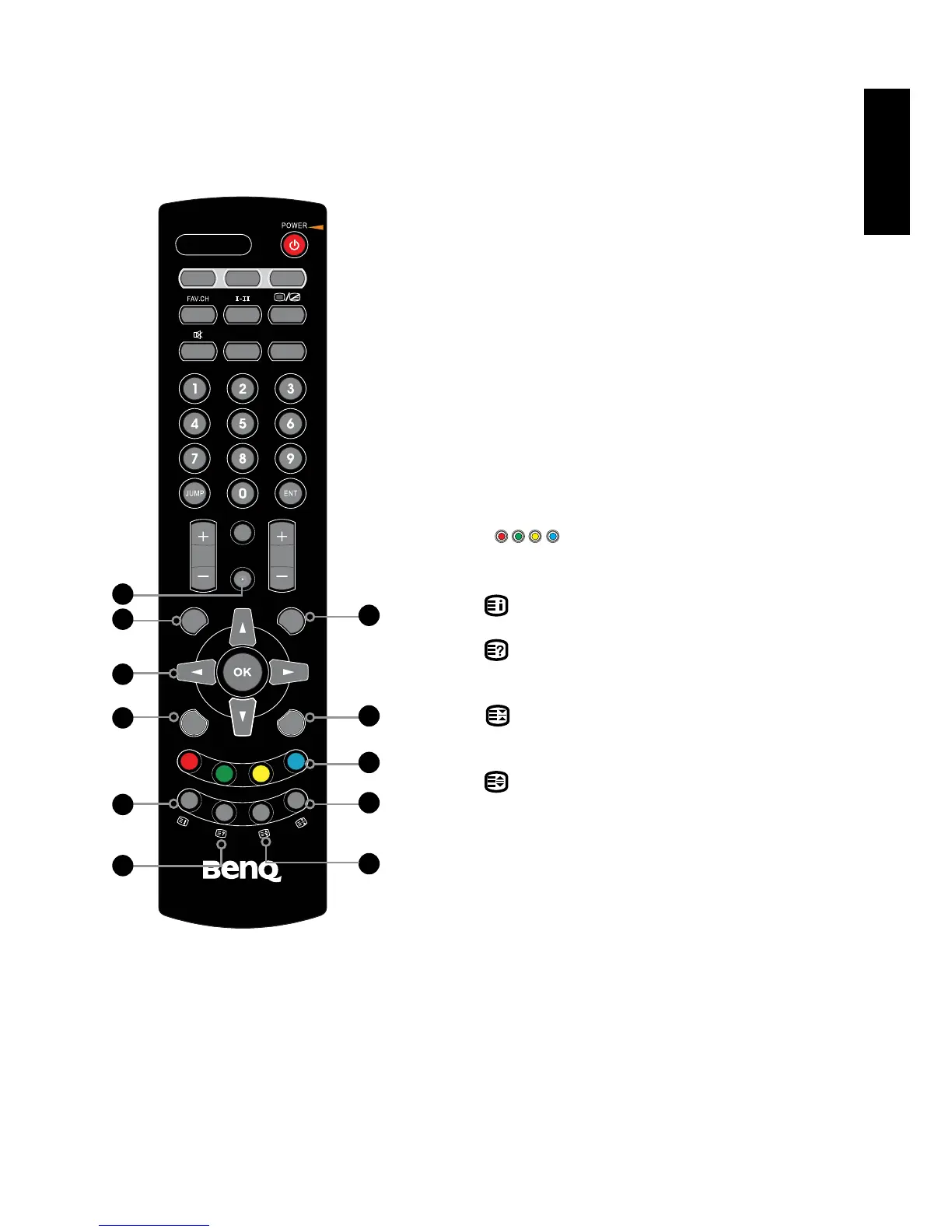
16.INPUT
Pressing INPUT displays the source list, use
to select the video equipment connected to
the video inputs of your LCD TV :DTV/TV/
VIDEO1(AV)/VIDEO2(S-VIDEO)VIDEO3(YPbPr)/
VIDEO4(SCART)/VIDEO5(HDMI)/PC(VGA)
17.EXIT
Exits the OSD menu.
18.MENU
Displays the OSD menu on the screen.
19.
▲▼◄►
,OK
Cycles through OSD options and
selects individual menu items. OK conrms
option settings.
20.S.MODE
Selects sound effect options: Standard, Music,
Rock, Live, Surround, and User
21.P.MODE
Selects picture mode: Dynamic, Standard, Mild
and User
22.
Press the appropriate colour to direct access
the colour page.
23.
Displays the main index in TELETEXT mode.
24.
Reveals hidden information such as the answer
to a quiz in TELETEXT mode.
25.
Freezes a multi-page passage on screen in
TELETEXT mode.
26.
Displays the top, bottom or all of page, to easily
read in TELETEXT mode.



 To Next Page