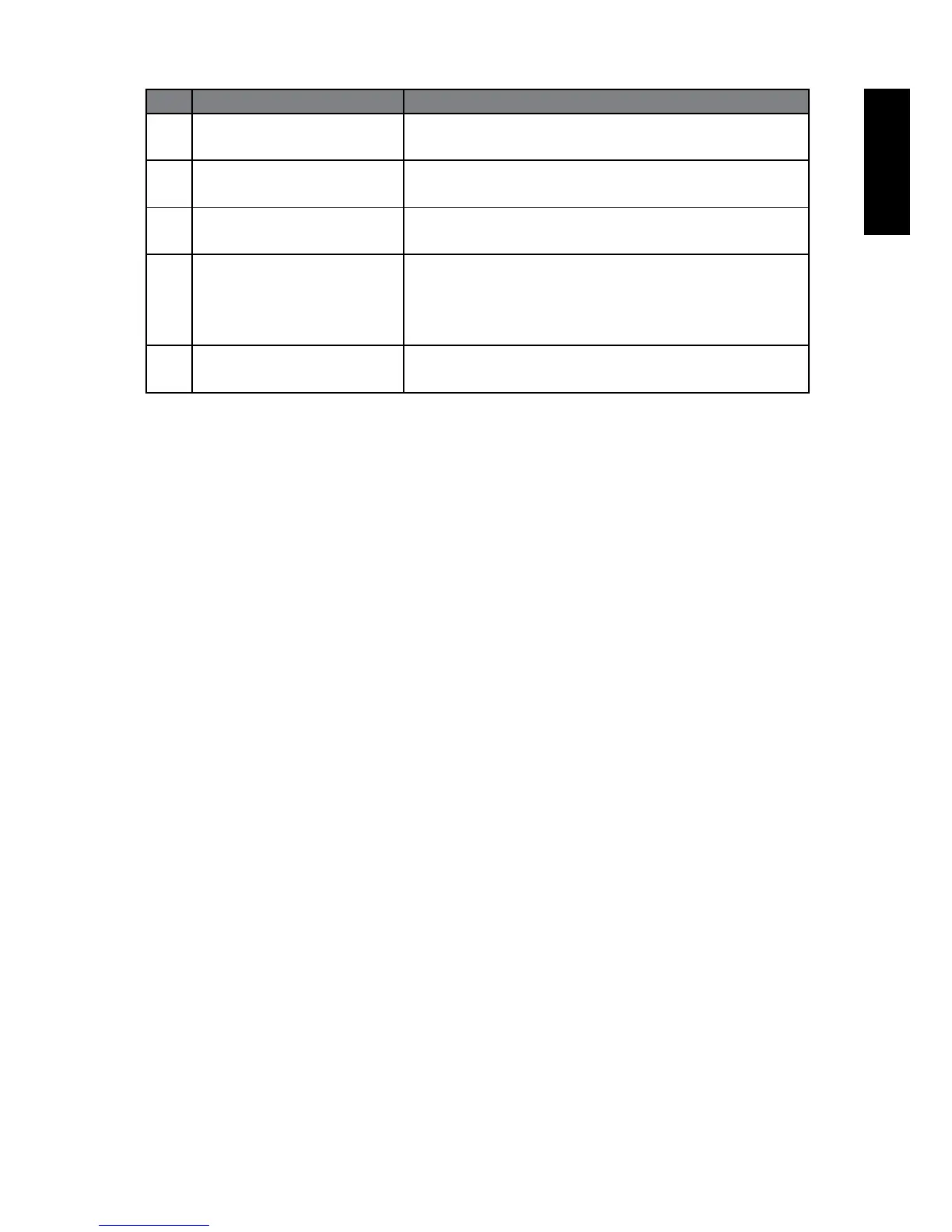
No. Name Description
5 COAXIAL Connect to the audio input of external speakers
or a subwoofer amplier.
6 VGA LINE IN Connect to the audio output to match that of the
VGA video output on a PC.
7 VGA IN Connect to the VGA video (D-Sub) output of a
PC.
8 SCART Connect to external equipment with scart socket.
This scart input allows audio and CVBS/YC/
RGB+CVBS.RGB,S-VIDEO from an external
devise to be shown on your TV.
9 AC IN/Power Switch For connecting the AC power cable.



 To Next Page