Operation BERGHOF Automation
42 DC1000_HB_en_2D0982003ZD00.doc 2VF100108FE01.doc
3.3.1. Using the Service Menu
Touch screen In DIALOG CONTROLLERs with a built-in touch screen, the service menu can be
operated directly via screen input.
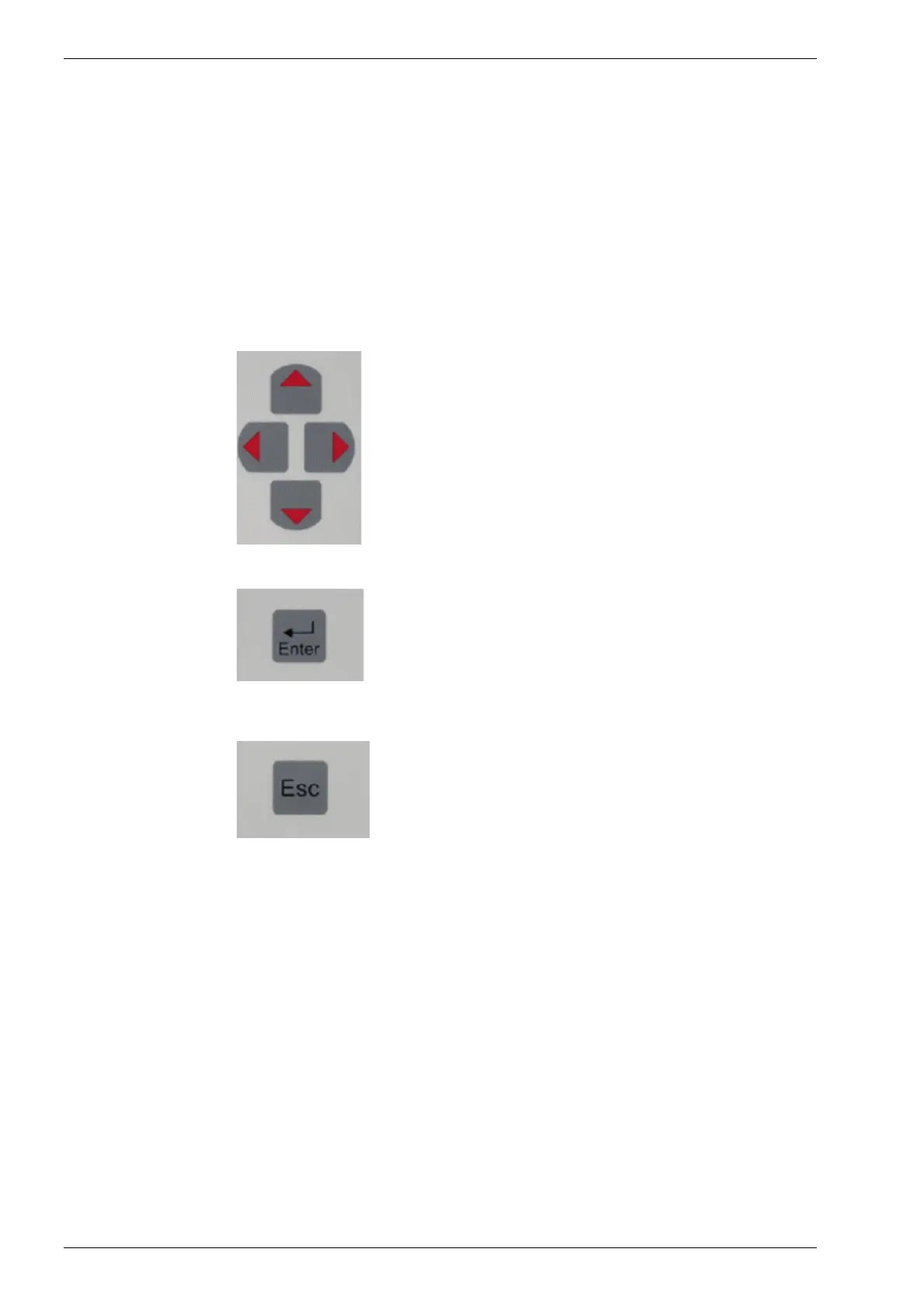
Keyboard If the DIALOG CONTROLLER is equipped with a keyboard, the following keys are
used to operate the service menu:
Cursor block
The cursor block is used to navigate between the individ-
ual menu items on a given menu level.
[Enter] key
The [Enter] key is used to confirm an input.
If a submenu permits values to be modified, this modifica-
tion is performed with the [Enter] key.
The [+] / [-] keys do not function in the service menu.
However, using the cursor block, you can navigate to a
“+/-” symbol displayed on the screen, then use the [Enter]
key to either increment or decrement the associated value.
[Esc] key
The [Esc] key is used to exit a menu without saving any
changes which may have been made.



 To Next Page