BERGHOF Automation Operation
2VF100108FE01.doc DC1000_HB_en_2D0982003ZD00.doc 41
3.3. Service Menu
Functional scope The DIALOG CONTROLLER’s service menu allows the user to define and exam-
ine device and communications parameters as well as device states. It also repre-
sents a valuable service and commissioning aid. The service menu thus permits
setting definition at the Ethernet interface and diagnostics functions in case of er-
rors to be simplified and accelerated.
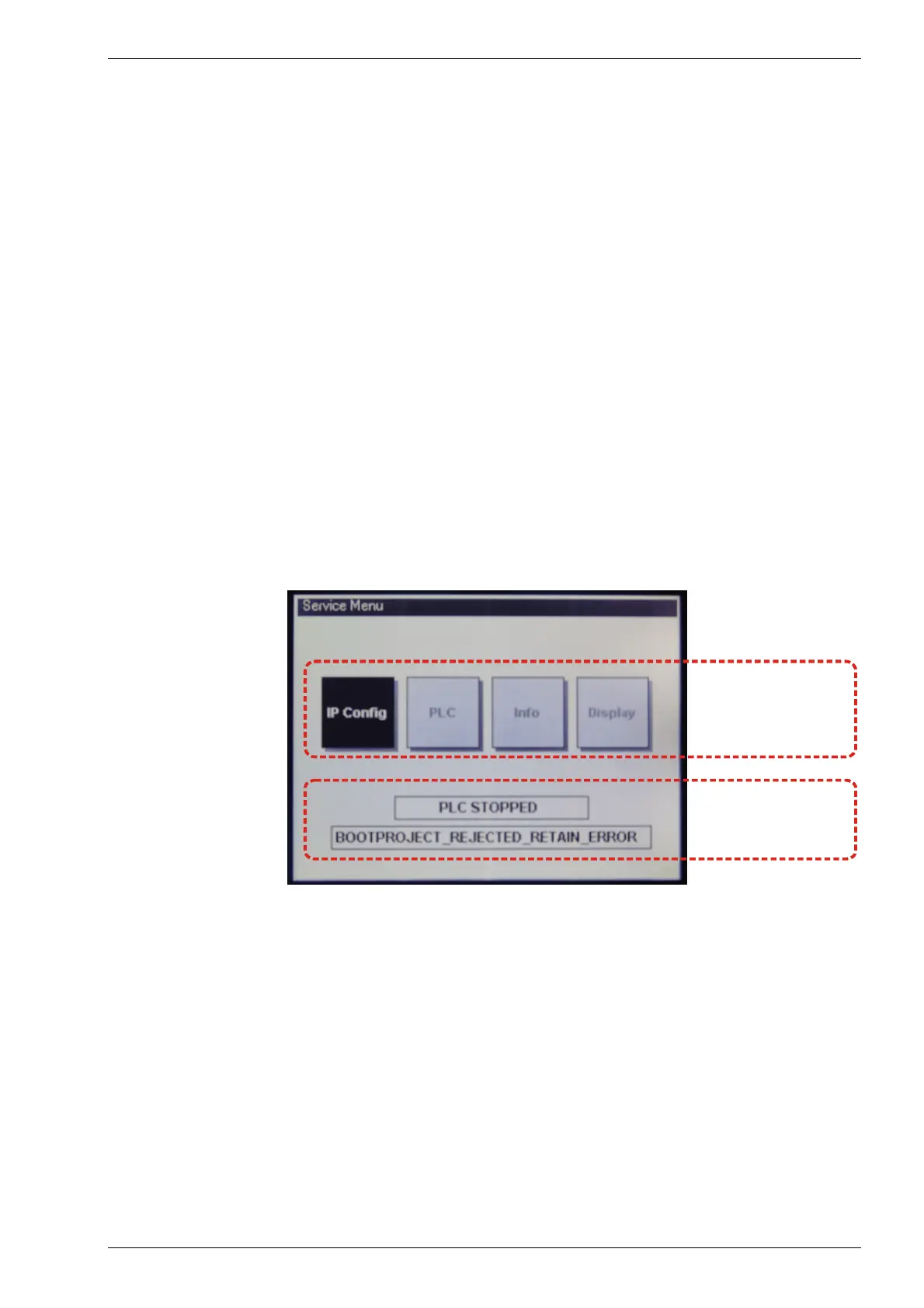
Basic structure The service menu has a two-part structure.
Parameter window The following four menu items are displayed here:
• IP Config
• PLC
• Info
• Display
Each menu item can contain additional subject-related submenu items.
PLC window Up to two lines reflecting the current PLC status can be displayed. Line 1 will
always be visible, while line 2 will only appear when an error occurs.
2VF100273DG00.cdr
Parameter-Fenster
Parameter window
PLC-Fenster
PLC window



 To Next Page