Operation BERGHOF Automation
48 DC1000_HB_en_2D0982003ZD00.doc 2VF100108FE01.doc
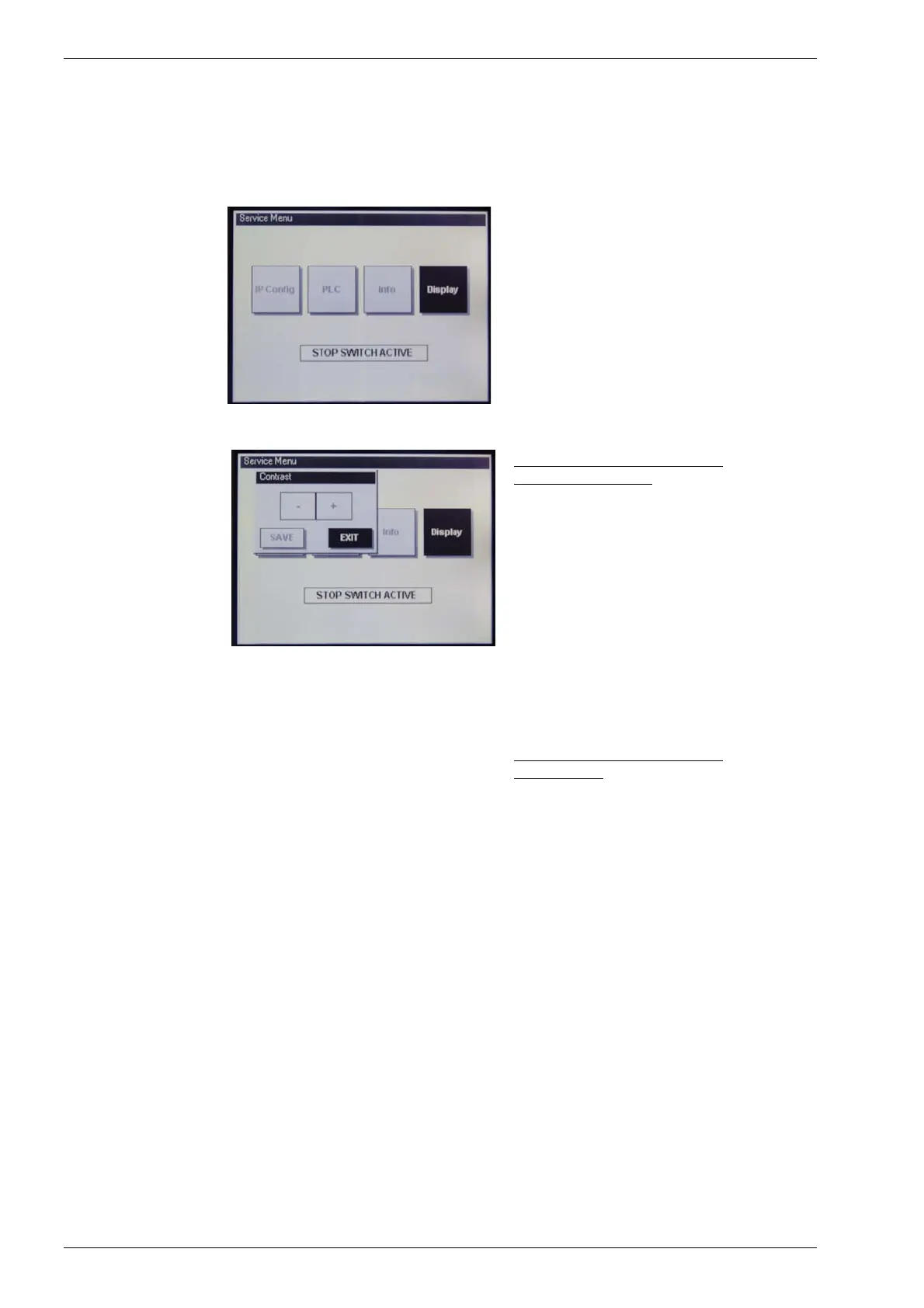
“Display” service menu
Display
Status display or contrast and backlighting
adjustment.
Display “Contrast”
DIALOG CONTROLLERs with
STN/CSTN displays
The “+/-” keys can be used to adjust the
contrast.
Changes are applied immediately and will
remain in effect until the next restart, even
if you leave the menu with the “EXIT” but-
ton.
The “Save” button is used to save the
new contrast setting.
The “EXIT” button allows you to leave the
menu without saving any changes which
may have been made (although such
changes will remain in effect until the next
restart).
DIALOG CONTROLLERs with
TFT displays
The backlight brightness can be adjusted
in 10 increments.
The procedure is the same as for contrast
adjustment.



 To Next Page