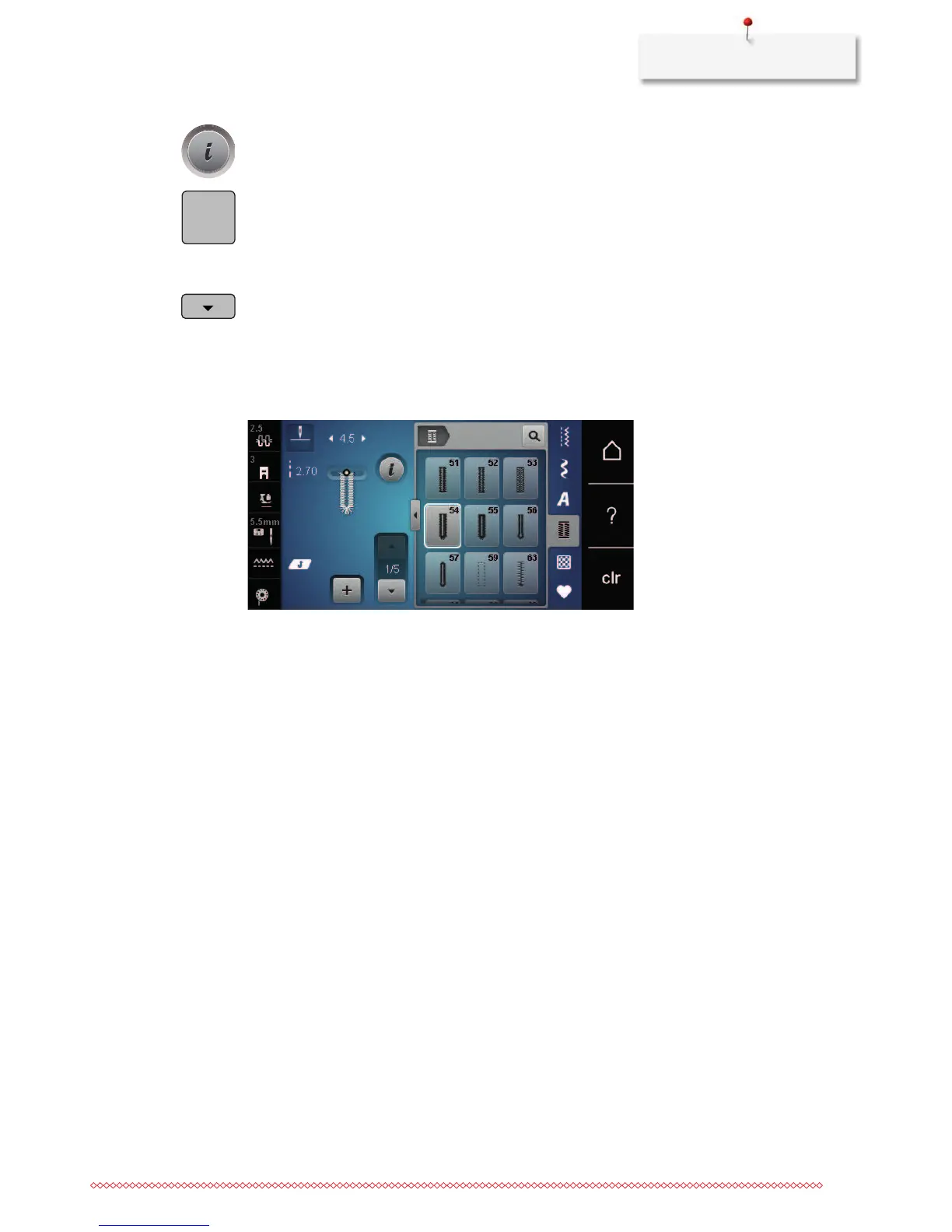
> Touch the icon «Adjust the length manually».
– Step 1 the display is activated for the buttonhole start.
> Sew the desired buttonhole length.
– Step 2 is activated.
> Stop sewing at the desired length of the bead or at the marking.
> Touch the icon «Scroll down» so that step 3 appears.
> The machine sews the eye or the keyhole and stops automatically.
> Touch the icon «Scroll down» so that step 4 appears.
– The machine sews the second bead in reverse.
> Stop the machine at the first stitch where the buttonhole starts.
> Touch the icon «Scroll down» so that step 5 appears.
– The machine sews the upper bartack and secures automatically.










 To Next Page