Creative sewing
67
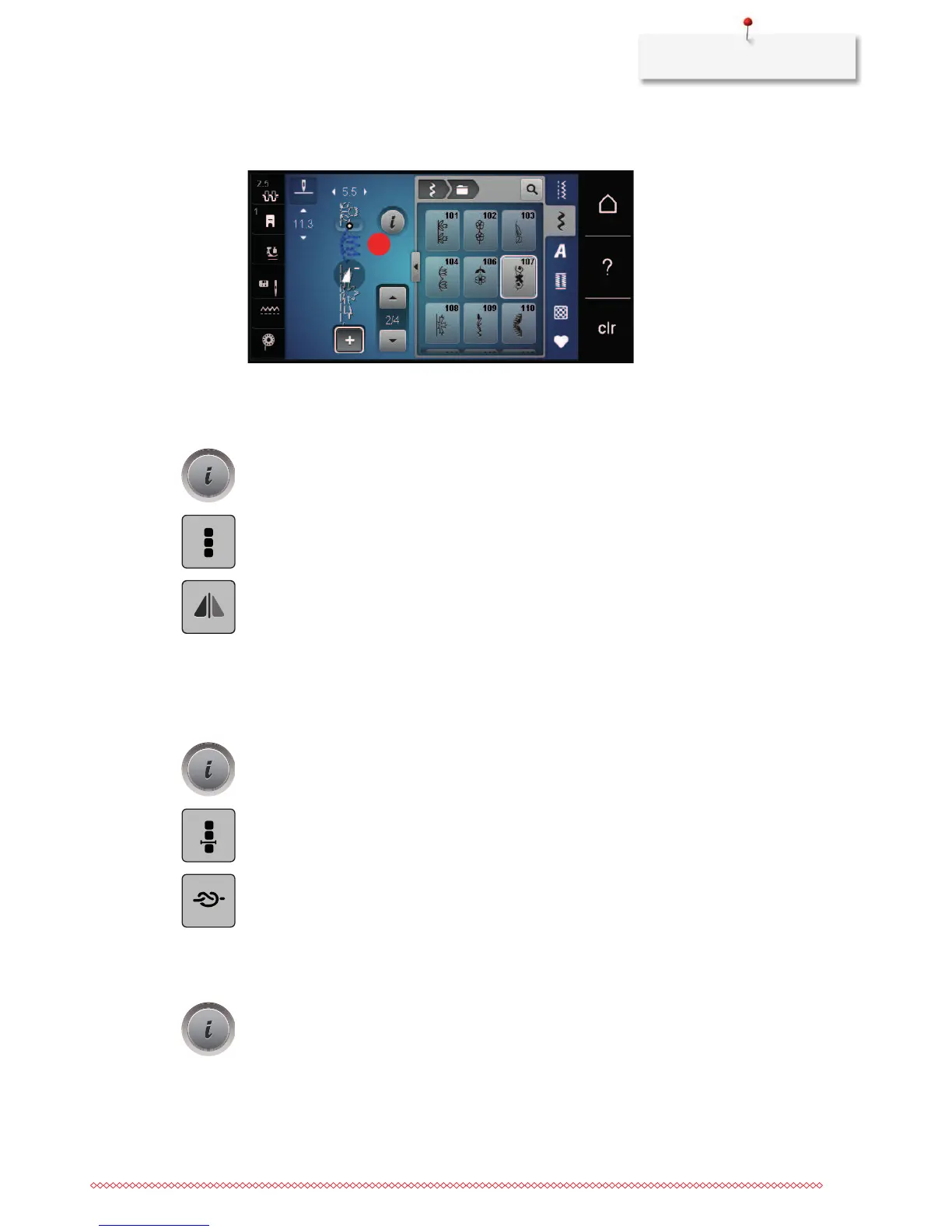
> With the touchscreen pen/finger touch the desired position (1) within the stitch pattern combination to
select a single stitch pattern.
> Select a new stitch pattern.
Mirroring a stitch pattern combination
> Create a stitch pattern combination.
> Touch the icon «i»-Dialog.
> Touch the icon «Edit the whole combination».
> Touch the icon «Mirror image left/right» to mirror the whole stitch pattern combination from the left to
the right.
> Touch the icon «Mirror image left/right» again to reset the alterations to default setting.
Securing a stitch pattern combination
> Create a stitch pattern combination.
> With the touchscreen pen/finger select the desired position within the stitch pattern combination where
the stitch pattern combination is to be secured.
> Touch the icon «i»-Dialog.
> Touch the icon «Edit combination at cursor position».
> Touch the icon «Securing».
– Every single pattern of the stitch pattern combination can be secured at the start or at the end.
Programming pattern repeat
> Create a stitch pattern combination.
> Touch the icon «i»-Dialog.










 To Next Page