KB (E4 + E6) 02/2017 page 101/148
16.1 Defining the display range
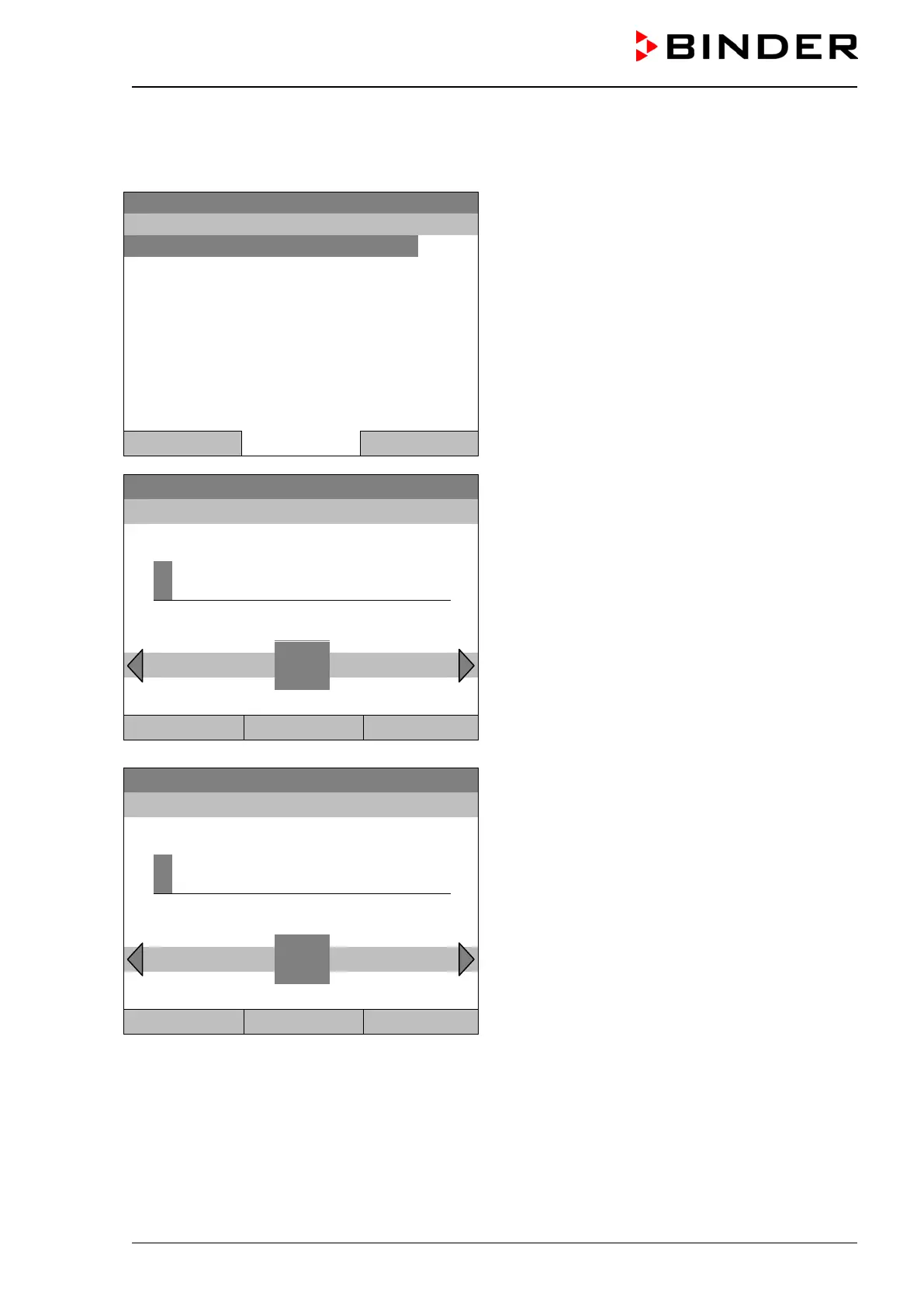
To define the sampling rate, go to Menu > Measurement chart > Settings > Display range
08.03.2015 05:05:06
Submenu “Display range”
(The “Object temperature” menu item is visible only
with optional chamber equipment)
Select the desired parameter
and press the operating button.
Close Home
Fixed value
08.03.2015 05:05:06
Entry menu “Enter minimum value”.
Enter the desired value for temperature with the
operating button and press the operating button to
confirm.
..\ Enter minimum value
2
Pos1 End Ok 0 1 3 4 5 6 7 8 9 . -
Close Ok Home
08.03.2015 05:05:06
Entry menu “Enter maximum value”.
Enter the desired value for temperature with the
operating button and press the operating button to
confirm.
4
End Ok 0 1 2 3 5 6 7 8 9 . - Del
Close Ok Home
You can now define the view range of other parameters or press the “Close” button twice to go back to
the graphic display.







 To Next Page