KB (E4 + E6) 02/2017 page 50/148
9.3.4 Repeating one or several sections within a time program
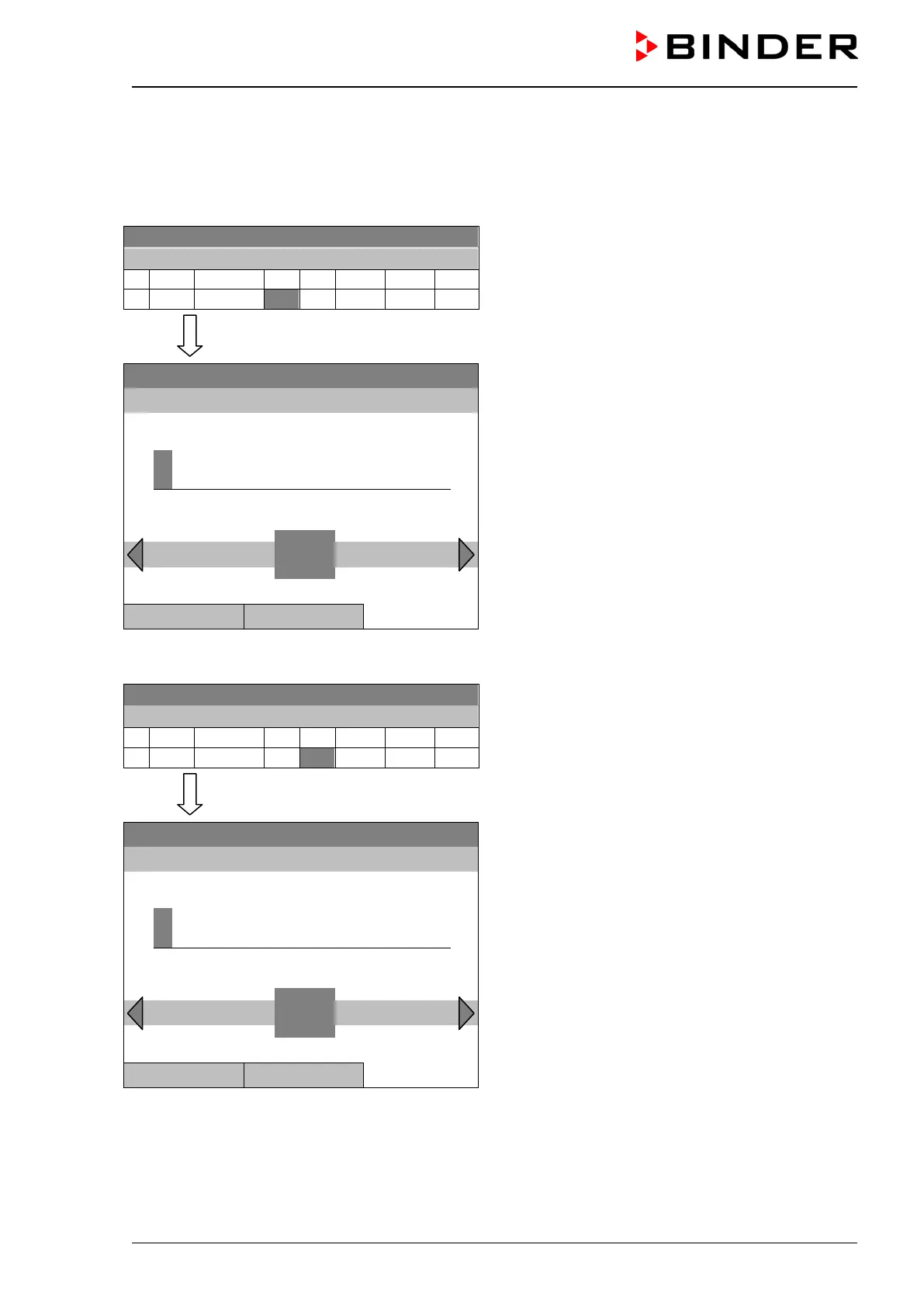
Enter the number of the target section, which shall be the start of the repeat cycle, under “Ref.” and the
number of repeats under “Rep.”. To have sections repeated infinitely enter the number of cycles “Rep.” as
“-1”.
08.03.2015 05:05:06
Time program editor.
Select a value under “Ref.”
and press the operating button.
..\ Temperature controller
Fixed value
08.03.2015 05:05:06
Entry menu “Reference section”.
Enter the target section number of the repeat cycle
with the operating button.
Press the “Ok” button to confirm.
..\ Reference section
1
Pos1 End Ok 0
2 3 4 5 6 7 8 9 ,
Close Ok
Continue to enter the number of repeats:
08.03.2015 05:05:06
Time program editor.
Select a value under “Rep.”
and press the operating button.
..\ Temperature controller
Fixed value
08.03.2015 05:05:06
Entry menu “Number of repeats”.
Enter the desired number of repeats with the operat-
ing button.
Press the “Ok” button to confirm.
..\ Number of repeats
0
Del Pos1 End Ok
Close Ok







 To Next Page