KB (E4 + E6) 02/2017 page 67/148
10.3 Creating a new week program
A week program permits defining up to 30 sections for the whole week. These sections function as shift
points. A shift-point is characterized by its time, temperature value, and state (active / inactive). With a
running week program, the temperature of the currently active shift point is maintained until the moment
of the next active shift point with its new temperature set-point.
Example:
No. Value Day H:M:S Activity
1 35.00 Monday 08:00:00 Active
2 40.00 Monday 10:00:00 Active
3 35.00 Monday 18:00:00 Active
4 10.00 Monday 20:00:00 Active
5 35.00 Tuesday 08:00:00 Active
... ... ... ... ...
Programming is saved in case of a power failure or after turning off the chamber.
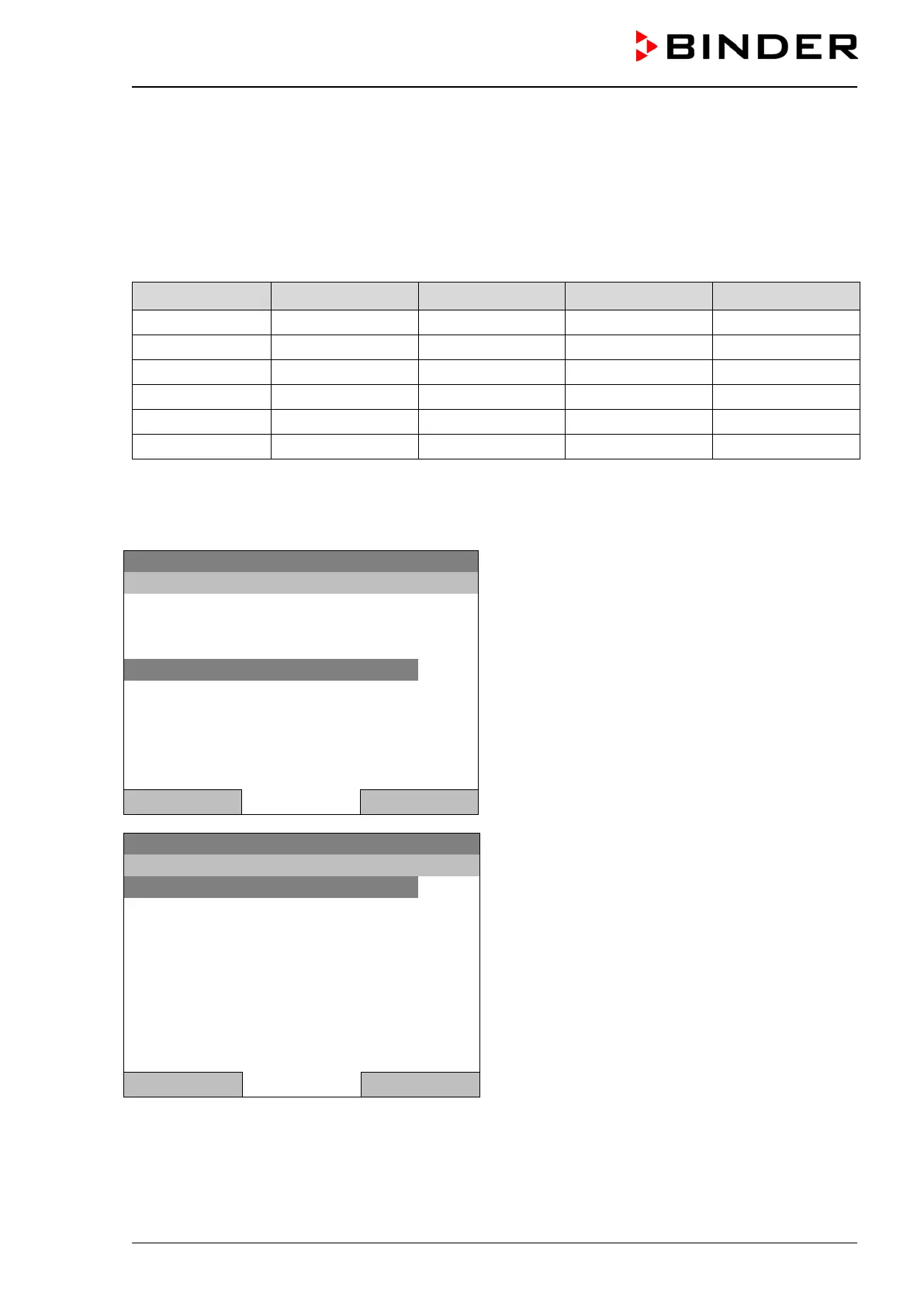
To enter a new week program, go to Menu > Programs > Week program > Create
08.03.2015 05:05:06
Submenu “Week program”.
Select “Create"
and press the operating button.
..\ Programs\Week programs
Close Home
08.03.2015 05:05:06
Submenu “Create new program”.
Select “New", to create an entirely new program, or
“Based on”, to use an existing program for further
editing
and press the operating button.
Close Home







 To Next Page