KB (E4 + E6) 02/2017 page 95/148
14.4 Confirming a “set” alarm
08.03.2015 15:05:02
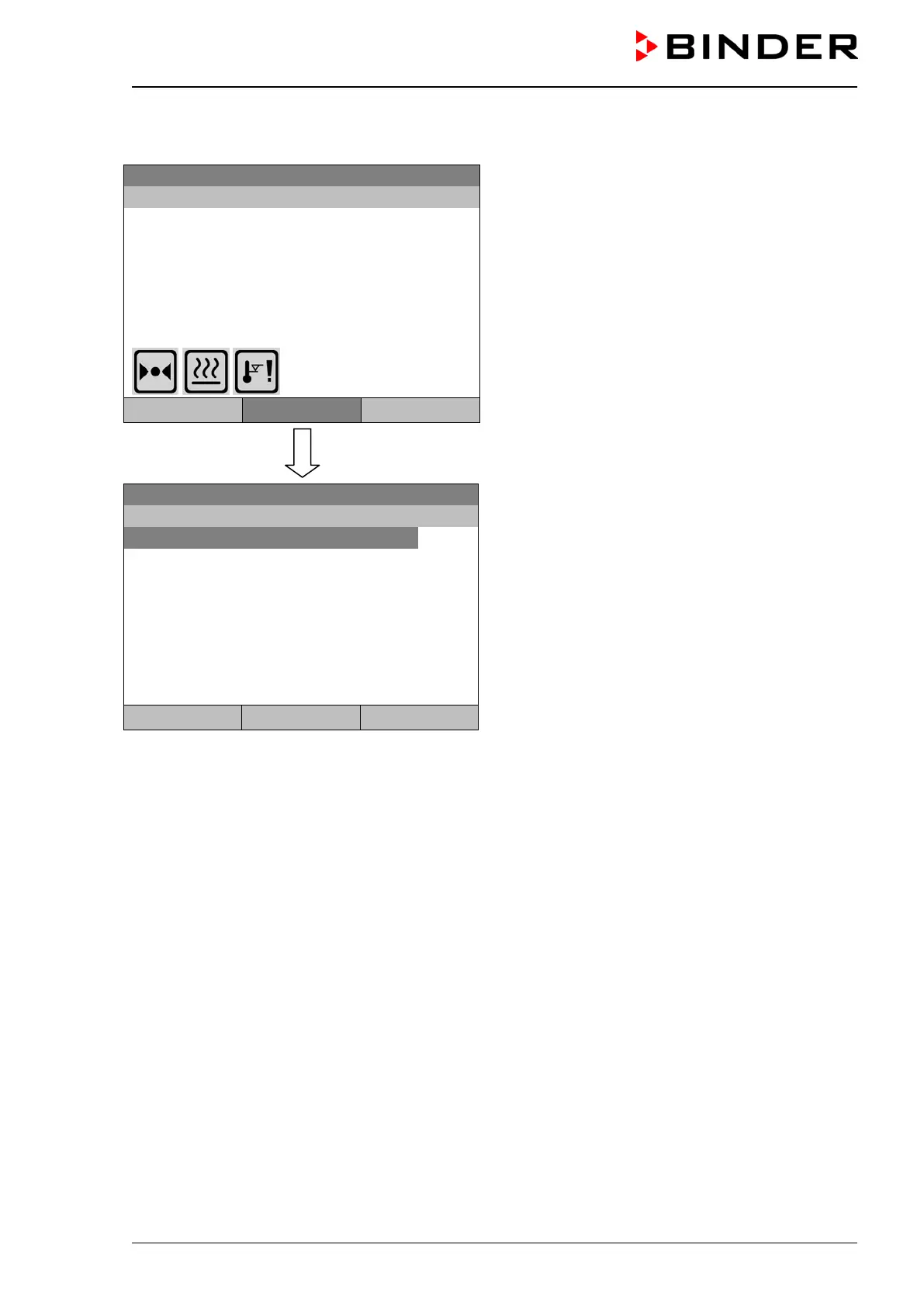
Initial view with overtemperature safety controller
alarm.
The buzzer sounds (if not deactivated previously).
Press the “Info” button.
Temperature [°C]
Fan [%]
User
Info
Menu
08.03.2015 05:05:06
Submenu “Alarms” for alarm acknowledgement.
Safety controller overtemperature
Close Reset Home
The initial view is displayed. The alarm is still active, therefore the alarm icon continues to be shown. The
buzzer is off.
If there is another active alarm, you can press the “Info” button again and also confirm the alarm with the
“Reset” button.
The following alarm messages may appear in the “Alarm list”:







 To Next Page