KB (E4 + E6) 02/2017 page 36/148
8. Set-point entry in “Fixed value” operating mode
8.1 Setting ranges:
Temperature 4 °C / 23 °F up to +100 °C / 212 °F
Fan speed
40 % up to 100 % (full speed).
Reduce the fan speed only if required, because the spatial distribution of temperature
will also be reduced.
Technical data refers to 100% fan speed.
When you changed the temperature set-point, check the setting of the overtemperature safety
controller class 3.1 (chap. 17.2) or the over-/undertemperature safety controller class 3.3 (op-
tion, chap. 17.3).
With set-point type “Limit”, adapt the safety controller always when changing the temperature
set-point.
8.2 Entering the set-points via “quick menu”
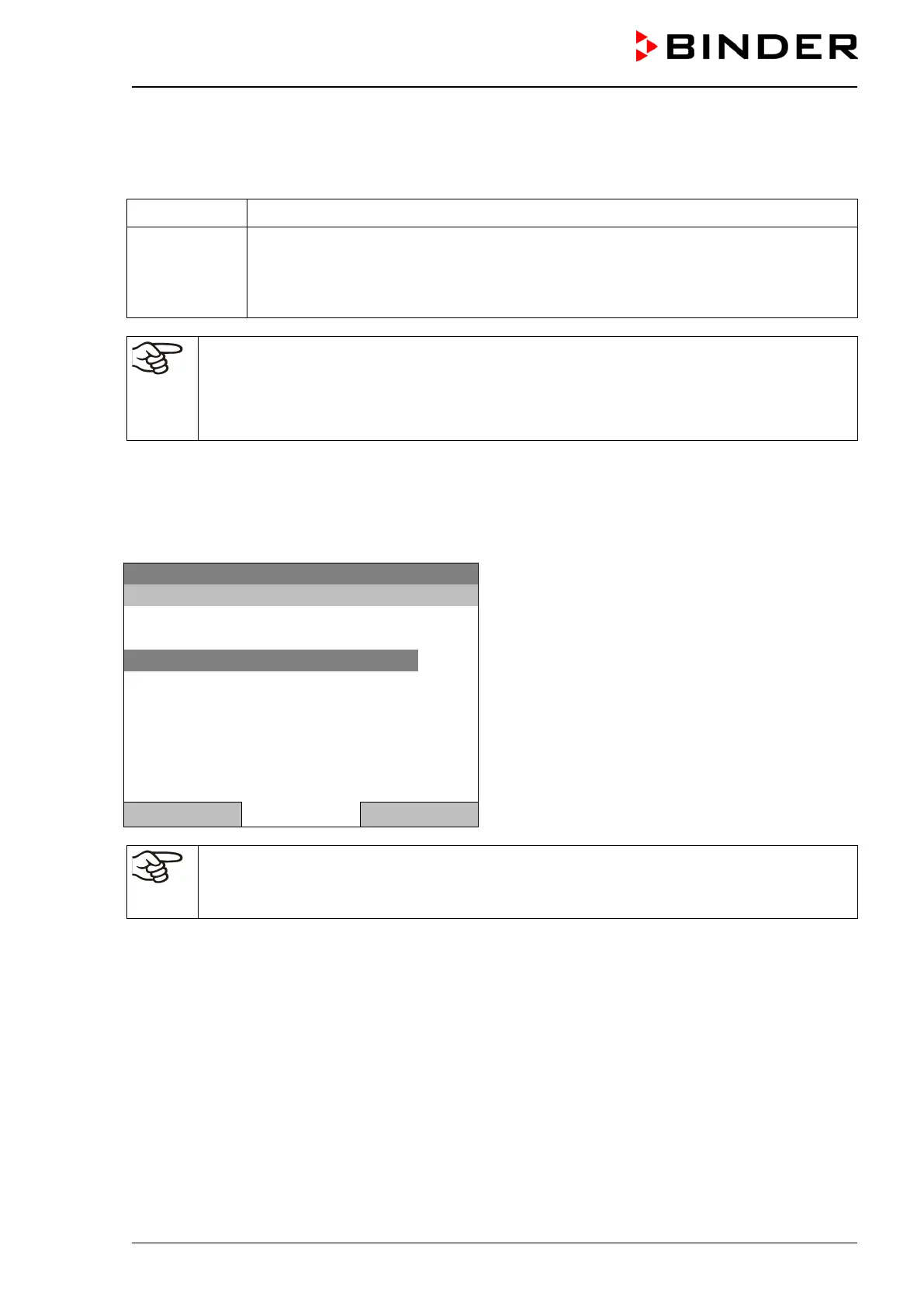
To enter set-points via quick menu, go to Quick menu.
08.03.2015 05:05:06
“Quick menu”.
Select the desired parameter
and press the operating button.
Safety controller setpoint
Close Home
When trying to enter a setpoint in the „Controller off“ operating mode, a notification window
shows “Controller mode is OFF!”. Press the operating button to confirm with “Ok” and change
the operating mode to “Fixed value” (chap. 6.2.1).







 To Next Page