KB (E4 + E6) 02/2017 page 99/148
15. Event list
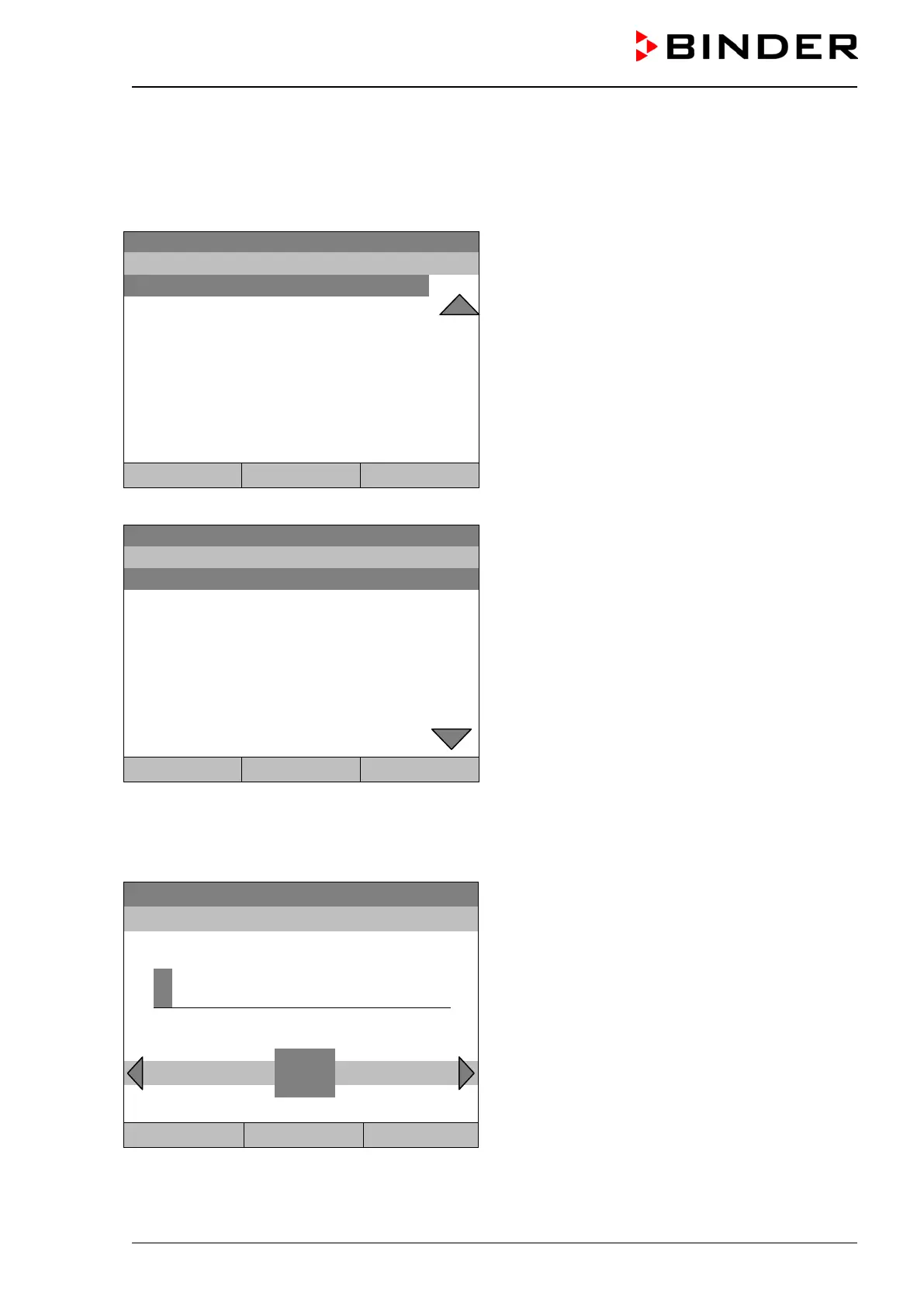
The “Event list” displays status information and errors of the current day. You can also access the events
of past days.
To access the event list, go to Menu > Event list or User > Show event list
08.03.2015 15:05:06
Submenu “Event list” (example).
The events of the current day are displayed. The
most recent message appears at the end of the list.
To acknowledge a “set” alarm, proceed as described
in chap. 14.4.
Power supply was interrupted.
Common controller mode OFF
Common controller mode ON
Close Reset Home
Turn the operating button to see additional data.
08.03.2015 15:05:06
Submenu “Event list” (example).
The events of the current day are displayed.
08.03.2015
Messages of indicated day
Close Reset Home
When there is more information than one page, you can scroll the event list in both directions with the
operating button.
To select a different date, select “Messages of indicated day” and press the operating button. You can
enter the desired date through an entry menu.
Fixed value
08.03.2015 05:05:06
Entry menu “Select date”.
The current date is shown. Enter the desired date
with the operating button.
Press the “Ok” button to confirm.
..\ Select date (DD.MM.YYYY)
0
Ins Pos1 End Ok
1 2 3 4 5 6 7 8 9
Close Ok Home
The event list of the selected date is displayed.







 To Next Page