KB (E4 + E6) 02/2017 page 63/148
10.1 Starting and running an existing week program
To start a week program, go to Menu > Programs > Week program > Start
(You can also go to Quick menu > Week program > Start , see below).
Starting is also possible directly from the program editor (chap. 10.3.8).
In the “Control off” mode or during a running time or week program, no week program can be
started.
08.03.2015 05:05:06
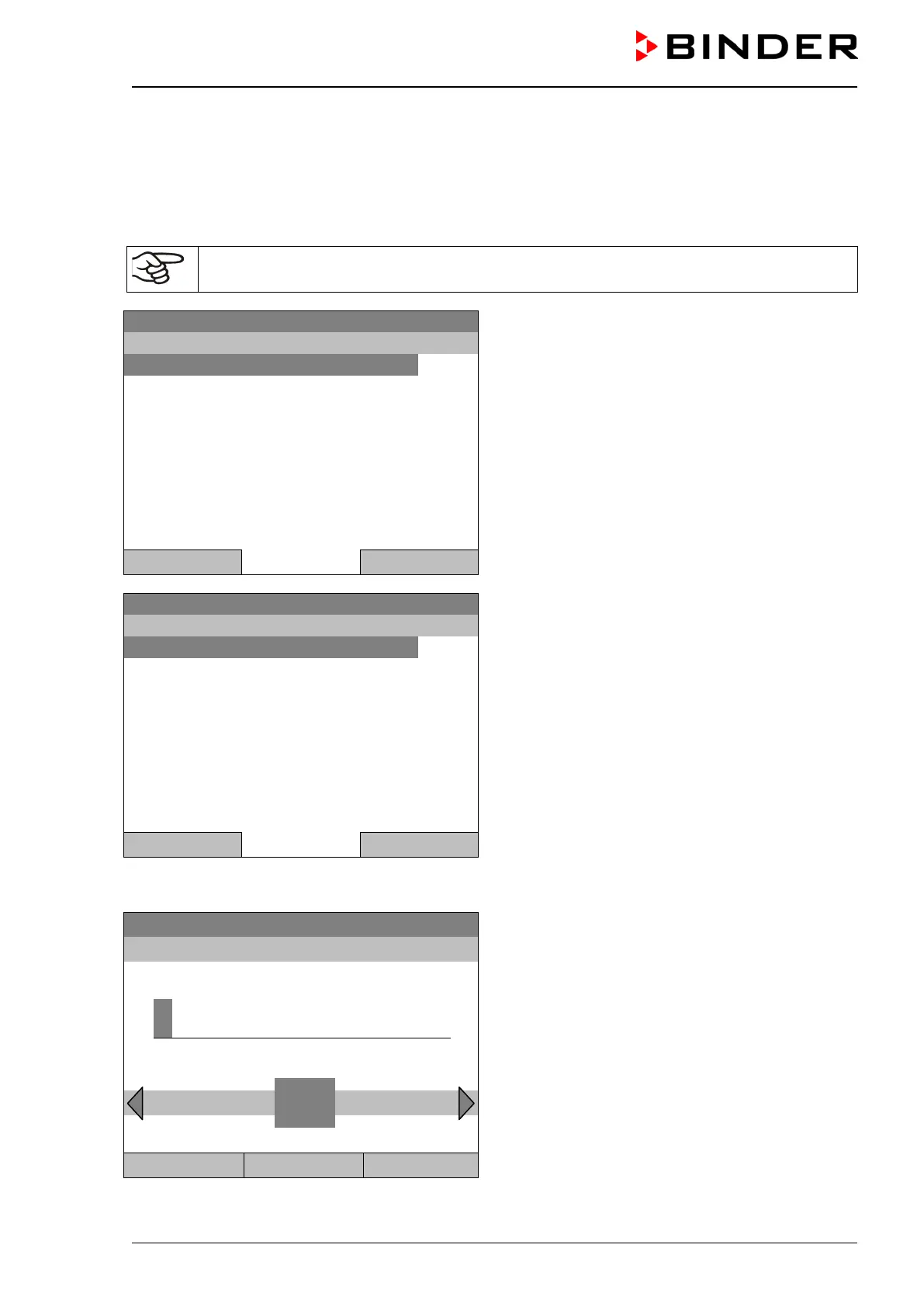
Submenu “Week Programs”.
Select “Start” to start an existing week program
and press the operating button
..\ Programs\Week Programs
Close Home
08.03.2015 05:05:06
Submenu “Select program” (example).
Select one of the programs
and press the operating button to run the program
Close Home
If no program has been created and saved so far, the message “No programs found” appears. Press the
operating button to confirm with “Ok” and enter a program with “Create”.
Fixed value
08.03.2015 05:05:06
Entry menu “Start date”.
The current date is shown. For a postponed start,
enter the desired start date with the operating but-
ton.
Press the “Ok” button to confirm.
..\ Start date (DD.MM.YYYY)
4
End Ok 0 1 2 3
5 6 7 8 9 , - Del
Close Ok Home







 To Next Page