KB (E4 + E6) 02/2017 page 43/148
Fixed value
08.03.2015 05:05:06
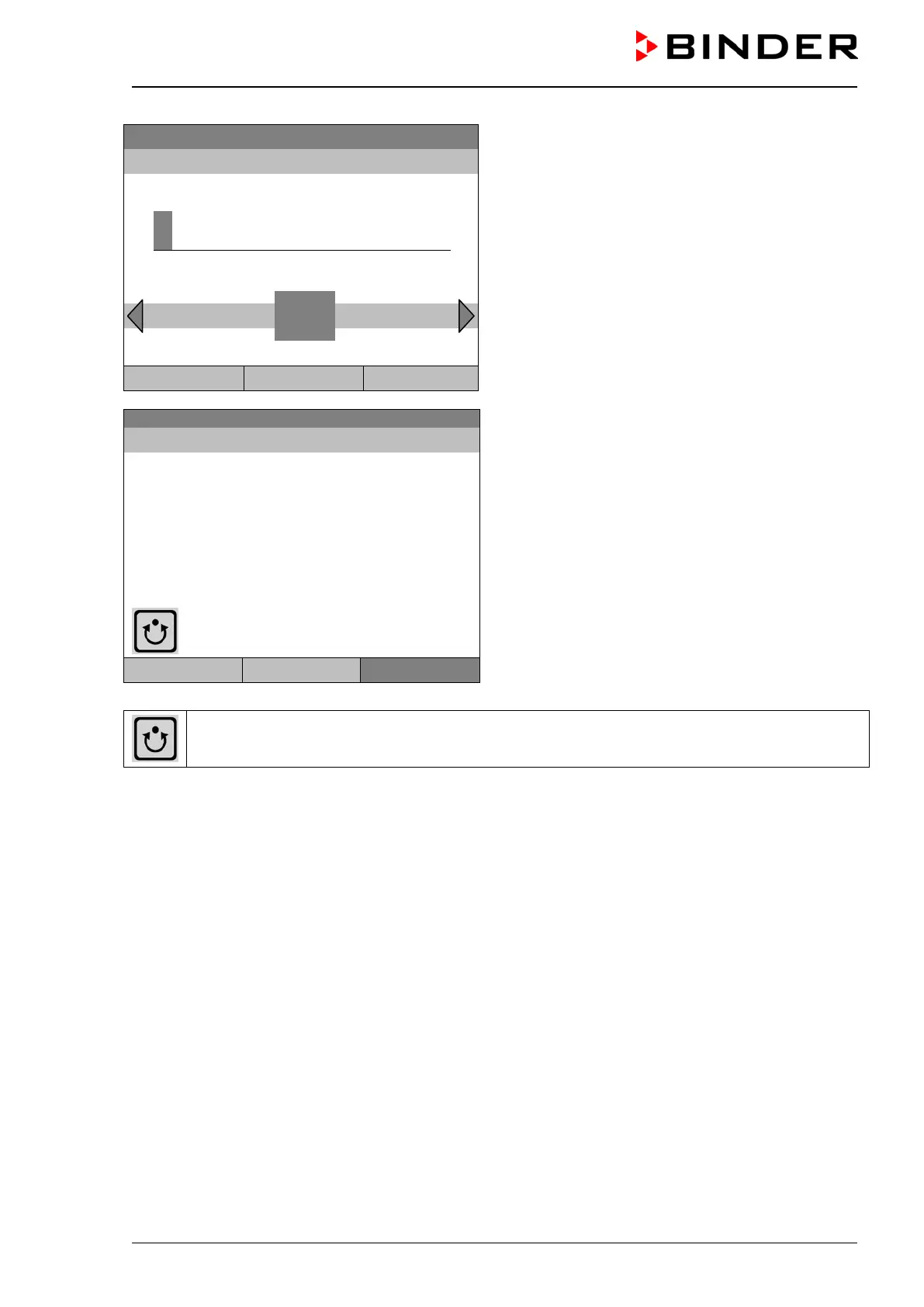
Entry menu “Start time”.
The current time plus 30 seconds is shown. For a
postponed start, enter the desired start time with the
operating button.
Press the “Ok” button to confirm.
..\ Start time (HH:MM:SS)
0
Ins Pos1 End
Close Ok Home
Initial view (example values).
The time program is running.
Program0001 Setpoint Actual value
Temperature [°C]
Section 20 End: 08.03.2015 08:07:44
Fan [%]
User Quick menu
Menu
This symbol on the controller display indicates that a time program is running.
During a running time program, it is impossible to edit, rename or delete this program (when selecting
such a function, a corresponding message is displayed). The other program functions are available.
During a running time program, no week program can be started.







 To Next Page