KB (E4 + E6) 02/2017 page 83/148
Function “Set date”
08.03.2015 05:05:06
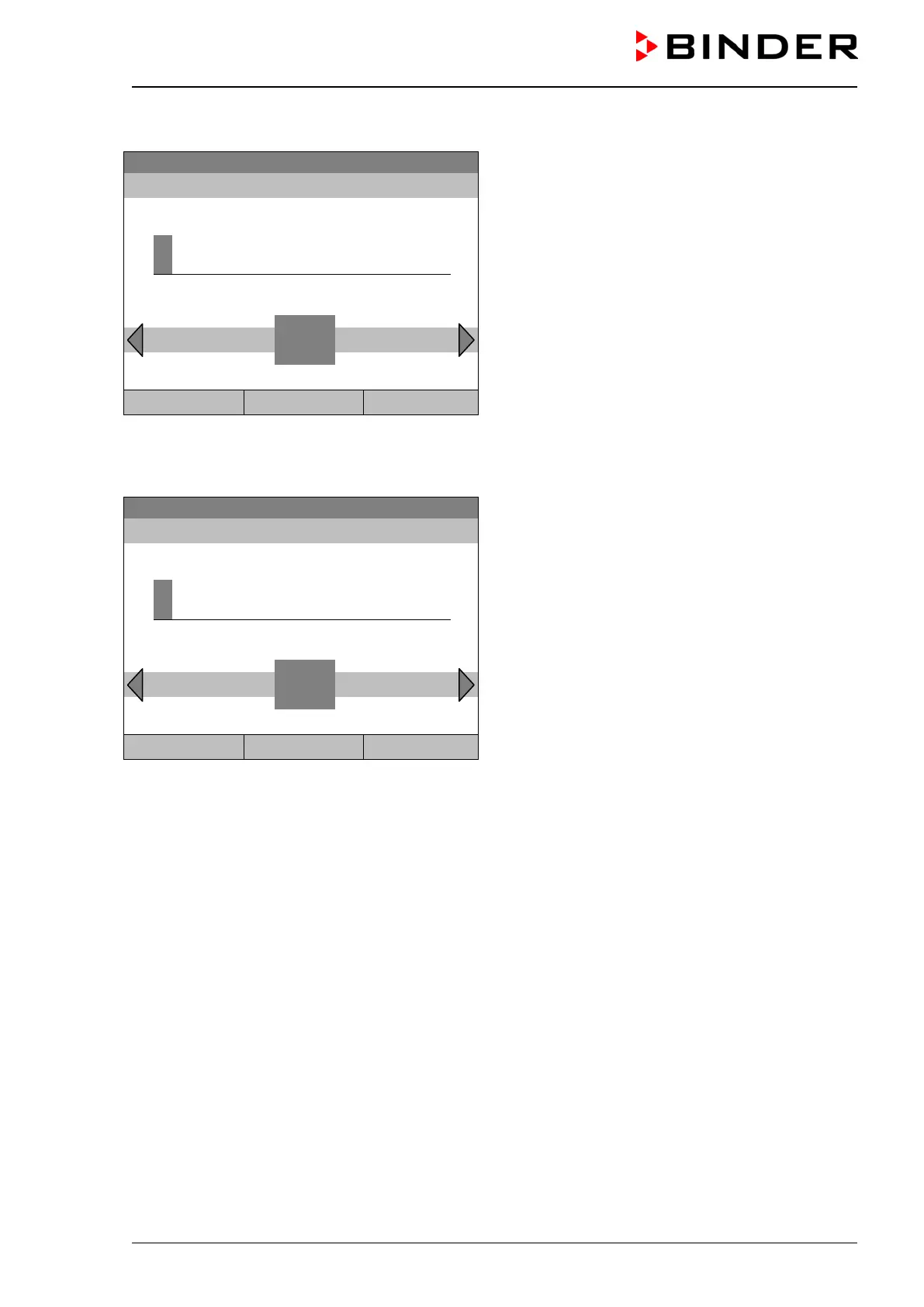
Entry menu “Select date”.
The current date is shown. If it is incorrect, enter the
correct date with the operating button.
Press the “Ok” button to confirm.
..\ Select date (DD.MM.YYYY)
0
Ins Pos1 End Ok
1 2 3 4 5 6 7 8 9
Close Ok Home
Function “Set time”
08.03.2015 05:05:06
Entry menu “Set time”.
The current time is shown. If it is incorrect, enter the
correct time with the operating button.
Press the “Ok” button to confirm.
0
Ins Pos1 End Ok
Close Ok Home
There is no automatic switch to local light-saving times because this could lead to problems with data
seeming to be missing or being overwritten in the data base.
Go back to the “Settings” menu with “Close” or to the initial view with “Home”.







 To Next Page