Managing and Editing Programs
Tech Support: 1-800-4BIORAD • 1-800-424-6723 • www.bio-rad.com 6-9
Copying a Program
• Select <Programs> in the Status window.
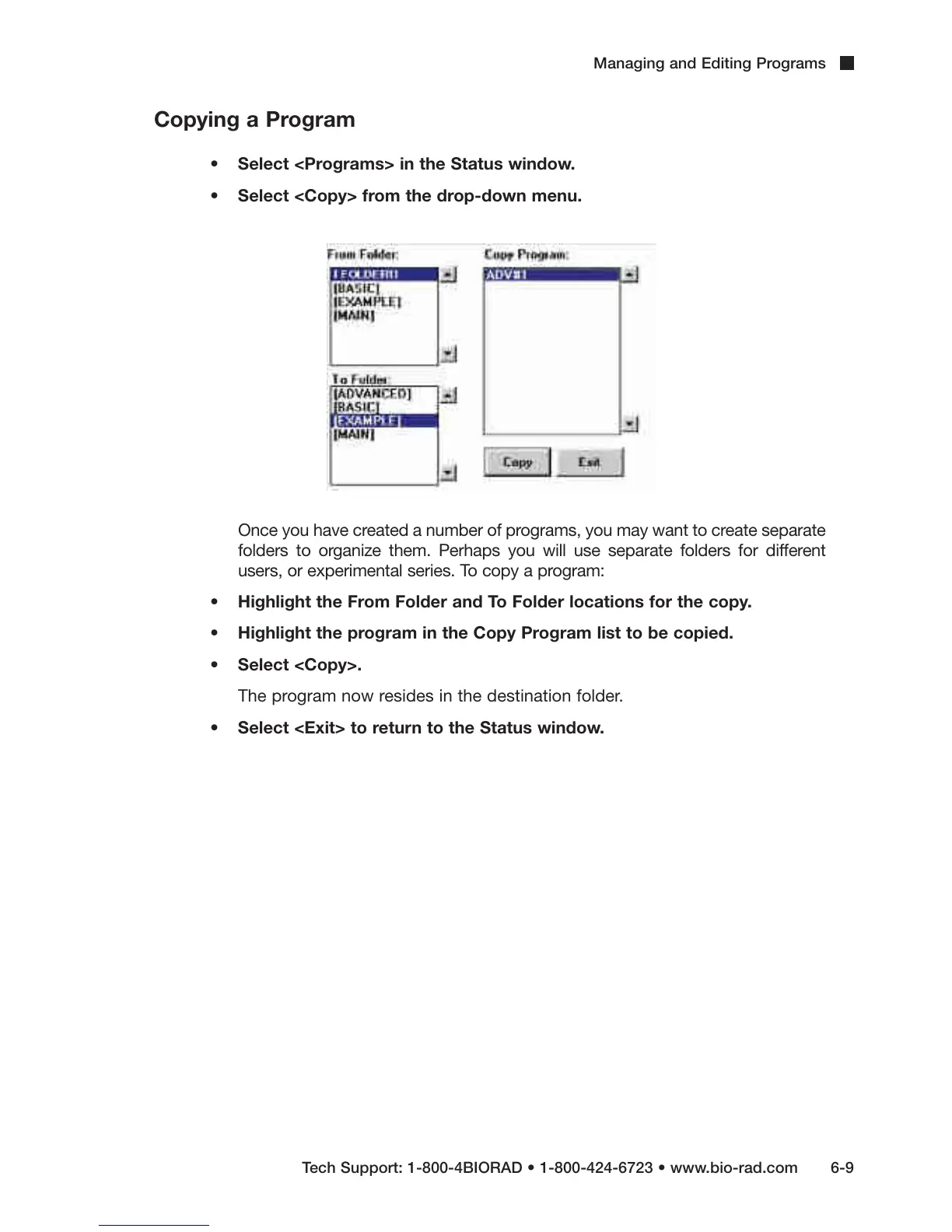
• Select <Copy> from the drop-down menu.
Once you have created a number of programs, you may want to create separate
folders to organize them. Perhaps you will use separate folders for different
users, or experimental series. To copy a program:
• Highlight the From Folder and To Folder locations for the copy.
• Highlight the program in the Copy Program list to be copied.
• Select <Copy>.
The program now resides in the destination folder.
• Select <Exit> to return to the Status window.



 To Next Page